

What is Easy-Peasy.AI?
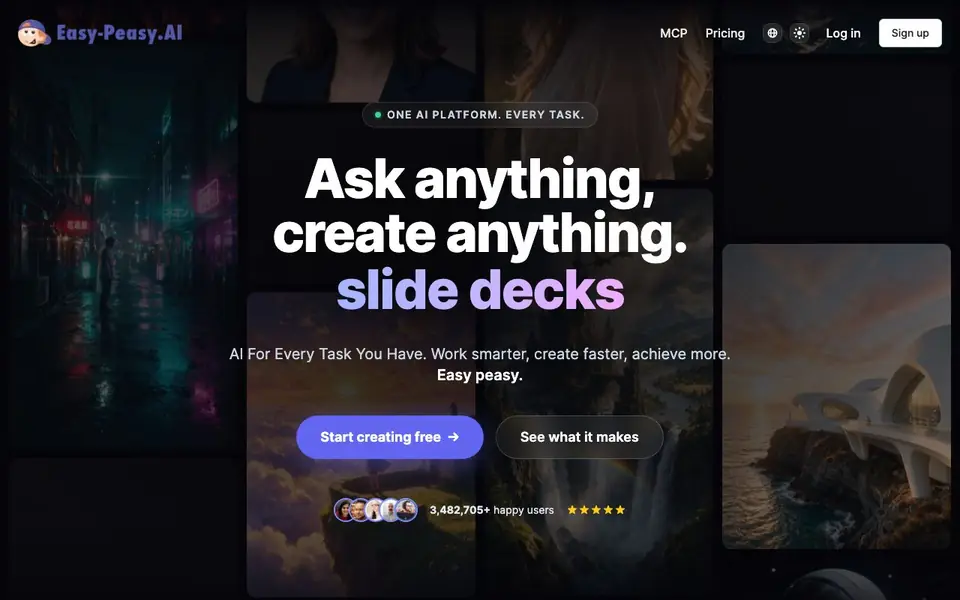
Easy-Peasy.AI is a single platform that bundles many AI tools into one subscription. You can chat with models like Claude, OpenAI, and Gemini, generate images with 40+ models, create videos, make talking avatars, turn text into speech, and more. It also includes templates for slide decks, websites, and other projects.
You start by picking a tool or template. Type a prompt, and the platform handles the rest. For example, you can ask the Marky agent to build a website, research the web, analyze files, or create slides. New models are added shortly after release, so you don't need separate accounts.
The free plan gives you 1,000 words, 1 image credit, 1 audio transcription, and 1,000 characters of text-to-speech. Paid plans add more credits, brand voices, and commercial rights. The site says your data is never used to train AI models, and you own everything you create.
Easy-Peasy.AI features
- Multi-model chat: Talk to top models like Claude, OpenAI, and Gemini in one place.
- AI image generator: Create photoreal to anime images with 40+ models, up to 4K.
- AI video generator: Turn text or images into cinematic clips with models like Seedance and Veo.
- Talking avatars: Turn any photo into a speaking presenter with lip-sync.
- Marky agent: Ask it to build websites, research, analyze files, or create slides.
What you can do with Easy-Peasy.AI
- Create blog posts and marketing copy with AI chat.
- Generate product shots and anime art for your projects.
- Produce voiceovers in 30+ languages for videos.
- Build slide decks and websites from a single prompt.
How to get started with Easy-Peasy.AI
- Sign up for a free account on the Easy-Peasy.AI website.
- Choose a tool or template, like chat, image, video, or agent.
- Type your prompt and let the platform generate the result.
Tips for better results with Easy-Peasy.AI
- Start with a template in Easy-Peasy.AI to see the structure before writing your own prompt, then customize the output to match your specific project needs.
- Use the Marky agent in Easy-Peasy.AI for multi-step tasks like building a website or analyzing files, and break complex requests into smaller, clear instructions.
- Pick the right model for your task in Easy-Peasy.AI, such as a video model for clips or an image model for art, to get results closer to what you envision.
- Check your credit balance before generating large projects in Easy-Peasy.AI, since the free plan limits words, images, and audio, and plan your work accordingly.
Easy-Peasy.AI pricing
Easy-Peasy.AI has a free way to start, with paid plans for heavier use. Check easy-peasy.ai for current limits and prices.
What to check before you rely on Easy-Peasy.AI
- Verify your free plan credit limits in Easy-Peasy.AI before starting, as the site lists specific caps for words, images, and audio that may run out quickly.
- Confirm whether the paid plan you need includes commercial rights for your outputs, since the website mentions this only for paid tiers, not the free plan.
- Check if Easy-Peasy.AI supports the export format you require, as the site does not specify file types for downloads or integrations with other tools.
Who Easy-Peasy.AI is for
Easy-Peasy.AI suits content creators, marketers, small business owners and freelancers. If that is not you, the AI chatbots below may fit better.
Similar tools compared with Easy-Peasy.AI
| Tool | What it is | Pricing |
|---|---|---|
| Easy-Peasy.AI | All-in-one AI creation platform | Freemium |
| SiChatApp | Free browser chat with multiple AI models | Freemium |
| ChatGPT | AI chatbot for chat, work, and creation | Freemium |
| Gemini | AI assistant for chat and tasks | Freemium |
| Kimi | AI assistant for coding and knowledge work | See website |
Easy-Peasy.AI FAQ
What can I create with Easy-Peasy.AI?
You can create images, videos, talking avatars, voiceovers, slide decks, websites, music, blog posts, and more. The platform includes 300+ templates and tools, all from one subscription.
Is there a free plan?
Yes. The free plan gives you 1,000 words, 1 image credit, 1 audio transcription, 1,000 characters of text-to-speech, and 1 bot. Generated images are public, and there's no credit card required.
Do I own what I create?
Yes, on paid plans you get full commercial rights to every asset. The site also states that your prompts and files are never used to train AI models, and your work is private by default.
Which AI models are available?
The platform includes models like Claude, OpenAI, Gemini, ElevenLabs, Runway, Kling, Sora, and more. New models are added days after release, so you don't need separate accounts.
Can Easy-Peasy.AI export my creations to other apps or platforms?
Easy-Peasy.AI lets you create images, videos, websites, slide decks, and more, but the website does not specify direct export options to other apps. You can likely download your files, but for specific integrations, check the platform's help or support section after logging in.
Does Easy-Peasy.AI work on mobile devices or only on desktop?
Easy-Peasy.AI is a web-based platform, so you can access it from any device with a browser, including smartphones and tablets. The website does not mention dedicated mobile apps, but the responsive design should let you use core features on the go.
What does the free plan of Easy-Peasy.AI include exactly?
The free plan gives you 1,000 words for chat, 1 image credit, 1 audio transcription, and 1,000 characters of text-to-speech. It's a limited trial to test the tools. For more credits and commercial rights, you'd need a paid subscription.


