

What is Cosine AI?
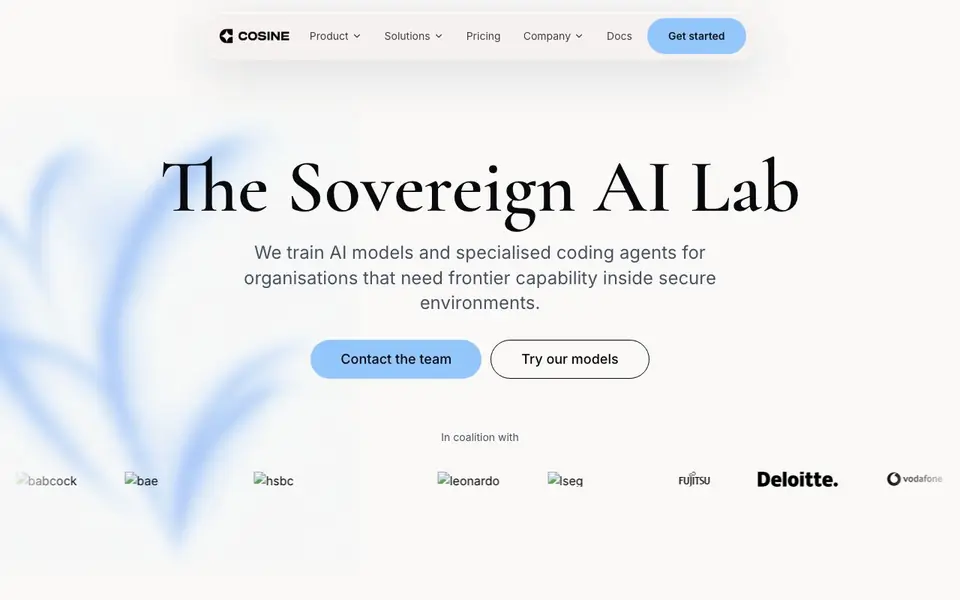
Cosine is a sovereign AI lab that trains models and specialized coding agents for organizations needing frontier AI capability within secure environments. Its Lumen model family focuses on one thing: writing exceptional software. Unlike generalist models that handle poetry or physics, Lumen is trained exclusively on real production code from real engineering teams, aiming to outperform generalists at the task developers actually need.
You can start in your terminal with Cosine CLI, which offers a terminal-native interface with local-to-remote execution, external tool access via MCP, and multi-agent orchestration. Or you can collaborate in the cloud with Cosine Cloud, running multiple coding tasks in parallel, planning large changes, and working with engineers, PMs, and stakeholders in a shared project. The platform is built to fit your security environment, from public cloud to managed single-tenant cloud to fully air-gapped deployments.
Cosine suits organizations with strict security or compliance requirements, including those in critical national infrastructure. The Lumen model family includes Scout, a cheap on-device model for heavy lifting; Outpost, for everyday production tasks; and Sovereign, a frontier-scale reasoning model coming soon. the website says benchmarks like Niche-Bench and Vibe-Bench but doesn't detail pricing or free plans.
Cosine AI features
- Specialized coding agents: Lumen models are trained on real production code to write better software faster.
- Terminal-native CLI: Work in your terminal with local-to-remote execution and multi-agent orchestration.
- Cloud collaboration: Run tasks in parallel and plan large changes with your team in a shared project.
- Enterprise security: Deploy in public cloud, managed single-tenant, or fully air-gapped environments.
- Niche language support: Post-trained for COBOL, Fortran, Verilog, Rust, and complex SQL.
What you can do with Cosine AI
- Generate production-quality code for complex, long-lived codebases.
- Run coding tasks in parallel across your engineering team in the cloud.
- Deploy AI coding agents inside your own security perimeter for compliance.
- Handle enterprise and niche programming languages like COBOL or Verilog.
How to get started with Cosine AI
- Install Cosine CLI with the brew command from the website.
- Start in your terminal or sign up for Cosine Cloud for shared projects.
- Choose a model like Scout or Outpost, and run your coding tasks.
Tips for better results with Cosine AI
- Start with Cosine CLI in your terminal to run local-to-remote execution, and use MCP to connect external tools for tasks that need live data or services.
- For large changes, use Cosine Cloud to plan and run multiple coding tasks in parallel, and share the project with engineers and stakeholders to align on scope.
- Match the Lumen model to your job: pick Scout for cheap on-device heavy lifting, Outpost for everyday production tasks, and reserve Sovereign for frontier-scale reasoning when it arrives.
- Test Cosine on your own legacy codebase, especially niche languages like COBOL or Verilog, to see if its production-code training beats generalist models for your specific systems.
Cosine AI pricing
Cosine AI’s homepage does not list prices. Check cosine.sh for current plans.
What to check before you rely on Cosine AI
- Check the website for pricing or free plan details; it does not state any costs, so contact the team to confirm what you will pay.
- Verify which deployment option fits your security needs: public cloud, managed single-tenant, or air-gapped; the site lists these but not setup requirements.
- Confirm what export formats or integration options you need; the site mentions MCP and CLI but does not specify supported IDEs or file outputs.
Who Cosine AI is for
Cosine AI suits enterprise developers, engineering teams, security-conscious organizations and critical infrastructure. If that is not you, the AI coding tools below may fit better.
Similar tools compared with Cosine AI
| Tool | What it is | Pricing |
|---|---|---|
| Cosine AI | AI coding agents for secure environments | See website |
| Tabnine | Agentic quality engineering platform for AI code | See website |
| CodeRabbit | AI pull request reviewer and prioritizer | Free trial |
| Cursor | AI coding agent for ambitious software | See website |
| Claude Code | AI coding agent for terminal and IDE | Paid |
Cosine AI FAQ
What does Cosine AI do?
Cosine trains AI models and specialized coding agents for organizations. Its Lumen models focus on writing production-quality software, unlike generalist models. You can use them via a terminal CLI or a cloud platform for collaborative coding.
Is Cosine AI free?
The website does not state pricing or free plans. It mentions 'Pricing' in the navigation but doesn't show details. You'd need to contact the team or check the pricing page for costs.
Who is Cosine AI for?
It's for organizations that need frontier AI capability within secure environments, such as critical national infrastructure. It suits engineering teams that need specialized coding agents for production code, including niche languages.
Can I use Cosine AI offline or air-gapped?
Yes, Cosine offers fully air-gapped deployment for organizations that need it to run entirely inside their own security perimeter. There's also a managed single-tenant cloud option with enterprise controls.
What integrations or external tools does Cosine AI support?
Cosine AI's CLI provides external tool access via MCP (Model Context Protocol), which allows it to connect to various external tools and services. The website does not list specific integrations beyond MCP, so for a detailed list of supported tools, check the documentation or contact the team.
Can I use Cosine AI on Windows or macOS?
Cosine AI offers a CLI that you can use in your terminal, but the website does not specify which operating systems are supported. It also provides a cloud-based platform. For specific system requirements, refer to the documentation or contact the team.
What does the free plan of Cosine AI include?
The Cosine AI website does not mention a free plan or pricing details. It focuses on enterprise offerings with options like public cloud, managed single-tenant, and air-gapped deployments. To find out about free access or trial options, check the pricing page or contact the team directly.


