

What is Continue?
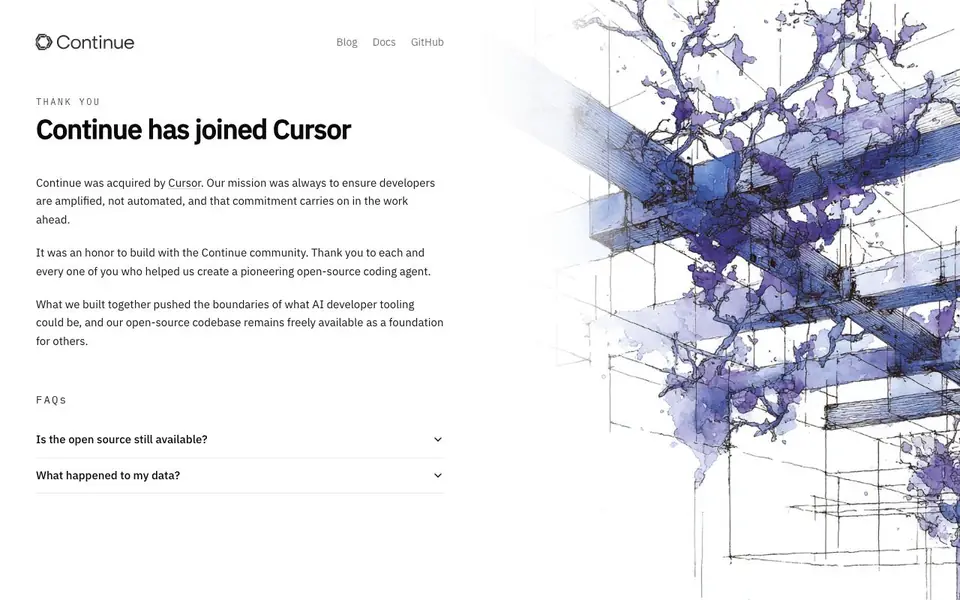
Continue was an open-source AI coding agent built for developers. Its goal was to amplify developers rather than automate them. The project has been acquired by Cursor, and its open-source codebase remains freely available for others to build on.
You could use Continue inside your editor to get code suggestions, ask questions about your codebase, and automate repetitive coding tasks. It was designed to fit into your existing workflow, acting as a helpful pair programmer.
Now that Continue has joined Cursor, the focus shifts to the work ahead with Cursor. If you used Continue, your data handling and the future of the open-source project are addressed in the FAQs on the website.
Continue features
- Open-source codebase: The code remains freely available for developers to use and build upon.
- Coding agent: Helps you write, edit, and understand code within your development environment.
- Community-driven: Built with input from a community of developers who shaped its direction.
- Amplify, not automate: Designed to support your work rather than replace your decision-making.
- Acquired by Cursor: The project's future development continues under Cursor's umbrella.
What you can do with Continue
- Get AI-powered code suggestions while you work in your editor.
- Ask questions about your codebase and get contextual answers.
- Automate repetitive coding tasks to speed up your workflow.
- Use the open-source code as a foundation for your own tools.
How to get started with Continue
- Visit Continue's website to read the announcement about the acquisition.
- Check the FAQs for details on open-source availability and data handling.
- Explore the open-source codebase on GitHub if you want to build on it.
Tips for better results with Continue
- Use Continue inside your editor to ask questions about your codebase and get contextual answers that fit your current files and project structure.
- Set up Continue to automate repetitive coding tasks, but review its suggestions carefully to keep your own decision-making in charge of the final code.
- Explore Continue's open-source codebase on GitHub to understand how it works and adapt it as a foundation for your own custom developer tools.
- Check the Continue website FAQs for details on data handling and the project's future, since the acquisition by Cursor changes how the tool is maintained.
- checks]
Continue pricing
Continue’s homepage does not list prices. Check continue.dev for current plans.
What to check before you rely on Continue
- Check the Continue website FAQs for what happened to your data after the Cursor acquisition, since the website does not state specific data policies.
- Confirm whether Continue's open-source codebase is still actively maintained, as the website only says it remains freely available without promising updates.
- Verify if Continue still works with your editor and workflow, because the website does not list supported platforms or integration details after the acquisition.
Who Continue is for
Continue suits developers, open-source contributors and engineering teams. If that is not you, the AI coding tools below may fit better.
Similar tools compared with Continue
| Tool | What it is | Pricing |
|---|---|---|
| Continue | Open-source AI coding agent | See website |
| Tabnine | Agentic quality engineering platform for AI code | See website |
| CodeRabbit | AI pull request reviewer and prioritizer | Free trial |
| Cursor | AI coding agent for ambitious software | See website |
| Claude Code | AI coding agent for terminal and IDE | Paid |
Continue FAQ
Is Continue still available as an open-source project?
Yes, the open-source codebase remains freely available. The website states that it can serve as a foundation for others, though the project itself has been acquired by Cursor.
What happened to my data from Continue?
The website has a FAQ specifically about data, but it does not state the details. You would need to check the FAQ section on Continue's website for the answer.
Who is Continue for?
Continue is for developers who want an AI coding agent that amplifies their work rather than automating it. It was built with a community of developers in mind.
What does the acquisition by Cursor mean for users?
The website says the mission carries on in the work ahead with Cursor. It does not specify exactly how the tool will change, so check Cursor's site for more details.
Can I still use Continue in my editor after the acquisition by Cursor?
The Continue website does not specify whether the editor integration remains available for new users after the acquisition. If you already used Continue, check the project's GitHub repository or the FAQ section on the website for the latest status on how to continue using it.
Does Continue offer a free plan or require payment?
The Continue website does not mention any pricing or free plan details. Since Continue was an open-source project, the codebase remains freely available for developers to build on. For questions about paid tiers or commercial use, check the GitHub repository or the website's documentation.
What coding languages and platforms does Continue support?
The Continue website does not list specific programming languages or operating systems it supports. As an open-source coding agent, it was designed to work within your development environment, but the exact platform compatibility is not detailed. Check the GitHub repository or documentation for supported editors and languages.


