

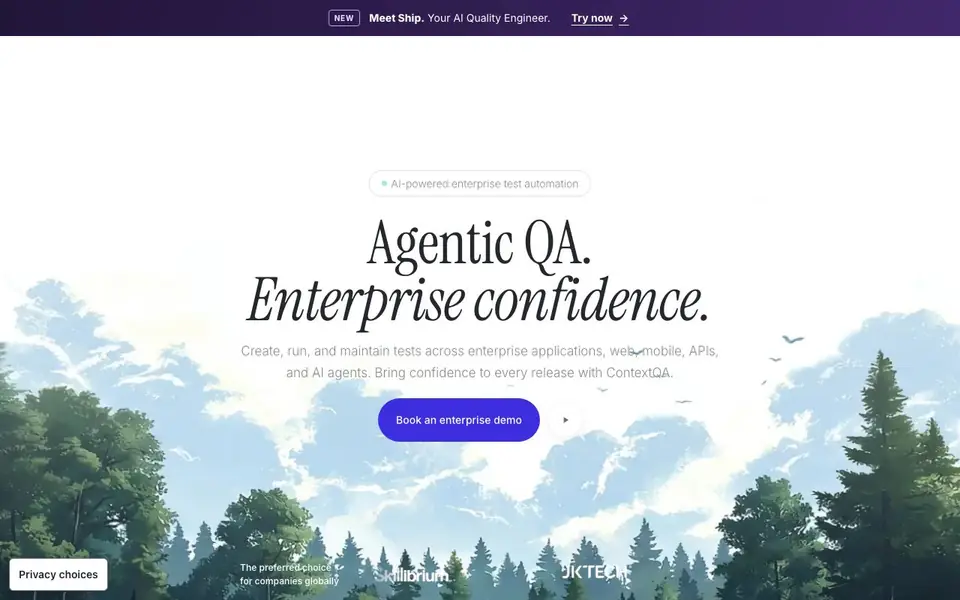
What is ContextQA?
ContextQA is an AI-powered test automation platform built for enterprise teams. It lets you create, run, and maintain tests across web, mobile, APIs, and AI agents. The platform aims to bring confidence to every release by keeping your test suite green through constant change.
You start by connecting your applications and AI agents. ContextQA helps you auto-generate tests and heal broken selectors when your UI changes. It also offers root cause analysis, visual regression, and performance testing. You can export code and integrate with tools like Cursor and Claude Code via MCP.
The platform is designed for teams testing Salesforce, ERP, custom applications, and AI agents. It validates agent responses, guardrails, and tool calls. While the website highlights enterprise use cases, it also offers resources like tutorials, webinars, and free tools for broader learning.
ContextQA features
- Self-Healing: Automatically fixes broken selectors to keep tests running as your app changes.
- AI Agent Testing: Validates agent responses, guardrails, and tool calls alongside your applications.
- Visual Regression: Detects visual changes across your UI to catch unintended design shifts.
- Root Cause Analysis: Helps you quickly identify why a test failed and what caused it.
- Code Export: Lets you export your tests to code for use in your existing workflows.
What you can do with ContextQA
- Test enterprise workflows across Salesforce, ERP, and custom applications end to end.
- Validate AI agent responses and tool calls before deploying them to production.
- Run regression tests on web, mobile, and APIs as part of your release process.
- Automate performance and accessibility checks to catch issues early.
How to get started with ContextQA
- Book an enterprise demo on the ContextQA website to see the platform in action.
- Connect your applications and AI agents to start creating tests.
- Use auto-generation and self-healing to maintain your test suite as things change.
Tips for better results with ContextQA
- Start by connecting your enterprise apps and AI agents to ContextQA, then let it auto-generate tests for your critical workflows to establish baseline coverage quickly.
- Use ContextQA's self-healing feature when your UI changes frequently; it fixes broken selectors automatically, so you can focus on adding new test cases instead of maintenance.
- Leverage ContextQA's root cause analysis after test failures to pinpoint why a test broke, then adjust your test data or selectors to prevent recurring issues.
- Export your ContextQA tests to code and integrate with tools like Cursor or Claude Code via MCP to fit the platform into your existing development workflow.
ContextQA pricing
ContextQA’s homepage does not list prices. Check contextqa.com for current plans.
What to check before you rely on ContextQA
- Check if ContextQA's pricing is listed on the website; it is not, so you need to contact sales for a quote before budgeting.
- Verify which integrations are supported beyond the mentioned Cursor and Claude Code, as the website does not list all available options.
- Confirm the data privacy and security measures for your test data, since the website mentions policies but does not detail specific compliance certifications.
Who ContextQA is for
ContextQA suits QA engineers, DevOps teams, Engineering leaders and Enterprise IT teams. If that is not you, the AI coding tools below may fit better.
Similar tools compared with ContextQA
| Tool | What it is | Pricing |
|---|---|---|
| ContextQA | AI-powered enterprise test automation platform | See website |
| Tabnine | Agentic quality engineering platform for AI code | See website |
| CodeRabbit | AI pull request reviewer and prioritizer | Free trial |
| Cursor | AI coding agent for ambitious software | See website |
| Claude Code | AI coding agent for terminal and IDE | Paid |
ContextQA FAQ
What does ContextQA do?
ContextQA is an AI-powered test automation platform. You can create, run, and maintain tests across web, mobile, APIs, and AI agents. It includes self-healing, visual regression, and root cause analysis to keep your releases confident.
Does ContextQA support AI agent testing?
Yes. ContextQA validates agent responses, guardrails, and tool calls. This means you can test AI agents alongside the applications they interact with, ensuring they behave correctly before going live.
Who is ContextQA for?
It's built for enterprise teams that need to test complex workflows across Salesforce, ERP, custom apps, and AI agents. QA engineers, DevOps teams, and engineering leaders use it to speed up regression testing and maintain quality.
How much does ContextQA cost?
The website does not list pricing. You need to book an enterprise demo to get details. There are also free tools and resources available, but the main platform appears to be demo-based.
What integrations does ContextQA support with tools like Cursor and Claude Code?
ContextQA integrates with tools like Cursor and Claude Code via MCP (Model Context Protocol). This lets you connect your AI development workflows directly to the platform. For a full list of supported integrations, check the Integrations section on the ContextQA website.
Can ContextQA export tests to code for use in existing workflows?
Yes, ContextQA includes a Code Export feature that lets you export your tests to code. This is designed to fit into your existing development and CI/CD workflows. The website highlights this as a core platform capability, so you can use the exported code outside the platform.
Does ContextQA require an account to start using it?
The ContextQA website does not explicitly state whether an account is required to start using the platform. It offers a Book a Demo option for enterprise teams, suggesting you may need to request access. For specific onboarding details, check the website's demo or contact page.


