

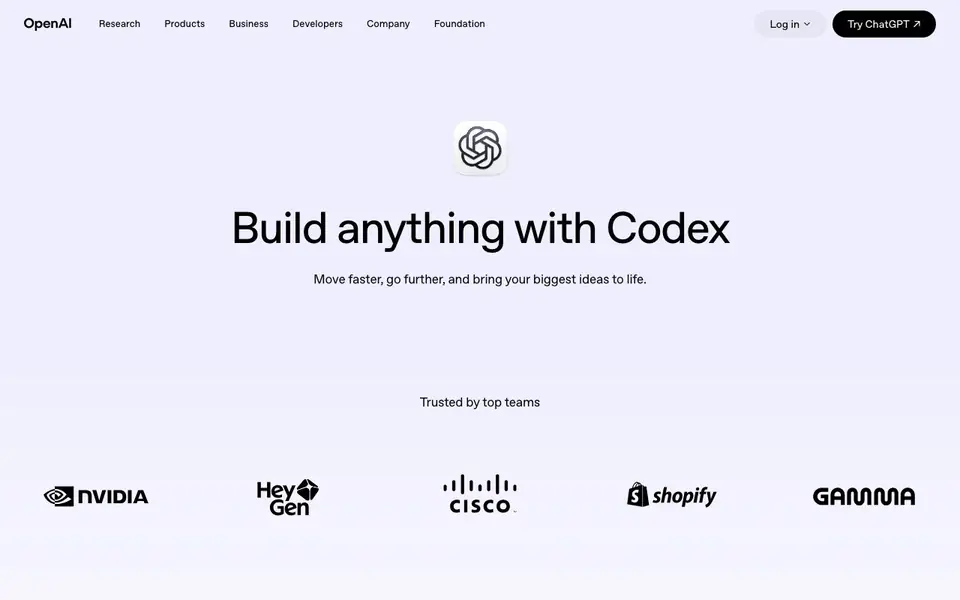
What is Codex?
Codex is OpenAI's AI coding partner built to drive real engineering work. It tackles tough problems like hard-to-find bugs, complex refactors, and new features, delivering high-quality results with fewer tokens. You can use it across ChatGPT, your editor, and the terminal, all connected by your ChatGPT account.
Codex runs many agents in parallel, using computer and browser tools to verify work until your requirements are met. You follow progress, steer agents, and review results in one place. It also keeps going when you close your laptop, with reusable cloud environments for every repo, so you can start tasks and pick up where you left off from another device.
Codex automatically reviews pull requests, surfaces findings, and answers questions, helping your team scale code review confidently. You can connect your tools and add specialized capabilities with plugins, giving Codex the context and access it needs to act across your apps. It suits developers and teams who want to speed up coding and review while keeping control.
Codex features
- Multi-agent workflows: Runs many agents in parallel to verify work until your requirements are met.
- Cloud environments: Reusable cloud setups for every repo, so tasks continue even when your laptop is closed.
- Pull request review: Automatically reviews PRs, surfaces findings, and answers questions for your team.
- Plugin support: Connect your tools and add specialized capabilities to give Codex more context and access.
- Cross-platform access: Use Codex in ChatGPT, your editor, and the terminal, all synced via your ChatGPT account.
What you can do with Codex
- Fix hard-to-find bugs in your codebase quickly.
- Refactor complex code and generate tests for releases.
- Review pull requests to catch issues your team might miss.
- Run coding tasks in the cloud and continue from another device.
How to get started with Codex
- Start with Codex in the ChatGPT app or on the web.
- Give it an engineering problem, like a bug or refactor.
- Follow progress, steer agents, and review results in one place.
Tips for better results with Codex
- Start Codex with a clear, specific task description that includes your repo context and expected outcome, so its agents can verify work against your exact requirements without guessing.
- Use Codex in the cloud for long-running tasks by launching them before you close your laptop, then review progress from another device when you return.
- Connect Codex to your existing tools through plugins to give it the context and access it needs, which helps it act across your apps and reduce manual handoffs.
- Let Codex review your pull requests automatically and then focus your own judgment on the findings it surfaces, so you catch issues without reading every line yourself.
Codex pricing
Codex has a free way to start, with paid plans for heavier use. Check openai.com for current limits and prices.
What to check before you rely on Codex
- Check which ChatGPT plan you are on, since Codex usage limits vary by plan and the website lists specific monthly prices for Plus, Pro, and Business.
- Verify your repo's cloud environment setup is reusable and accessible from other devices, as Codex relies on these to continue tasks when you close your laptop.
- Confirm that your data and privacy policies align with OpenAI's terms, since the website does not state specific data handling details for Codex usage.
Who Codex is for
Codex suits software engineers, development teams and tech leads. If that is not you, the AI coding tools below may fit better.
Similar tools compared with Codex
| Tool | What it is | Pricing |
|---|---|---|
| Codex | AI coding partner for engineering work | Freemium |
| Tabnine | Agentic quality engineering platform for AI code | See website |
| CodeRabbit | AI pull request reviewer and prioritizer | Free trial |
| Cursor | AI coding agent for ambitious software | See website |
| Claude Code | AI coding agent for terminal and IDE | Paid |
Codex FAQ
What is Codex?
Codex is an AI coding partner from OpenAI that helps with real engineering work, from planning and building features to refactors, reviews, and releases. It runs agents that can use computer and browser tools to verify work.
Is Codex free?
Codex is included in your ChatGPT plan. There are paid plans: Plus, Pro, and Business, each with different usage limits. The website doesn't mention a free standalone plan, so you'd need a paid ChatGPT plan to use it.
Who is Codex for?
Codex is for developers and engineering teams who want to speed up coding tasks like bug fixing, refactoring, and code review. It's also useful for tech leads who need to review pull requests and manage multi-agent workflows.
Where can I use Codex?
You can use Codex across ChatGPT, your editor (via an IDE extension), and the terminal (CLI), all connected by your ChatGPT account. It also works in the cloud, so you can start tasks and continue from another device.
What can Codex export or connect to?
Codex connects to your editor, terminal, and ChatGPT through your ChatGPT account. It also supports plugins, so you can link your own tools and give Codex access to your apps. The website does not list specific export formats or integrations, so check the plugin directory or developer docs for details.
Which devices or platforms does Codex run on?
Codex runs on the web via ChatGPT, as an IDE extension, and as a CLI in your terminal. It also uses cloud environments, so tasks continue when you close your laptop and you can pick them up from another device. The website does not specify operating system requirements, so check the developer docs.
Does Codex require a ChatGPT account to use?
Yes, Codex is tied to your ChatGPT account. You use it across ChatGPT, your editor, and the terminal, and all sessions sync through that account. The website does not mention any way to use Codex without a ChatGPT account, so you will need one to get started.


