

What is Codeflash?
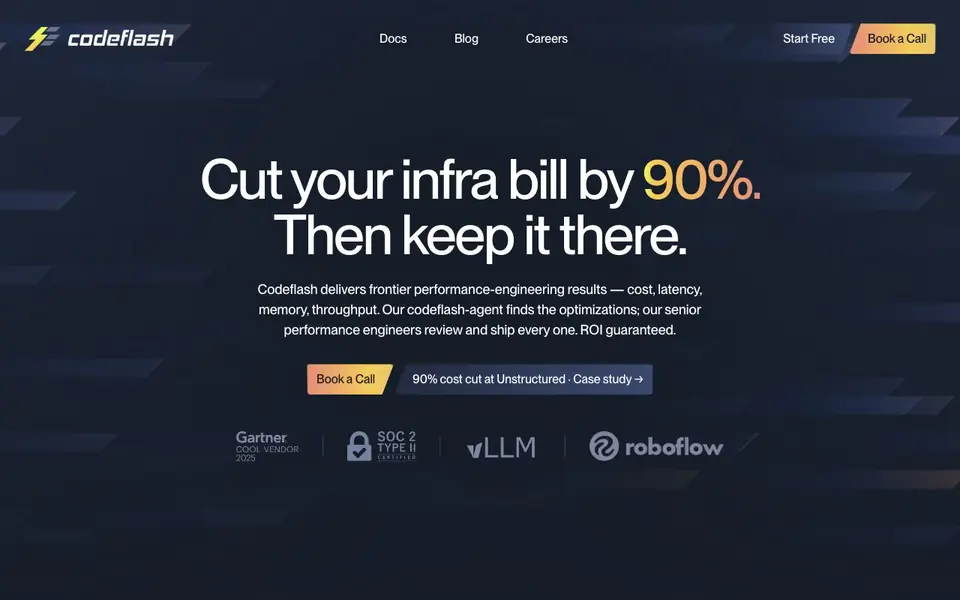
Codeflash is an autonomous performance engineer for Python codebases. It uses AI to find the most optimized version of your code through benchmarking, while verifying correctness. The tool targets cost, latency, memory, and throughput improvements, with results like 90% infrastructure cost cuts and significant speedups in ML models.
You start by picking an objective, such as cost or latency. Codeflash reproduces your baseline on a representative workload, then its agent explores optimizations autonomously in a sandbox. Senior performance engineers review every change, and only PRs that pass their quality bar reach your team. Each PR includes benchmark numbers and rationale.
The tool suits teams running Python in production, especially those with ML workloads. It integrates with Claude Code, Cursor, and GitHub for continuous optimization. Codeflash is SOC 2 Type 2 compliant, never trains on your code, and offers SaaS, your cloud, or on-prem deployment.
Codeflash features
- Autonomous exploration: The agent works 24/7 across your whole codebase, finding global optimizations humans might miss.
- Correctness verification: Every change is checked against your existing tests and auto-generated regression tests.
- Sandboxed execution: Runs in an isolated environment with no production access and no exfiltration paths.
- Reviewable PRs: Each pull request includes benchmark numbers and rationale, making reviews straightforward.
- Continuous optimization: Integrates with Claude Code, Cursor, and GitHub to optimize new PRs as they're created.
What you can do with Codeflash
- Cut cloud infrastructure costs by optimizing Python code for efficiency.
- Reduce p99 latency for production services through algorithmic rewrites.
- Speed up ML model inference with GPU optimization and custom CUDA kernels.
- Prevent performance regressions by reviewing every new pull request.
How to get started with Codeflash
- Book a 20-minute diagnostic call to see how much you can save.
- Pick an objective like cost or latency, and Codeflash reproduces your baseline.
- The agent optimizes in a sandbox, engineers review, and you receive mergeable PRs.
Tips for better results with Codeflash
- Choose a single objective like cost or latency before starting, so Codeflash can focus its autonomous exploration on the most impactful optimizations for your workload.
- Run Codeflash on a representative workload that mirrors production traffic, ensuring the baseline benchmarks reflect real conditions and the optimizations it finds will actually hold up.
- Review each PR's benchmark numbers and rationale carefully, even though senior engineers audit them, to understand the trade-offs and confirm the changes align with your team's priorities.
- Set up Codeflash's continuous optimization with Claude Code, Cursor, or GitHub early, so new PRs get performance-checked from the start and regressions are caught before they hit production.
Codeflash pricing
Codeflash’s homepage does not list prices. Check codeflash.ai for current plans.
What to check before you rely on Codeflash
- Confirm whether your plan includes continuous optimization across your whole codebase, since the website doesn't state pricing or plan limits for this feature.
- Verify that your existing test suite covers the critical paths Codeflash will modify, as its correctness checks depend on your tests plus auto-generated ones.
- Check if your deployment option—SaaS, your cloud, or on-prem—is available under your contract, since the website doesn't list specific platform or pricing details.
Who Codeflash is for
Codeflash suits performance engineers, ML teams, backend developers and CTOs. If that is not you, the AI coding tools below may fit better.
Similar tools compared with Codeflash
| Tool | What it is | Pricing |
|---|---|---|
| Codeflash | AI performance engineer for Python code | See website |
| Tabnine | Agentic quality engineering platform for AI code | See website |
| CodeRabbit | AI pull request reviewer and prioritizer | Free trial |
| Cursor | AI coding agent for ambitious software | See website |
| Claude Code | AI coding agent for terminal and IDE | Paid |
Codeflash FAQ
What does Codeflash do?
Codeflash uses AI to automatically find the most optimized version of your Python code through benchmarking, while verifying it's correct. It delivers optimizations as pull requests with benchmark numbers attached.
Who is Codeflash for?
It's for teams running Python in production, especially those with ML workloads. The website highlights results for companies like Unstructured and optimizations for models like RF-DETR and inference frameworks like vLLM.
How does Codeflash ensure correctness?
Every change is checked against your existing tests and auto-generated regression tests. Senior performance engineers audit each optimization, and only PRs that pass their quality bar reach your team.
Is my code used to train models?
No. The website states your code is never used to train models, not by Codeflash or third parties. It also runs in a sandboxed environment with no production access.
What integrations does Codeflash support?
Codeflash integrates with Claude Code, Cursor, and GitHub for continuous optimization. This means it can automatically review and optimize new pull requests as they are created in your workflow. The website does not mention other integrations, so check the docs or contact the team if you need a specific tool.
Can Codeflash run on-premises or in my own cloud?
Yes, Codeflash offers deployment options including SaaS, your own cloud, or on-premises. This gives you flexibility in where your code and data reside. The website does not detail specific cloud providers or setup steps, so consult the documentation or sales team for more information.
Does Codeflash require an account to start?
To begin using Codeflash, you can click 'Start Free' on the website, which likely requires creating an account. The website does not explicitly state whether an account is mandatory for all features, but the free start option suggests you'll need to sign up. Check the sign-up page for details.


