

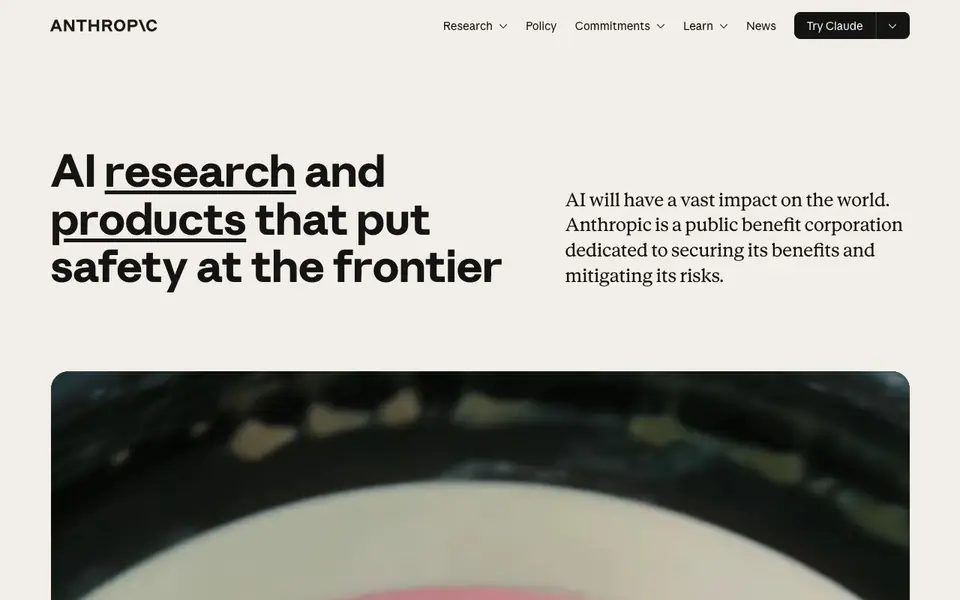
What is Anthropic?
Anthropic is an AI safety and research company that creates the Claude family of AI models. Its mission is to build reliable, interpretable, and steerable AI systems that benefit humanity and mitigate risks. The company operates as a public benefit corporation, emphasizing long-term well-being over short-term gains.
You can interact with Claude through various products like Claude for chat, Claude Code for programming, and Claude Cowork for collaborative tasks. The models come in different tiers—Sonnet, Opus, Fable, Mythos, and Haiku—each designed for specific needs. For example, Sonnet 5.5 runs 30% faster and costs up to 30% less than its predecessor, while Opus 5.5 performs at the level of Fable 5.1 but costs 40% less to run.
Anthropic targets a wide audience, from individual developers and small businesses to large enterprises and government agencies. It offers solutions for coding, customer support, cybersecurity, healthcare, legal, and education. The company also provides resources like Anthropic Academy for learning and an Economic Index for research. While the website doesn't list specific pricing details, you can explore plans by logging into Claude or visiting the pricing page.
Anthropic features
- Claude models: Multiple tiers (Sonnet, Opus, Fable, Mythos, Haiku) for different performance and cost needs.
- Claude Code: A coding assistant that helps you write, review, and debug code directly in your workflow.
- Claude Cowork: A collaborative tool that works alongside you on tasks, blending AI and human effort.
- Claude for Slack and Microsoft 365: Integrates with your existing productivity tools for seamless assistance.
- Claude in Chrome: A browser extension that brings AI help to your web browsing and research.
What you can do with Anthropic
- Automate coding tasks and code modernization projects with Claude Code.
- Provide customer support through AI-powered chat solutions.
- Assist in cybersecurity threat detection and response.
- Support legal research and document analysis for law firms.
How to get started with Anthropic
- Visit Anthropic's website and click 'Try Claude' to start chatting.
- Log in to Claude or create an account to access the assistant.
- Choose a product like Claude Code or Claude Cowork for specialized tasks.
Tips for better results with Anthropic
- Match the model tier to your task: use Sonnet for speed and cost, Opus for high-stakes work, and Fable or Mythos for advanced coding and research.
- Use Claude Code directly in your workflow to write, review, and debug code, and pair it with Claude Cowork for collaborative tasks that blend AI and human effort.
- Integrate Claude with Slack, Microsoft 365, or Chrome to bring assistance into your existing tools, reducing context switching and improving productivity.
- Leverage Anthropic Academy to learn best practices and build with Claude, and check the Economic Index for research insights to inform your use cases.
Anthropic pricing
Anthropic’s homepage does not list prices. Check anthropic.com for current plans.
What to check before you rely on Anthropic
- Check the pricing page or log in to Claude to see plan costs, as the website does not list specific pricing details.
- Verify which model tiers are available in your plan, since Sonnet, Opus, Fable, Mythos, and Haiku have different performance and cost profiles.
- Review data privacy and security policies, including the privacy policy and terms of service, to understand how your data is handled before relying on Claude for real work.
Who Anthropic is for
Anthropic suits developers, enterprises, researchers and small businesses. If that is not you, the AI chatbots below may fit better.
Similar tools compared with Anthropic
| Tool | What it is | Pricing |
|---|---|---|
| Anthropic | AI research and safety-focused assistant | See website |
| SiChatApp | Free browser chat with multiple AI models | Freemium |
| ChatGPT | AI chatbot for chat, work, and creation | Freemium |
| Gemini | AI assistant for chat and tasks | Freemium |
| Kimi | AI assistant for coding and knowledge work | See website |
Anthropic FAQ
What is Anthropic and what does it do?
Anthropic is an AI safety and research company that builds the Claude family of AI models. It focuses on creating reliable, interpretable, and steerable AI systems. You can use Claude for chat, coding, and knowledge work through various products.
Is there a free plan for Claude?
The website doesn't explicitly state a free plan, but you can 'Try Claude' directly from the homepage. For detailed pricing, you'd need to log in or visit the pricing page linked in the footer.
Who is Claude designed for?
Claude serves a broad audience, including developers, enterprises, small businesses, government agencies, and educators. There are specific solutions for coding, customer support, healthcare, legal, and more.
What are the different Claude models?
Anthropic offers several model tiers: Sonnet, Opus, Fable, Mythos, and Haiku. Each is optimized for different tasks and cost levels. For instance, Sonnet 5.5 is faster and cheaper, while Opus 5.5 offers high performance at lower cost.
Can Anthropic's Claude be used on mobile devices or only on desktop?
Anthropic's Claude is available through a web browser and as a Chrome extension, which you can use on desktop and laptop computers. The website does not mention a dedicated mobile app for Claude. To check if a mobile version is available, visit the official Anthropic website or your device's app store.
Does Anthropic's Claude offer a free plan and what does it include?
Anthropic's website does not list specific pricing details for Claude, so it does not mention whether a free plan exists or what it would include. To find out about free access or trial options, log in to Claude or visit the pricing page on the Anthropic website for the most current information.
Can Anthropic's Claude integrate with tools like Slack or Microsoft 365?
Yes, Anthropic's Claude can integrate with Slack and Microsoft 365, as these are listed among its products. You can use Claude for Slack and Claude for Microsoft 365 to get AI assistance within those productivity tools. The website does not detail the setup process, so check the official documentation for guidance.


