

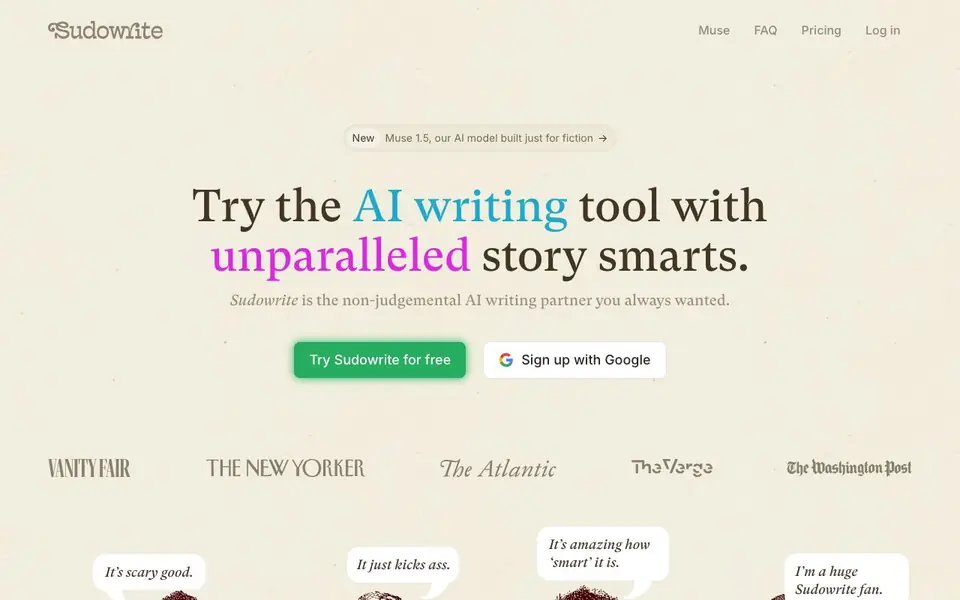
What is Sudowrite?
Sudowrite is an AI writing tool built specifically for novelists and fiction writers. It acts as a non-judgmental partner that helps you move from a blank page to a finished manuscript. The tool includes features like Describe, which adds vivid sensory details to your scenes, and Write, which suggests the next 300 words in your style based on your characters, tone, and plot arc.
You start by setting up your story in the Story Bible, where you can outline chapters and develop your world. Then you can use Write to generate prose, Expand to build out rushed scenes, and Rewrite to polish sentences. The Feedback feature reads your draft and gives you five actionable areas to improve, while Canvas lets you explore plot points and character arcs visually.
Sudowrite suits novelists, screenwriters, and creative writers who want to speed up their drafting and revision process. It offers plugins for simulating readers, talking to characters, or converting a novel to a screenplay. The website mentions a free trial with $10/month after, and it has been praised by authors like Hugh Howey and publications like The New York Times.
Sudowrite features
- Story Bible: Step-by-step guidance from idea to outline to full chapters in your style.
- Write: Suggests the next 300 words of your story, analyzing characters, tone, and plot.
- Describe: Adds sensory details to make scenes vivid without slowing the narrative.
- Feedback: Reads your draft and gives five actionable areas for improvement.
- Canvas: A visual space to explore plot points, character secrets, and plot twists.
What you can do with Sudowrite
- Draft a novel from start to finish using the Story Bible and Write features.
- Expand rushed scenes to improve pacing with the Expand tool.
- Rewrite sentences or paragraphs with a flexible revision assistant.
- Brainstorm character names, magic items, or titles with the Brainstorm feature.
How to get started with Sudowrite
- Sign up for free with Google or email on the Sudowrite website.
- Set up your story in the Story Bible, outlining chapters and characters.
- Use Write, Describe, or Rewrite to generate and refine your prose.
Tips for better results with Sudowrite
- Set up your Story Bible with detailed character and plot notes before using Write, so Sudowrite can match your voice and story arc more accurately.
- Use Sudowrite's Describe feature on flat action scenes to add sensory details, then edit the suggestions to keep the pacing tight and natural.
- Run Feedback on each draft revision, and apply only the five suggested areas that resonate with your vision, rather than rewriting everything blindly.
- When using Sudowrite's Rewrite, give it a specific instruction like 'make it more formal' or 'shorten this' to get closer to your intended tone.
Sudowrite pricing
Sudowrite offers a free trial before you pay. Check sudowrite.com for current plans.
What to check before you rely on Sudowrite
- Check the free trial's word or feature limits before starting a full manuscript, since the website doesn't state exact trial caps.
- Verify whether the $10/month plan includes all features like Canvas and Visualize, as the pricing page doesn't list feature tiers.
- Confirm how Sudowrite handles your manuscript's data and privacy, since the site doesn't clearly state its data retention or export policies.
Who Sudowrite is for
Sudowrite suits novelists, fiction writers, screenwriters and creative writers. If that is not you, the AI writing tools below may fit better.
Similar tools compared with Sudowrite
| Tool | What it is | Pricing |
|---|---|---|
| Sudowrite | AI writing partner for fiction | Free trial |
| FreeSiTools | Free AI image prompt generator | Free |
| Jenni AI | AI academic writing and research assistant | Freemium |
| Wordtune | AI writing and paraphrasing assistant | Freemium |
| Grammarly | AI writing assistant for clear communication | Freemium |
Sudowrite FAQ
What does Sudowrite do?
Sudowrite is an AI writing partner for fiction. It helps you write novels faster with tools for generating prose, describing scenes, rewriting, and getting feedback on your draft.
Is Sudowrite free?
Sudowrite offers a free trial. After the trial, it costs $10 per month. You can cancel anytime and no credit card is needed to start.
Who is Sudowrite for?
It is designed for novelists, fiction writers, and screenwriters. The website mentions it is built with novelists in mind, and it is praised by bestselling authors.
Can I use Sudowrite for non-fiction writing?
The website focuses on fiction, with features like Story Bible and character development. It does not state support for non-fiction, so you may want to check the site for more details.
Does Sudowrite offer a free plan or just a trial?
Sudowrite offers a free trial, and after that it costs $10 per month. The website does not mention a separate free plan beyond the trial, so you can check the pricing page for the most current details on what the trial includes.
Can Sudowrite export your manuscript to other formats?
The Sudowrite website does not mention specific export formats or integrations with other writing apps. To find out what export options are available, you should check the app's help documentation or contact their support team.
Does Sudowrite work on mobile devices or only on desktop?
The Sudowrite website does not specify which devices or platforms the app runs on. It appears to be a web-based tool, but you should check the site's FAQ or system requirements to confirm whether mobile access is supported.


