

What is Quillz?
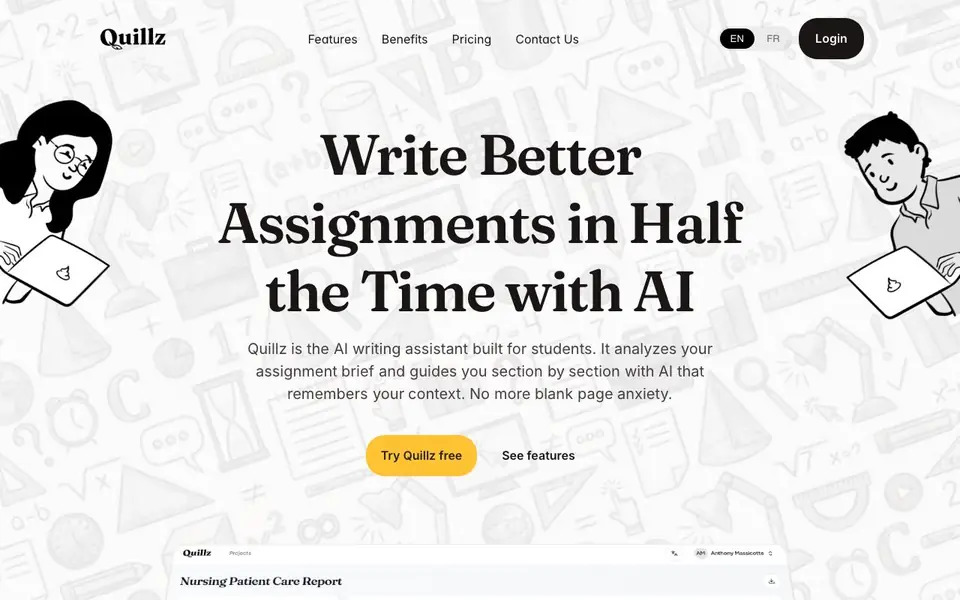
Quillz is an AI writing assistant built specifically for students tackling assignments. It reads your assignment brief and your own notes, then helps you write section by section. The AI remembers your project context, so each new paragraph stays aligned with your argument and structure. It aims to reduce blank page anxiety and keep your work coherent from start to finish.
You start by uploading your assignment brief or creating a project from scratch. You can brain-dump your thoughts, research, or insights for each section, or use voice-to-text to speak your ideas. Quillz then generates draft versions for each section, and you compare them, pick what sounds most like you, and edit line by line. Finished sections become context for the next ones, so your writing stays consistent.
The tool also supports group projects: you can assign sections to teammates, track progress, and keep one tone across the document. Revision mode lets you lock sections once you are happy. You can export the final work as text, Word, or PDF with formatting preserved. The free plan includes limited generations and text exports, while paid plans add more generations, PDF/Word export, voice-to-text, and more shared projects.
Quillz features
- Context-aware AI: Remembers your project's structure and argument as you write each new section.
- Draft comparison: Generates multiple draft versions per section so you can pick the one that fits your voice.
- Voice-to-text: Speak your ideas and Quillz turns them into organized text for your assignment.
- Group collaboration: Assign sections to teammates, track progress, and keep a consistent tone across projects.
- One-click export: Download your finished document as PDF or DOCX with formatting preserved.
What you can do with Quillz
- Write essays and reports without staring at a blank page.
- Break a large assignment into manageable sections with guided prompts.
- Collaborate with classmates on a group project while keeping one voice.
- Capture spoken ideas and turn them into structured assignment text.
How to get started with Quillz
- Create a project by uploading your assignment brief or starting from scratch.
- Add your ideas, research, or voice notes for each section.
- Generate drafts, compare them, edit, and export your final document.
Tips for better results with Quillz
- Upload your assignment brief first so Quillz understands the structure and argument before you start writing any section.
- Use voice-to-text to capture your raw ideas quickly, then let Quillz turn them into organized drafts you can refine.
- Compare all three draft versions Quillz generates for each section and edit line by line to keep your own voice.
- Lock sections after you finish editing them so Quillz uses them as context for later sections and keeps your argument consistent.
Quillz pricing
Quillz has a free way to start, with paid plans for heavier use. Check quillz.co for current limits and prices.
What to check before you rely on Quillz
- Check the free plan's generation limit before starting a long assignment, since the website does not state exact numbers.
- Verify whether PDF and Word export are included in your plan, as the website lists them as paid features.
- Confirm how your uploaded notes and drafts are stored or deleted, since the website does not mention data privacy policies.
Who Quillz is for
Quillz suits students, group project teams and academic writers. If that is not you, the AI writing tools below may fit better.
Similar tools compared with Quillz
| Tool | What it is | Pricing |
|---|---|---|
| Quillz | AI writing assistant for student assignments | Freemium |
| FreeSiTools | Free AI image prompt generator | Free |
| Jenni AI | AI academic writing and research assistant | Freemium |
| Wordtune | AI writing and paraphrasing assistant | Freemium |
| Grammarly | AI writing assistant for clear communication | Freemium |
Quillz FAQ
What does Quillz do?
Quillz is an AI writing assistant for students. It analyzes your assignment brief, guides you section by section, and generates context-aware drafts that you can edit. It remembers your project's structure and your voice as you write.
Is Quillz free?
Yes, there is a free Basic plan with limited generations and text-only export. Paid plans start at $9.99 per month for more generations, PDF/Word export, voice-to-text, and up to 3 shared projects. An Unlimited plan costs $19.99 per month.
Who is Quillz for?
It is built for students working on assignments, including group projects. The tool supports individual writers and teams that need to keep a consistent tone across sections. It also suits heavy writers who want unlimited generations.
Can I export my assignment in Word or PDF?
Yes, on the paid plans you can export to Word and PDF with formatting preserved. The free plan only exports to text formats. You can also export your full work in one go, keeping headings, spacing, and structure.
Does Quillz work on my phone or tablet?
The Quillz website does not mention specific mobile apps or device support. You can likely access Quillz through a web browser on any device, but for confirmation on mobile compatibility, check the Quillz website or contact their support team.
What does the Quillz free plan include exactly?
The Quillz free plan includes limited generations and text exports. Paid plans add more generations, PDF and Word export, voice-to-text, and more shared projects. For the exact number of generations or other limits, check the pricing page on the Quillz website.
Can I use Quillz for a thesis or dissertation?
Quillz is built for students tackling assignments, and it can help with long projects by breaking them into sections. The website does not specifically mention theses or dissertations, but the section-by-section approach may suit them. For confirmation, check the Quillz website or contact support.


