

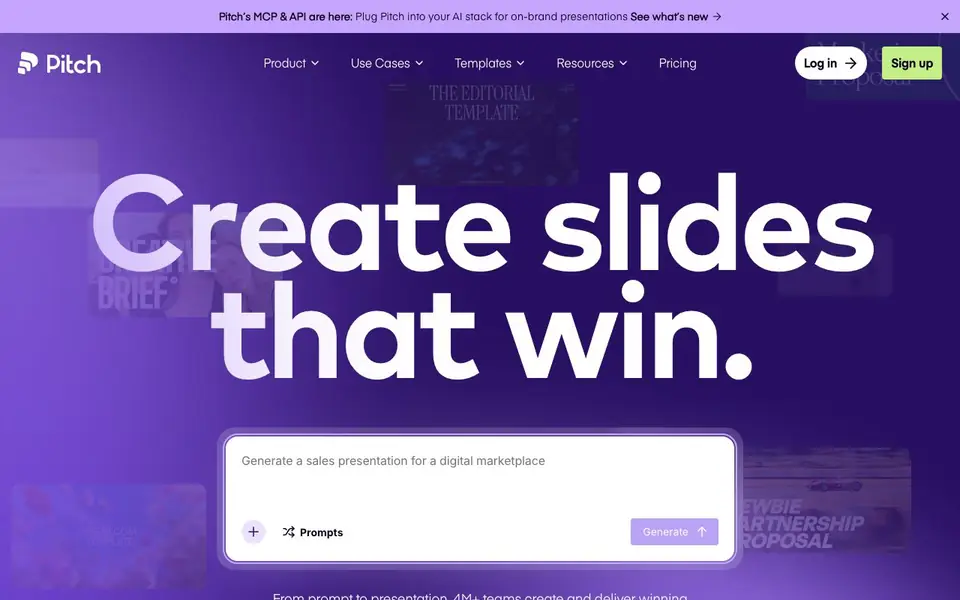
What is Pitch?
Pitch is a cloud-based presentation workspace where teams build slides together from first draft to final delivery. It combines an intuitive editor with AI features to help you generate on-brand slides quickly. You can start from a blank canvas, use expert-designed templates, or let AI create slides from a prompt. The platform supports high-res video, animations, and custom fonts so your presentations stand out.
Working together is central to Pitch. Your team can co-edit slides live, assign slides to specific people, and leave comments to keep everyone aligned. This removes bottlenecks and speeds up the process. When you're ready to deliver, you can share presentations through live links or custom deal rooms, giving each client a personalized experience. You can also track viewer engagement to know when to follow up.
Pitch is built for teams that need consistency at scale. Shared templates and a brand library keep everyone on message, while AI adapts to your workflow. The platform also offers an MCP and API, so you can plug Pitch into your AI stack for on-brand presentations. Over 4 million teams use Pitch, and users report saving over 5 hours weekly on average.
Pitch features
- AI Agent: Generates on-brand slides, personalizes messaging, and enhances visuals from your prompts.
- Slide editor: Gives you complete control over design and placement for every slide detail.
- Live co-editing: Lets multiple team members work on the same deck simultaneously without version conflicts.
- Brand library: Stores shared templates, fonts, and colors so every presentation stays consistent.
- Deal rooms: Creates custom, personalized spaces to share content with clients and track their engagement.
What you can do with Pitch
- Create a full presentation from a prompt in seconds.
- Collaborate with your team on slides in real time.
- Generate personalized decks in bulk from customer data.
- Share decks via live links or deal rooms and track who views them.
How to get started with Pitch
- Sign up for Pitch and start a new presentation from a blank canvas or template.
- Use the AI Agent to generate on-brand slides from a prompt, or build slides manually with the editor.
- Invite your team to co-edit, assign slides, and then share the final deck via a link or deal room.
Tips for better results with Pitch
- Start with a clear, detailed prompt in Pitch's AI Agent to generate slides that match your brand, then refine individual elements in the editor for full control.
- Set up your brand library in Pitch first with shared templates, fonts, and colors so every AI-generated deck stays consistent without manual fixes.
- Use Pitch's live co-editing to assign slides to specific teammates and leave comments, which speeds up reviews and avoids version conflicts during group work.
- When creating personalized decks in bulk, import customer data directly into Pitch and generate tailored slides, then share them via deal rooms to track viewer engagement.
Pitch pricing
Pitch’s homepage does not list prices. Check pitch.com for current plans.
What to check before you rely on Pitch
- Check the pricing page for plan limits, as the website does not state costs or what features are included in free versus paid tiers.
- Verify whether your team's data is handled securely, since Pitch does not publicly list its data privacy or compliance certifications.
- Confirm that Pitch supports the export formats you need for final delivery, as the site only mentions live links and deal rooms, not file downloads.
Who Pitch is for
Pitch suits sales teams, marketing teams, startups and product teams. If that is not you, the AI presentation makers below may fit better.
Similar tools compared with Pitch
| Tool | What it is | Pricing |
|---|---|---|
| Pitch | Collaborative AI presentation workspace for teams | See website |
| Gamma | AI presentation, website, and document maker | Freemium |
| Beautiful.ai | AI presentation software for teams | See website |
| Uizard | AI-powered UI design and prototyping tool | Freemium |
| Felo | Multilingual AI search and creation platform | Freemium |
Pitch FAQ
What does Pitch do?
Pitch is a collaborative presentation workspace. Teams use it to create slides, edit them together in real time, and deliver them via links or deal rooms. It includes AI features to generate on-brand slides from prompts.
Is Pitch free to use?
The website does not state whether Pitch has a free plan or trial. You can check the Pricing page on Pitch's website for current plan details and costs.
Who is Pitch for?
Pitch is designed for teams that create presentations regularly, such as sales, marketing, and product teams. It's especially useful for organizations that need brand consistency across many decks and collaborative workflows.
Can I integrate Pitch with other AI tools?
Yes. Pitch offers an MCP and API, so you can connect it to your AI stack. This allows you to generate on-brand presentations from other AI tools and workflows.
Can Pitch export presentations to PowerPoint or PDF?
Pitch does not specify on its website whether it can export to PowerPoint or PDF. To find out, check the Pitch help center or contact their support team directly for the most accurate export options.
Does Pitch work on mobile devices or offline?
Pitch is a cloud-based workspace, but the website does not mention mobile apps or offline access. You can use it in a web browser on most devices. For specific device support, check Pitch's official documentation or support pages.
What does the free plan of Pitch include?
The Pitch website does not detail what the free plan includes. It mentions that over 4 million teams use Pitch, but pricing details are not listed on the page. To see the free plan's features, visit the Pricing section on Pitch's website.


