

What is Dokie: AI Presentation Maker?
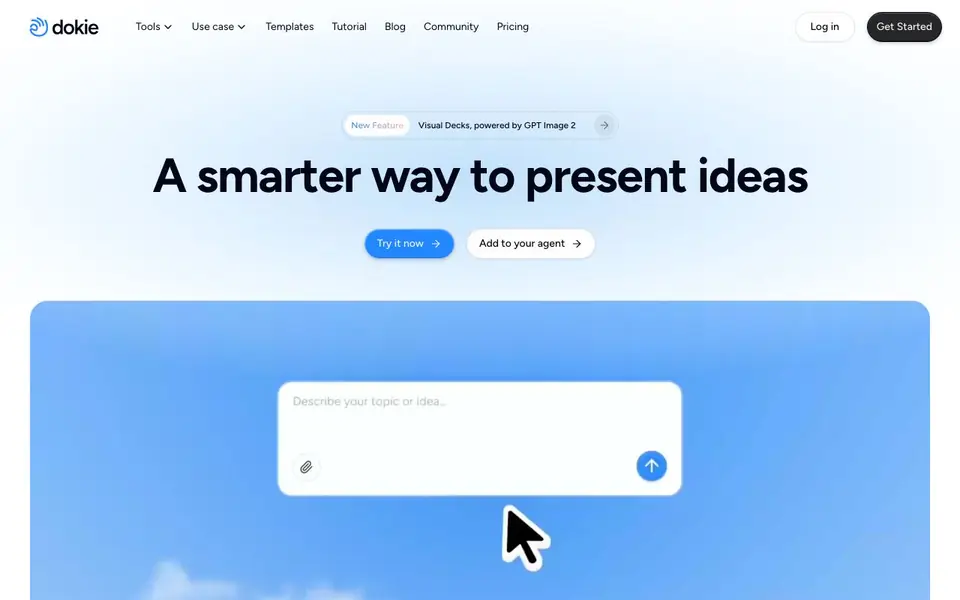
Dokie is an AI presentation maker that turns your ideas into polished slides. It focuses on content-first design, meaning the layout adapts to what you write, so decks look clear and professional without manual formatting. You can also create interactive, animated presentations that guide your audience's attention.
To get started, you describe your topic or upload files like PDFs, Docs, or data. Dokie understands the content, structures it into slides, and generates visuals—including images and charts—in context. If you have your own templates, you can upload them to keep everything on-brand. After generation, you can refine by describing changes, like adjusting layouts or visuals, and Dokie handles the rest.
Dokie suits professionals who need business decks, pitch decks, client proposals, or team reports. It's also useful for educators who want clear lecture slides without design hassle. The website highlights that slides are presentation-ready, reducing rework. It offers a free start, with paid plans for more features, though specifics aren't detailed on the homepage.
Dokie: AI Presentation Maker features
- Content-first design: Adapts layout and structure to your content automatically.
- Multi-format upload: Converts PDFs, Docs, or data files into structured slides.
- Image generation and search: Creates or finds relevant visuals instantly in context.
- Data visualization: Turns data and ideas into clear charts and logic diagrams.
- Brand template support: Upload your own templates to keep presentations consistent.
What you can do with Dokie: AI Presentation Maker
- Create a pitch deck from your notes and data.
- Turn a PDF report into a structured slide presentation.
- Build an interactive story for a product launch.
- Generate lecture slides for a class without design work.
How to get started with Dokie: AI Presentation Maker
- Sign up or log in on Dokie's website.
- Start a new presentation and describe your topic or upload files.
- Let Dokie generate slides, then refine by describing changes if needed.
Tips for better results with Dokie: AI Presentation Maker
- Start by uploading a PDF or data file so Dokie can extract the structure and turn it into slides, saving you from typing everything manually.
- Describe the changes you want in plain language, like adjusting a layout or swapping a visual, and Dokie will apply them without you touching design tools.
- Upload your own brand template before generating so Dokie keeps colors, fonts, and logos consistent across every slide you create.
- Use Dokie's interactive story mode for product launches or pitches, letting it guide your audience's attention through animated, clickable sequences.
Dokie: AI Presentation Maker pricing
Dokie: AI Presentation Maker has a free way to start, with paid plans for heavier use. Check dokie.ai for current limits and prices.
What to check before you rely on Dokie: AI Presentation Maker
- Check whether the free plan includes image generation and data visualization, since the homepage doesn't list specific limits for free versus paid tiers.
- Verify if Dokie supports exporting to PowerPoint or PDF formats, as the website doesn't state which output files you can download.
- Review Dokie's privacy policy to see how your uploaded PDFs, docs, and data are stored or used, since the homepage doesn't mention data handling details.
Who Dokie: AI Presentation Maker is for
Dokie: AI Presentation Maker suits business professionals, marketers, educators and consultants. If that is not you, the AI presentation makers below may fit better.
Similar tools compared with Dokie: AI Presentation Maker
| Tool | What it is | Pricing |
|---|---|---|
| Dokie: AI Presentation Maker | AI presentation and slide generator | Freemium |
| Gamma | AI presentation, website, and document maker | Freemium |
| Beautiful.ai | AI presentation software for teams | See website |
| Pitch | Collaborative AI presentation workspace for teams | See website |
| Uizard | AI-powered UI design and prototyping tool | Freemium |
Dokie: AI Presentation Maker FAQ
What does Dokie do?
Dokie is an AI presentation maker that creates professional slides from your content. It understands text, PDFs, or data, structures it into slides, and adds visuals like images and charts. You can also make interactive, animated presentations.
Is Dokie free to use?
The website says you can 'start for free' and mentions generating and editing PPTs for free. It also has a pricing page, suggesting paid plans exist for more features. Exact free limits or paid tiers aren't detailed on the homepage.
Can I use my own brand templates?
Yes. Dokie lets you upload your own templates to ensure presentations follow your brand's design consistently. This helps keep decks on-brand and reduces manual formatting work, as noted in user testimonials.
Who is Dokie for?
Dokie suits professionals who need business decks, pitch decks, client proposals, or team reports. It's also used by educators for lecture slides. The website shows testimonials from consultants, marketers, SaaS founders, and professors.
Can Dokie export my presentations to PowerPoint or PDF?
The Dokie website does not mention specific export formats like PowerPoint or PDF. To find out what export options are available, check the app's export menu after creating a deck or visit the Dokie help center or pricing page for more details.
Does Dokie work on mobile devices or only on desktop?
Dokie's website does not specify which devices or platforms it runs on. Since it's a web-based tool, you can likely access it through a browser on most devices, but for confirmation, try logging in from your phone or check the Dokie FAQ or support page.
What does the free plan of Dokie include?
Dokie offers a free start, but the homepage does not detail what the free plan includes. To know the exact limits—like number of presentations, exports, or access to features—check the Dokie pricing page or sign up and see what's available in your free account.


