

What is NextDocs?
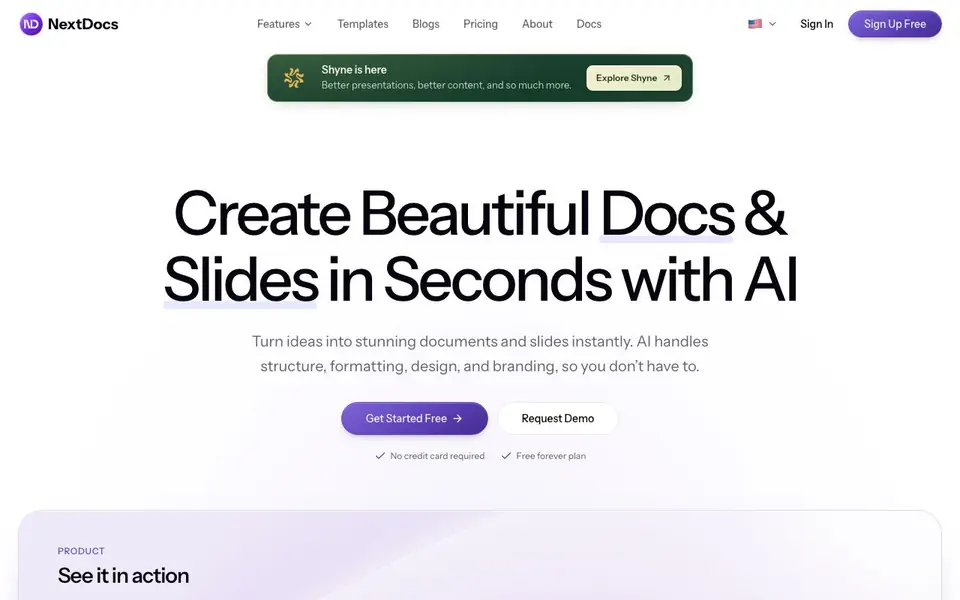
NextDocs is an AI-powered tool that creates documents and presentations from a simple prompt. It handles the structure, formatting, design, and branding, so you can focus on your content. You can generate presentations, documents, social posts, and more in seconds.
You start by typing a prompt describing what you need. NextDocs generates up to four different versions, each with a distinct structure, style, or layout. You compare them side by side and pick the one that fits. You can then edit with AI assistance or manually, and apply your brand kit to keep everything consistent.
It suits professionals like startup founders, project managers, and freelancers who need polished proposals, contracts, or pitch decks quickly. The free forever plan lets you create without a credit card, and you can export to PDF, PowerPoint, Google Slides, or Google Docs with formatting preserved.
NextDocs features
- Every Format: Create presentations, documents, social posts, and more from a single prompt.
- Multiple Versions: Generate up to 4 variants per prompt to compare structures and styles.
- AI Editing: Transform or fine-tune your document with AI assistance, or edit manually.
- Brand Kit: Set colors, fonts, and logos once so every document matches your brand.
- Universal Export: Share online or export to PDF, PPTX, Google Slides, and Google Docs.
What you can do with NextDocs
- Create a marketing strategy pitch deck from a template.
- Generate a quarterly business review with key metrics and updates.
- Draft a client proposal and export it as a PDF.
- Build a one-pager for your team with consistent branding.
How to get started with NextDocs
- Sign up for free—no credit card required.
- Type a prompt describing the document or slides you need.
- Pick from the generated versions, edit with AI or manually, and export.
Tips for better results with NextDocs
- Start with a detailed prompt that includes your audience, key points, and desired tone, so NextDocs can generate versions that match your intent more closely.
- Generate all four variants for each prompt, then compare them side by side to pick the structure that works best before you invest time in editing.
- Use the AI editing feature to refine a single section or sentence, rather than rewriting the whole document, to keep your brand voice consistent.
- Set up your Brand Kit once with colors, fonts, and logos, so every NextDocs output automatically matches your visual identity without manual tweaks.
NextDocs pricing
NextDocs has a free way to start, with paid plans for heavier use. Check nextdocs.io for current limits and prices.
What to check before you rely on NextDocs
- Verify the free plan's limits on exports or document length, since the website does not state specific caps for the free forever tier.
- Confirm whether the deep research feature is included in the free plan or requires a paid upgrade, as pricing details are not listed.
- Check if your team's collaboration needs are covered, because the site does not mention multi-user features or sharing permissions.
Who NextDocs is for
NextDocs suits startup founders, project managers, freelancers and marketers. If that is not you, the AI presentation makers below may fit better.
Similar tools compared with NextDocs
| Tool | What it is | Pricing |
|---|---|---|
| NextDocs | AI document and slide creator | Freemium |
| Gamma | AI presentation, website, and document maker | Freemium |
| Beautiful.ai | AI presentation software for teams | See website |
| Pitch | Collaborative AI presentation workspace for teams | See website |
| Uizard | AI-powered UI design and prototyping tool | Freemium |
NextDocs FAQ
What can I create with NextDocs?
You can create presentations, documents, social posts, proposals, contracts, and more. Just type a prompt, and NextDocs generates the content with structure and design handled for you.
Is NextDocs free to use?
Yes, there is a free forever plan. You can sign up without a credit card and start creating documents and slides right away.
Can I edit the documents after they are generated?
Yes. You can use AI assistance to rewrite or restyle parts, or edit manually. You can also drag and drop elements, and both methods work together.
What file formats can I export to?
You can export to PDF, PowerPoint (PPTX), Google Slides, and Google Docs. You can also share documents online with formatting preserved.
Does NextDocs offer a free plan and what does it include?
Yes, NextDocs has a free forever plan that lets you create documents and presentations without a credit card. The free plan includes generating up to four versions per prompt and exporting to PDF, PowerPoint, Google Slides, or Google Docs. For details on any usage limits, check the pricing page on the NextDocs website.
Can I use NextDocs on my mobile device or tablet?
The NextDocs website does not mention specific mobile apps or device compatibility. You can likely access NextDocs through a web browser on any device, but for the best experience, check the NextDocs website or contact their support to confirm if mobile or tablet use is fully supported.
Does NextDocs integrate with Google Drive or other cloud storage services?
NextDocs allows you to export to Google Slides and Google Docs, which can be saved to Google Drive. However, the website does not mention direct integrations with other cloud storage services like Dropbox or OneDrive. For the latest integration options, visit the NextDocs website or contact their support team.


