

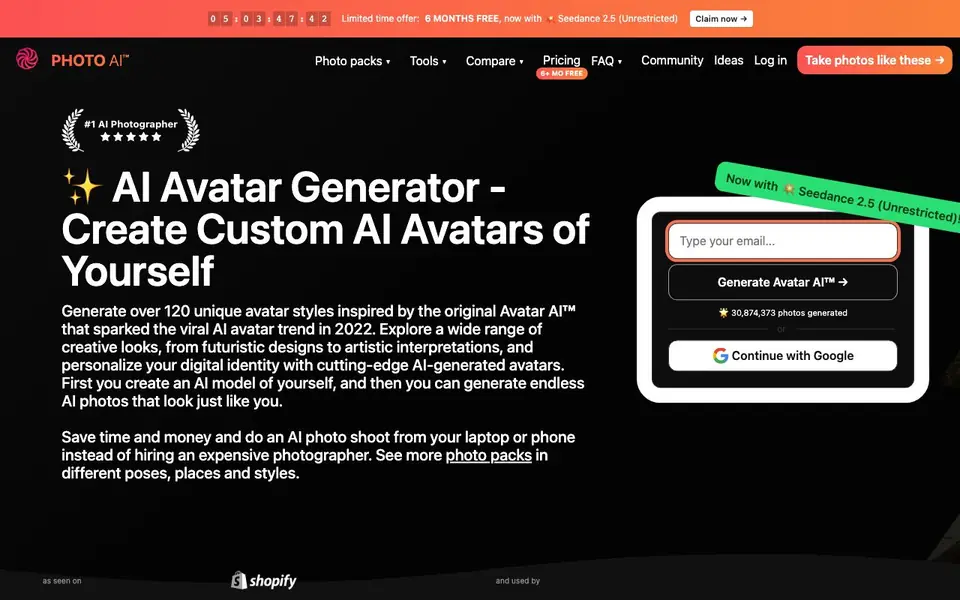
What is Photo AI?
Photo AI lets you build a digital model of yourself by uploading 5 to 15 photos. Once trained, you can generate over 120 unique avatar styles, from futuristic to artistic, and create endless AI photos that look just like you. It also supports multi-person photos, so you can include a partner or friend.
You start by uploading diverse photos of yourself. The AI trains your model in about five minutes. After that, you can generate photos in different poses, places, and outfits. You can also create a synthetic AI influencer from scratch, choosing their appearance and attributes, and then generate photos, videos, and even talking clips.
The platform includes an AI-first video editor with a multi-track timeline. You can generate and regenerate videos with your models as actors, then cut, trim, and arrange clips in your browser. It suits individuals wanting fun profile pictures, photographers testing ideas, and creators building AI influencers.
Photo AI features
- Custom AI model: Train a model of yourself with just 5 to 15 photos in about five minutes.
- 120+ avatar styles: Choose from a wide range of creative looks, from cartoon to hyper-realistic.
- Multi-person support: Create photos of you and a partner or friend together in one scene.
- AI influencer creation: Design a synthetic persona from scratch with chosen attributes and generate content.
- AI video editor: Generate and edit videos with your models on a multi-track timeline in your browser.
What you can do with Photo AI
- Create unique profile pictures for social media platforms.
- Generate photos of yourself in fantasy or sci-fi styles for gaming profiles.
- Test photography ideas before a real photoshoot.
- Build and monetize a synthetic AI influencer persona.
How to get started with Photo AI
- Upload 5 to 15 diverse photos of yourself.
- Press 'Create new AI model' and wait about five minutes for training.
- Choose a style or scene and generate your AI photos or videos.
Tips for better results with Photo AI
- Upload 5 to 15 diverse photos of yourself, varying angles, lighting, and expressions, to help Photo AI train a more accurate model of your face.
- Experiment with different avatar styles and photo packs in Photo AI to find which ones capture your likeness best, as some styles work better than others.
- Use Photo AI to test photography ideas before a real shoot, saving time and money by previewing poses, places, and outfits virtually.
- For multi-person photos, include clear, separate shots of each person in your uploads so Photo AI can accurately combine you and your partner or friend.
- checks
Photo AI pricing
Photo AI has a free way to start, with paid plans for heavier use. Check photoai.com for current limits and prices.
What to check before you rely on Photo AI
- Check Photo AI's pricing page for plan limits and costs, since the site labels it freemium but does not list specific prices or included generations.
- Verify whether your uploaded photos and generated images are stored securely or used for training, as the website does not state its data privacy policy.
- Confirm the export formats and resolution for images and videos, because the site mentions exporting finished videos but does not specify file types or quality.
Who Photo AI is for
Photo AI suits individuals, photographers, content creators and gamers. If that is not you, the AI avatar generators below may fit better.
Similar tools compared with Photo AI
| Tool | What it is | Pricing |
|---|---|---|
| Photo AI | AI avatar and photo generator | Freemium |
| D-ID | AI video and interactive avatar platform | Free trial |
| Synthesia | AI video and avatar platform for business | Freemium |
| Fliki | AI video generator with lifelike voiceovers | Freemium |
| Hedra | Visual intelligence platform for creation | See website |
Photo AI FAQ
How many photos do I need to upload to create my AI model?
You need to upload a set of just 5 to 15 photos taken in diverse places, settings, and times. The training takes about five minutes, and you only need to do it once.
Can I create photos with other people?
Yes, Photo AI supports multi-person photos. You can create images of you and your boyfriend, girlfriend, family, or friends together in the same scene.
Is there a free plan or trial?
The website mentions a limited-time offer of 6 months free, but it does not clearly state the full pricing structure or whether a permanent free plan exists. Check the pricing page for current details.
Can I make videos with my AI model?
Yes, you can generate videos with one or more of your models as actors. The built-in AI-first video editor lets you cut, trim, and arrange clips on a multi-track timeline and export a finished video.
What can Photo AI export, and does it connect to other apps?
Photo AI lets you export finished videos from its browser-based editor, but the website does not mention exporting photos or direct integrations with other apps. For details on export formats or connections, check the platform's help or support section after you log in.
Does Photo AI work on my phone or tablet?
Photo AI is browser-based, so you can use it on any device with a modern web browser, including laptops, phones, and tablets. The website highlights that you can do an AI photo shoot from your laptop or phone. No dedicated app is mentioned.
What does Photo AI's free plan include?
Photo AI is freemium, and the website mentions a limited-time offer of 6 months free, but it does not specify what the free plan includes beyond that. For exact limits on photo generation, video creation, or model training, check the pricing page or start a free trial to see what's available.


