

What is Krikey AI?
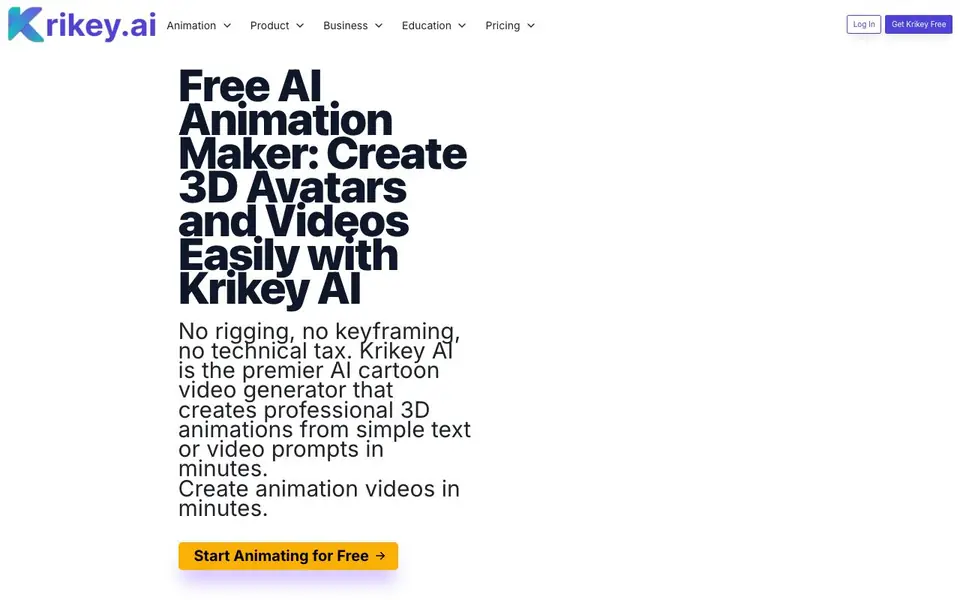
Krikey AI is a browser-based tool that creates 3D animated videos from text prompts or photos. You can generate a custom cartoon character from an uploaded image, pick a style like Mini-Me or Anime, and then animate it with automatic rigging and lip sync. It also turns text into talking avatar videos, music videos, or podcast clips.
To start, you upload a photo (PNG or JPG up to 10MB) or pick a character from the gallery. Then choose a style and generate your 3D model. After that, you type a prompt or paste a blog link, and the tool produces an animated video with a talking or singing avatar. No rigging or keyframing is needed.
Krikey AI suits creators, teachers, marketers, and small businesses. It offers a free plan for one person and a Pro plan at $15 per person monthly. The website mentions a Canva app for making animations inside Canva presentations. It also lists use cases for real estate, healthcare, gaming, and film.
Krikey AI features
- AI Character Creator: Upload a photo, pick a style, and get a rigged 3D character with lip sync.
- Text to Animation: Type a prompt to generate a talking avatar video in seconds.
- Music Video Generator: Choose a genre and lyric topic to create a singing 3D character video.
- Podcast Video Generator: Paste a text prompt or blog link to produce an animated podcast clip.
- Canva Integration: Create animated videos directly within Canva presentations.
What you can do with Krikey AI
- Create engaging social media reels for YouTube or TikTok.
- Generate explainer videos or lesson plans for students.
- Produce marketing videos with brand characters that talk.
- Make music videos for invites or promotional jingles.
How to get started with Krikey AI
- Sign up for a free account on Krikey AI's website.
- Upload a photo or choose a character from the gallery.
- Select a style, then type a text prompt to generate your animated video.
Tips for better results with Krikey AI
- Upload a clear, front-facing photo with good lighting to get the best 3D character result in Krikey AI, avoiding shadows or blur.
- Start with a short, specific text prompt for your animation, like 'wave and say hello', to help Krikey AI generate a focused video.
- Use the music video generator by choosing a genre and lyric topic that match your brand, then review the output for accuracy before sharing.
- For podcast clips, paste a blog link directly into Krikey AI to save time, but edit the final video to remove any irrelevant sections.
Krikey AI pricing
Krikey AI has a free way to start, with paid plans for heavier use. Check krikey.ai for current limits and prices.
What to check before you rely on Krikey AI
- Check your plan's credit limits before generating, as the free plan may restrict the number of videos you can create per month.
- Verify that your uploaded photo meets the 10MB and PNG or JPG requirements, or Krikey AI may reject it during character creation.
- Confirm that the generated video exports in a format you can use, since the website does not specify available export options or resolutions.
Who Krikey AI is for
Krikey AI suits creators, teachers, marketers and small business owners. If that is not you, the AI avatar generators below may fit better.
Similar tools compared with Krikey AI
| Tool | What it is | Pricing |
|---|---|---|
| Krikey AI | AI 3D avatar and animation maker | Freemium |
| D-ID | AI video and interactive avatar platform | Free trial |
| Synthesia | AI video and avatar platform for business | Freemium |
| Fliki | AI video generator with lifelike voiceovers | Freemium |
| Hedra | Visual intelligence platform for creation | See website |
Krikey AI FAQ
What can I create with Krikey AI?
You can create 3D animated videos from text prompts or photos. This includes talking avatar videos, music videos with singing characters, and podcast video clips. You can also generate custom cartoon characters from uploaded images.
Is Krikey AI free to use?
Yes, Krikey AI offers a free plan for one person. It lets you animate talking avatars without experience. There is also a Pro plan at $15 per person per month for more features.
Who is Krikey AI for?
It's built for creators, social media teams, marketing agencies, teachers, and students. The website also mentions small businesses, real estate, healthcare, gaming, and film as potential users.
Do I need animation experience to use it?
No. The tool handles rigging, keyframing, and lip sync automatically. You just upload a photo or pick a character, type a prompt, and generate the video.
What file formats and sizes can I upload to Krikey AI to create a character?
Krikey AI accepts PNG or JPG photos up to 10MB for character creation. You upload a photo or choose from the built-in character gallery. The website does not mention support for other image formats, so stick to PNG or JPG for best results.
Does Krikey AI work on mobile devices or only on desktop browsers?
Krikey AI is a browser-based tool, so it works on any device with a modern web browser, including mobile phones and tablets. The website does not specify dedicated mobile apps, but you can access it through your mobile browser. For the best experience, use a device with a stable internet connection.
Can I use Krikey AI to create videos for commercial purposes like marketing or advertising?
Yes, Krikey AI is designed for marketers, small businesses, and agencies to produce marketing videos with brand characters. The website lists marketing as a key use case and mentions creating videos for social media reels, YouTube, and promotional content. For specific commercial licensing terms, check the pricing or terms page.


