

What is Hedra?
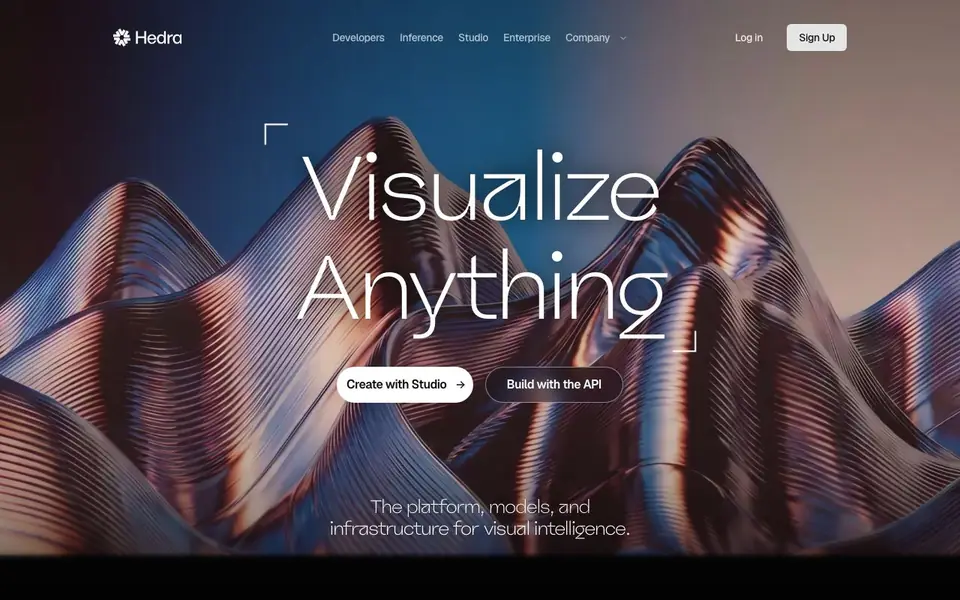
Hedra is a platform for visual intelligence. It offers a Creative Studio where you can generate video, image, and audio content using top AI models. You can also access these models through a developer API to build your own applications.
In the Creative Studio, an AI agent helps you strategize, ideate, and plan creative work. You can connect your own data and tools, build reusable skills, and collaborate with your team in real-time multiplayer spaces. The agent learns your preferences and picks the right model for each task.
For developers, Hedra provides infrastructure for production inference. You can run managed diffusion on your own cluster at scale. The platform also supports research in world models and embodied AI. Over 125,000 businesses have used Hedra's inference and infrastructure.
Hedra features
- Creative Studio agent: An AI agent that helps you plan and execute creative projects from start to finish.
- Multiplayer Spaces: Collaborate with your team in real time on a shared canvas with all assets and versions.
- Developer API: Access video, image, speech, music, and avatar models through a simple API.
- Sovereign inference: Run managed diffusion models on your own cluster with your team.
- Research lab: Explore publications on world models and embodied AI from Hedra's research team.
What you can do with Hedra
- Generate marketing videos with AI avatars and voiceovers.
- Build custom AI applications using the developer API.
- Create images and audio assets for campaigns in the Creative Studio.
- Run AI models on your own infrastructure for production workloads.
How to get started with Hedra
- Sign up for a Hedra account on their website.
- Open the Creative Studio to start generating content with AI models.
- Or, get the API key to start building with the developer API.
Tips for better results with Hedra
- Use Hedra's Creative Studio agent to plan your project first, then let it pick the best model for each task, saving you time on trial and error.
- Connect your own data and tools to Hedra so the agent learns your brand and preferences, making future generations more consistent with your style.
- For team work, use Hedra's Multiplayer Spaces to share assets and versions in real time, so everyone stays aligned without exporting files back and forth.
- When building apps, start with Hedra's developer API to test which video, image, or audio model fits your use case before scaling up to production inference.
- If you need full control, run Hedra's managed diffusion on your own cluster for production workloads, but verify your team can handle the operational overhead.
Hedra pricing
Hedra’s homepage does not list prices. Check hedra.com for current plans.
What to check before you rely on Hedra
- Check whether Hedra's free tier or trial exists, since the website does not list any pricing or plan limits for the Creative Studio or API.
- Verify what data Hedra collects from your uploaded assets and prompts, as the site does not state its privacy or retention policies.
- Confirm which export formats and resolutions Hedra supports for video, image, and audio, since the website does not specify these details.
- Check if Hedra's API requires a paid subscription or usage-based billing, as the site does not mention any cost structure or rate limits.
- Ensure your team's infrastructure meets Hedra's requirements for sovereign inference, since the site does not list supported hardware or cluster specs.
Who Hedra is for
Hedra suits creatives, developers, enterprise teams and researchers. If that is not you, the AI avatar generators below may fit better.
Similar tools compared with Hedra
| Tool | What it is | Pricing |
|---|---|---|
| Hedra | Visual intelligence platform for creation | See website |
| D-ID | AI video and interactive avatar platform | Free trial |
| Synthesia | AI video and avatar platform for business | Freemium |
| Fliki | AI video generator with lifelike voiceovers | Freemium |
| HeyGen | AI video and avatar creation platform | Freemium |
Hedra FAQ
What can I create with Hedra?
You can create videos, images, and audio using AI models in the Creative Studio. The platform includes avatar models for talking-head videos, plus video, image, speech, and music models.
Can developers use Hedra?
Yes, Hedra offers a developer API. You can access models for video, image, speech, music, and avatars, and build applications on their production inference infrastructure.
Does Hedra have a free plan?
The website does not state pricing details or a free plan. You can check the Pricing section on their site for current plans and options.
Who is Hedra for?
Hedra suits creative teams who want an AI agent for campaign work, developers building AI applications, and enterprises needing managed inference on their own clusters.
What can I export from Hedra or connect to Hedra?
Hedra lets you connect your own data and tools, and build reusable skills in the Creative Studio. The website does not list specific export formats or third-party integrations. For details on what you can export or connect, check the Hedra documentation or contact support.
Does Hedra run on my device or only in the cloud?
Hedra is a cloud-based platform, so you access it through a web browser. There is no mention of a desktop app or mobile app on the website. For the latest information on supported devices, visit the Hedra website or contact their team.
What does the free plan of Hedra include?
Hedra does not specify a free plan on its website. You can sign up for an account, but the pricing and plan details are not listed. To learn about free or trial options, check the Hedra website or contact their sales team.


