

What is Outwrite?
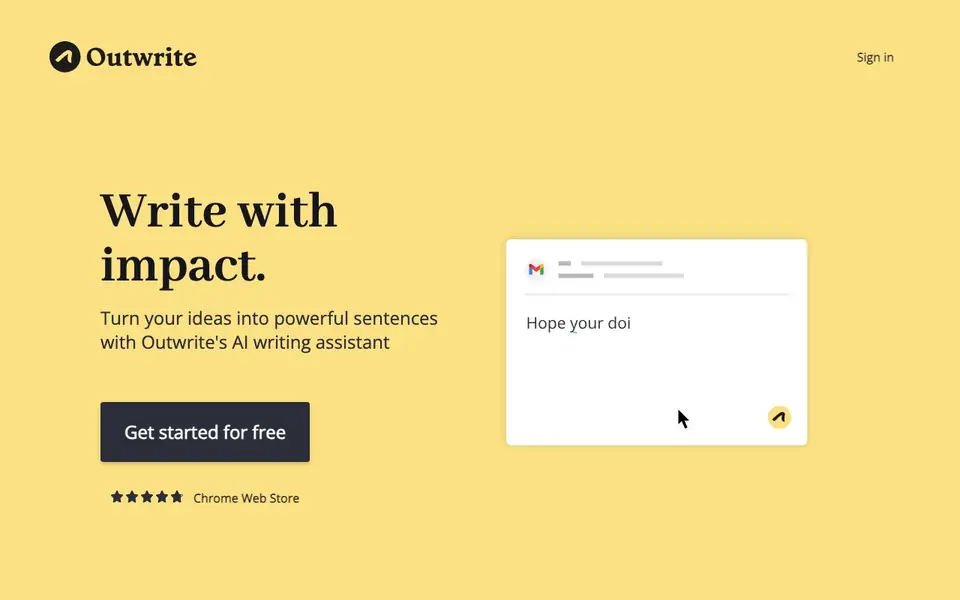
Outwrite is an AI writing assistant that goes beyond basic grammar checking. It helps you turn rough ideas into clear, powerful sentences. You can use it directly in your browser or within popular platforms like Google Docs, MS Word, Outlook, Gmail, LinkedIn, and WordPress.
To get started, you create a free account and install the browser extension. As you type, Outwrite checks your text for spelling, grammar, and punctuation errors. It also offers style suggestions to improve flow, a paraphrasing tool to rewrite sentences, and a passive voice changer. You can track readability and grade level scores in real time.
Outwrite supports English, French, and Spanish. It suits individuals who want to polish daily emails and professionals who need consistent company communications. The premium plan adds advanced style improvements, and the Teams plan helps ensure clear, consistent messaging across your organization.
Outwrite features
- Advanced grammar: Corrects spelling, grammar, and punctuation errors instantly as you write.
- Writing statistics: Shows readability and grade level scores in real time to gauge clarity.
- Multilingual support: Checks your writing in English, French, and Spanish.
- Style suggestions: Improves the quality and flow of your sentences with recommendations.
- Paraphrasing tool: Rewrites sentences to make them shorter, longer, or different in wording.
What you can do with Outwrite
- Polish emails and messages in Gmail or Outlook before sending.
- Improve blog posts and articles directly in WordPress or Google Docs.
- Ensure consistent brand tone in marketing and social media content.
- Check English clarity for non-native speakers in daily writing tasks.
How to get started with Outwrite
- Create a free Outwrite account on their website.
- Install the browser extension for Chrome or Edge.
- Start writing in supported platforms like Gmail, Docs, or WordPress and see suggestions.
Tips for better results with Outwrite
- Install the Outwrite browser extension so it works automatically in Gmail, Google Docs, and WordPress without you needing to copy text between tabs.
- Use Outwrite's paraphrasing tool to rephrase a sentence multiple times, then pick the version that best fits your tone and intended meaning.
- Turn on the passive voice changer in Outwrite to spot and convert passive constructions, which often makes your writing more direct and easier to read.
- Check the writing statistics panel in Outwrite as you draft, and adjust your sentence length and word choice to hit your target readability score.
Outwrite pricing
Outwrite has a free way to start, with paid plans for heavier use. Check outwrite.com for current limits and prices.
What to check before you rely on Outwrite
- Verify which Outwrite plan covers the features you need, since the website lists premium and Teams plans but does not state their prices.
- Confirm that Outwrite supports the platforms you use daily, as the site mentions Chrome, Edge, Word, and Google Docs but not all integrations.
- Check Outwrite's privacy policy to see how your text is stored and used, since the homepage does not explain data handling or retention.
Who Outwrite is for
Outwrite suits writers, marketers, professionals and non-native English speakers. If that is not you, the AI writing tools below may fit better.
Similar tools compared with Outwrite
| Tool | What it is | Pricing |
|---|---|---|
| Outwrite | AI writing assistant for online text | Freemium |
| FreeSiTools | Free AI image prompt generator | Free |
| Jenni AI | AI academic writing and research assistant | Freemium |
| Wordtune | AI writing and paraphrasing assistant | Freemium |
| Grammarly | AI writing assistant for clear communication | Freemium |
Outwrite FAQ
What does Outwrite do?
Outwrite is an AI writing assistant that checks your text for spelling, grammar, and punctuation errors. It also offers style suggestions, paraphrasing, and passive voice detection to improve clarity and flow.
Is Outwrite free?
Yes, you can get started for free. The website mentions a free account and a premium plan for advanced style improvements, plus a Teams plan for companies, so it follows a freemium model.
Where can I use Outwrite?
Outwrite works wherever you write online, including Google Docs, MS Word, Outlook, Gmail, LinkedIn, and WordPress. You can install it as a browser extension for Chrome or Edge.
What languages does Outwrite support?
Outwrite supports English, French, and Spanish. You can check your writing in any of these languages, making it useful for multilingual users.
Does Outwrite have a free plan and what does it include?
Outwrite offers a free plan that lets you create an account and use the browser extension to check spelling, grammar, and punctuation. The free plan includes basic writing statistics like readability and grade level scores. Advanced style improvements and team features are part of the paid plans.
Can Outwrite export or integrate with Google Docs, MS Word, and other platforms?
Outwrite works directly in your browser and integrates with Google Docs, MS Word, Outlook, Gmail, LinkedIn, and WordPress. You can use it within these platforms as you type. The website does not mention exporting documents to other formats, so check the platform's export options for that.
Is Outwrite suitable for non-native English speakers?
Outwrite checks your writing in English, French, and Spanish, and its features help improve clarity and flow. It can be useful for non-native speakers to polish daily emails and messages. The website highlights its multilingual support but does not specify dedicated tools for language learners, so try the free plan to see if it meets your needs.


