

What is Lex?
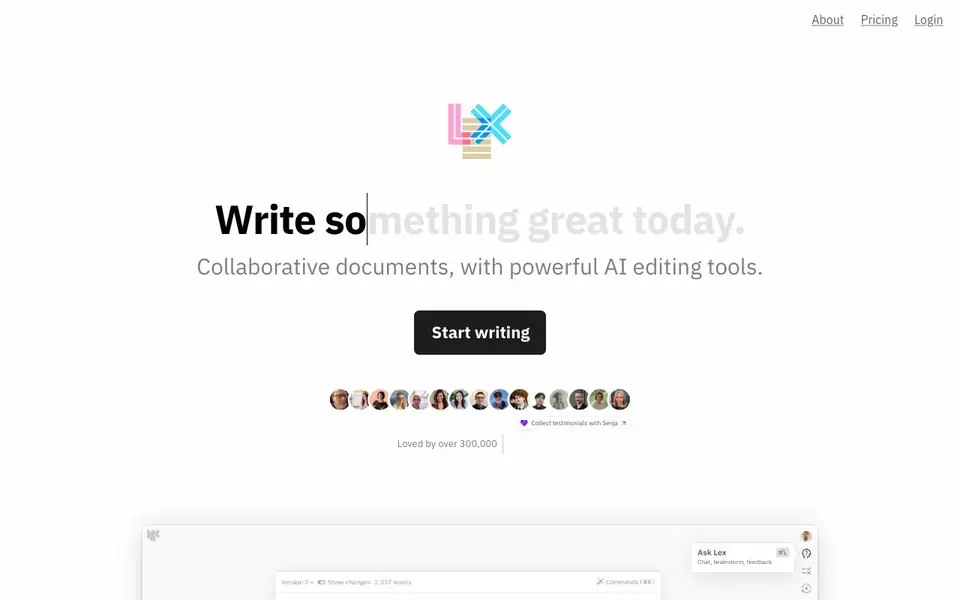
Lex is an AI-powered word processor designed for modern creators. It combines collaborative document editing with AI tools that help you write faster and refine your ideas. You can use it for quick notes or complex documents, and it's built to feel polished and focused.
You start by creating a document, just like in any word processor. As you write, you can ask the AI for feedback on your draft, brainstorm ideas, or rewrite any part of your text. You can also generate title ideas with one click, use handy AI shortcuts to find the best word, and create lists of ideas. If you want to try a different way of saying something, the Versions feature lets you experiment without losing your original work.
Lex supports live collaboration—share a link, and anyone can join with one click and see what you're typing. You can publish a read-only link for readers, and use keyboard shortcuts for comments and navigation. The site mentions track changes is coming soon. Lex is loved by over 300,000 writers, including marketing professionals who use it as a Google Docs replacement.
Lex features
- AI Feedback: Ask the AI for feedback on your draft, brainstorm ideas, or rewrite anything.
- Versions: Try different ways of saying something without losing your original text.
- Title Ideas: Get a list of good title ideas from the AI with one click.
- Live Collaboration: Share a link and collaborate with others in real time, no app download needed.
- Publishing: Send a read-only link for people to read what you've written.
What you can do with Lex
- Draft blog posts and get instant AI feedback on your writing.
- Brainstorm new ideas and generate lists of topics for your next project.
- Rewrite sentences or paragraphs to find a better way to express yourself.
- Collaborate with teammates on a document in real time from any device.
How to get started with Lex
- Go to Lex's website and click 'Start writing' to create a new document.
- Begin typing your draft, then use the AI tools to get feedback, brainstorm, or rewrite sections.
- Share a link with collaborators to work together live, or publish a read-only link for readers.
Tips for better results with Lex
- Use Lex's Versions feature to experiment with alternative phrasings without losing your original text, then compare versions side by side to pick the strongest draft.
- Ask Lex for AI feedback on a completed paragraph rather than during drafting, so the suggestions target structural issues instead of interrupting your flow.
- Generate title ideas with Lex's one-click tool after finishing your draft, then refine the top three options by asking the AI to rewrite them for tone or clarity.
- Leverage Lex's live collaboration by sharing a link with a colleague and using comments to discuss specific sections, keeping the AI feedback for your own revisions.
Lex pricing
Lex’s homepage does not list prices. Check lex.page for current plans.
What to check before you rely on Lex
- Confirm whether Lex offers a free tier or trial, since the website does not list pricing or plan limits anywhere on the page.
- Check if your documents are stored securely and whether Lex has an export option for formats like Word or PDF, as the site does not mention these details.
- Verify that Lex's collaboration works on your preferred devices and browsers, since the site only mentions mobile web support without specifying compatibility.
Who Lex is for
Lex suits writers, marketers and content creators. If that is not you, the AI writing tools below may fit better.
Similar tools compared with Lex
| Tool | What it is | Pricing |
|---|---|---|
| Lex | AI-powered collaborative word processor | See website |
| FreeSiTools | Free AI image prompt generator | Free |
| Jenni AI | AI academic writing and research assistant | Freemium |
| Wordtune | AI writing and paraphrasing assistant | Freemium |
| Grammarly | AI writing assistant for clear communication | Freemium |
Lex FAQ
What does Lex do?
Lex is an AI-powered word processor. It helps you write faster by offering AI feedback, brainstorming, rewriting, and title ideas, all within collaborative documents. It's designed as a modern alternative to tools like Google Docs.
Is Lex free to use?
The website does not state whether Lex has a free plan or how pricing works. To find out, you can check the Pricing page on Lex's website or contact them at hello@lex.page.
Who is Lex for?
Lex is for writers and creators who want a focused, minimalist writing environment with AI assistance. It's used by over 300,000 people, including marketing professionals who appreciate its collaborative features and real-time editing capabilities.
Can I collaborate with others in Lex?
Yes. You can share a link with anyone, and they can join with one click and start collaborating. You'll see what each other are typing in real time, and no app download is required.
What file formats can Lex export to?
The Lex website does not mention specific export formats. To find out what export options are available, check the app directly after creating a document or contact Lex at hello@lex.page for details.
Does Lex work on mobile devices or require an app download?
Lex works on mobile web browsers, so you can collaborate from any device without downloading an app. The website highlights this feature, but it does not specify whether a dedicated mobile app exists for iOS or Android.
What does the free plan include in Lex?
The Lex website does not detail what the free plan includes or whether paid plans exist. To learn about plan features and limits, check the pricing section on the site or contact Lex at hello@lex.page for clarification.


