

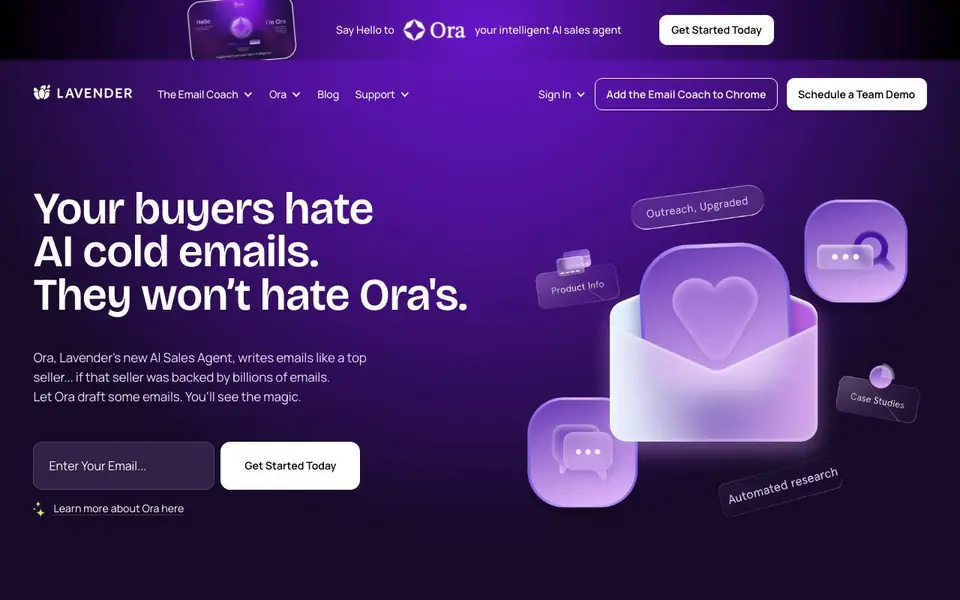
What is Lavender?
Lavender is an AI email coach that helps salespeople write better emails faster. It analyzes billions of emails to understand what makes email work, then uses that knowledge to guide you as you draft. The result is higher reply rates and more meetings booked.
You install the Email Coach as a Chrome extension. As you write in your email provider, it gives real-time suggestions and feedback. You can also use Ora, Lavender's AI sales agent, to draft entire emails for you, backed by the same data insights.
Lavender suits sales development reps, account executives, and business development reps who rely on cold email. It also offers a free certification program and a weekly newsletter. The website mentions SOC2 certification and GDPR compliance for security-conscious teams.
Lavender features
- Real-time coaching: Get instant feedback and suggestions as you write emails in your browser.
- AI drafting with Ora: Let the AI sales agent write full emails for you based on proven data.
- Historical email analysis: Lavender studies your past emails to understand what works for you and your team.
- Reply rate optimization: Focuses your writing on data and results to boost positive responses.
- Sales email certification: Complete Lavender 101 and 201 to become an Email Wizard.
What you can do with Lavender
- Write cold emails that get more replies from prospects.
- Coach your sales team to improve email structure and content.
- Generate personalized sales copy for pipeline velocity.
- Reduce the time your sellers spend drafting emails.
How to get started with Lavender
- Install the Email Coach for free from the Chrome Web Store.
- Connect your email provider and let Lavender analyze your historic emails.
- Start writing and receive real-time coaching, or let Ora draft emails for you.
Tips for better results with Lavender
- Install Lavender as a Chrome extension and draft emails in your usual provider to get real-time feedback as you write, so suggestions apply directly to your workflow.
- Use Ora in Lavender to draft full emails from your prompts, then review and edit the output to match your voice before sending.
- Let Lavender analyze your historical emails early on, so its coaching and Ora drafts are tuned to what works for you and your team.
- Complete Lavender's free certification courses to learn how to interpret its feedback and apply reply-rate optimization techniques to your cold emails.
Lavender pricing
Lavender has a free way to start, with paid plans for heavier use. Check lavender.ai for current limits and prices.
What to check before you rely on Lavender
- Confirm whether the free plan includes Ora or only the Email Coach, since the website does not specify limits for each feature.
- Check if your email provider is supported by the Chrome extension, as the website does not list compatible platforms.
- Verify with your IT team if Lavender's authentication with your email provider requires review, especially for security-conscious organizations.
Who Lavender is for
Lavender suits sales development reps, account executives, business development reps and sales leaders. If that is not you, the AI writing tools below may fit better.
Similar tools compared with Lavender
| Tool | What it is | Pricing |
|---|---|---|
| Lavender | AI email coach and sales agent | Freemium |
| FreeSiTools | Free AI image prompt generator | Free |
| Jenni AI | AI academic writing and research assistant | Freemium |
| Wordtune | AI writing and paraphrasing assistant | Freemium |
| Grammarly | AI writing assistant for clear communication | Freemium |
Lavender FAQ
What does Lavender do?
Lavender is an AI email coach that helps salespeople write better emails. It analyzes billions of emails to understand what works, then gives you real-time feedback as you write. It also includes Ora, an AI sales agent that can draft emails for you.
Is Lavender free to use?
The website says you can install the Email Coach for free and build in Ora for free. There is also a pricing page, which suggests paid plans exist. Check the pricing page on Lavender's website for details on what the free plan includes.
Who is Lavender for?
Lavender is designed for sales professionals, including SDRs, account executives, and business development reps. Sales leaders also use it to coach their teams and improve overall email performance. It's especially useful for anyone doing cold email outreach.
How does Lavender improve reply rates?
Lavender analyzes your historical emails to learn what works for you and your team. It then coaches you in real time to improve structure, content, and personalization. The website cites customer examples of doubled reply rates and faster writing times.
Does Lavender work with my email provider or only in Gmail?
Lavender installs as a Chrome extension, so it works in any email provider you use in the Chrome browser, such as Gmail or Outlook on the web. The website does not mention native apps for desktop or mobile. Check the Chrome extension listing for the latest supported providers.
What does Lavender's free plan include?
Lavender offers a free tier that lets you install the Email Coach and use Ora to draft emails at no cost. The website does not specify limits on the number of emails or features in the free plan. For exact limits, visit the pricing page or start the free trial to see what's included.
Can Lavender export my email data or integrate with my CRM?
Lavender analyzes your historic emails to improve suggestions, but the website does not mention exporting data or direct CRM integrations. It focuses on coaching and drafting within your email provider. For integration details, check the support or documentation section on the site.


