

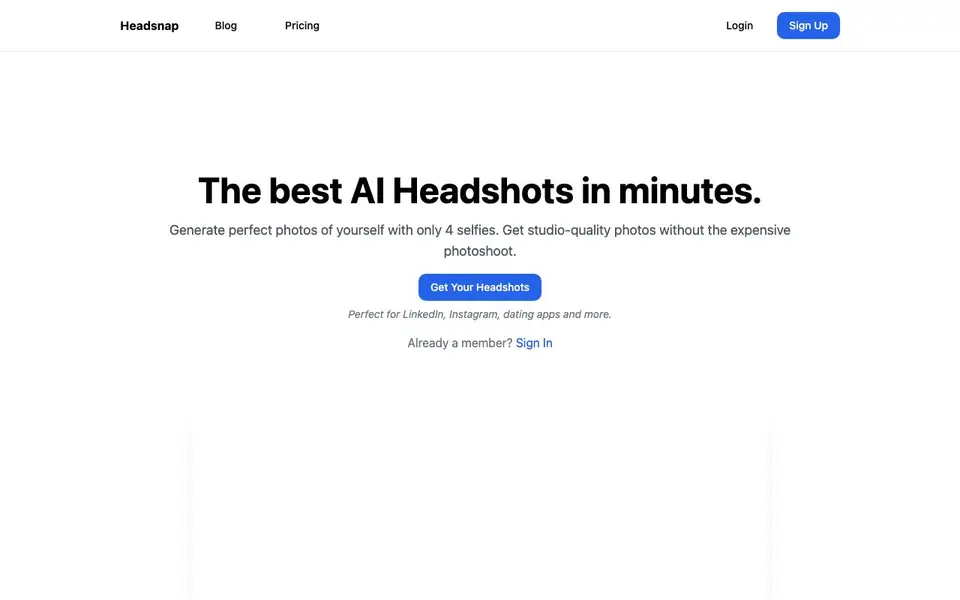
What is Headsnap?
Headsnap is an AI headshot generator that creates professional-looking photos from your own selfies. You upload at least four front-facing photos of yourself, and the AI trains on your facial features to produce a set of headshots in various styles. The whole process takes about 20 minutes, and you get an email when your photos are ready.
To start, you pick a photo style from over 15 options, like corporate, dating, or public speaker packs. Then you upload your selfies—make sure they are front-facing, with one person in frame, and no glasses or hats. The AI does the rest, delivering high-resolution images in 4K that you can use for LinkedIn, resumes, acting profiles, or dating apps.
Headsnap also has a Dream Mode that lets you type any scenario, like standing next to a celebrity or walking on Mars, and the AI places you in that scene. The service is paid, with plans starting at $18 for 30 headshots. Your uploaded photos are deleted after processing for privacy, and you get a commercial license to use the images anywhere.
Headsnap features
- Multiple Styles: Choose from over 15 professional styles and backgrounds for your headshots.
- High Resolution: Get print-ready images in stunning 4K resolution for any use.
- Fast Delivery: Receive your photos in about 10 minutes after the AI finishes processing.
- Dream Mode: Type any scenario and the AI places you in it, from celebrity meetups to sci-fi scenes.
- Privacy Protection: Your uploaded photos are securely handled and deleted after processing.
What you can do with Headsnap
- Update your LinkedIn profile with a professional headshot in minutes.
- Create a polished photo for your resume or job application.
- Generate a standout picture for your dating profile.
- Make a themed photo for social media or a public speaking bio.
How to get started with Headsnap
- Sign up on Headsnap's website and choose a photo style from over 15 options.
- Upload at least four front-facing selfies with one person in frame and no glasses or hats.
- Wait about 20 minutes for the AI to process, then download your headshots from the email link.
Tips for better results with Headsnap
- Upload at least four front-facing selfies with one person in frame, no glasses or hats, to give Headsnap the clearest facial data for accurate results.
- Pick a specific style pack like corporate or dating before uploading, since Headsnap tailors the output to that pack's backgrounds and lighting.
- Use Dream Mode with a detailed prompt, such as a location and activity, to get Headsnap to place you in a scene that matches your vision.
- Check your email after about 20 minutes, as Headsnap notifies you when your headshots are ready, so you can review and download them promptly.
Headsnap pricing
Headsnap is a paid product. Check headsnap.io for current plans and whether a demo or trial is offered.
What to check before you rely on Headsnap
- Confirm the plan you choose covers the number of headshots you need, since Headsnap's pricing starts at $18 for 30 but higher tiers cost more.
- Verify that your uploaded selfies meet Headsnap's requirements, like no glasses or hats, because poor inputs can lead to unusable results.
- Note that Headsnap's website does not state refund policies or satisfaction guarantees, so review your results carefully before relying on them.
Who Headsnap is for
Headsnap suits job seekers, professionals, dating app users and actors. If that is not you, the AI avatar generators below may fit better.
Similar tools compared with Headsnap
| Tool | What it is | Pricing |
|---|---|---|
| Headsnap | AI headshot generator from selfies | Paid |
| D-ID | AI video and interactive avatar platform | Free trial |
| Synthesia | AI video and avatar platform for business | Freemium |
| Fliki | AI video generator with lifelike voiceovers | Freemium |
| Hedra | Visual intelligence platform for creation | See website |
Headsnap FAQ
How does AI headshot generation work?
Headsnap's AI analyzes your uploaded selfies to understand your facial features, expressions, and style. It then generates professional headshots that keep your likeness while improving quality, lighting, and background. The process takes about 20 minutes from upload to delivery.
What kind of photos should I upload?
You should upload at least four high-quality selfies that are front-facing, with one person in frame, and without glasses or hats. The website recommends these conditions to get the best results from the AI.
Can I use these headshots professionally?
Yes, the commercial license included with your purchase lets you use the headshots anywhere, including for commercial purposes. This makes them suitable for LinkedIn, resumes, acting profiles, and other professional uses.
How much does Headsnap cost?
Headsnap has three paid plans: Novice at $18 for 30 headshots, Proficient at $25 for 60 headshots, and Ultimate at $35 for 90 headshots. The website does not mention a free plan or trial.
Does Headsnap offer a free plan or trial?
Headsnap is a paid service only. The pricing page shows three paid plans starting at $18 for 30 headshots, with no mention of a free trial or free plan. To test the service, you would need to purchase one of the paid credits.
Can I use Headsnap on my phone or tablet?
Headsnap is a web-based service, so you can access it through a browser on any device with internet, including phones and tablets. The website does not mention dedicated mobile apps for iOS or Android, so you would use the website directly.
What file formats and sizes does Headsnap export for my headshots?
Headsnap delivers high-resolution images in 4K, which are print-ready. The website does not specify the exact file format, such as JPEG or PNG, for the downloads. For detailed export options, check the email you receive with your headshots or contact support.


