

What is Virtual Try On AI?
Virtual Try On AI is a platform for creating fashion images and videos. It focuses on virtual try-on tools, letting you see how clothes, tattoos, jewelry, glasses, and hairstyles look on you. It also includes image and video generators powered by models like Nano Banana Pro, Seedream, Kling, and Veo.
You start by uploading a photo of yourself or a model. Then you pick a tool, such as Clothes Try On or AI Clothes Changer, to swap outfits in seconds. For videos, you can use Photo to Video or AI UGC Maker to turn stills into clips with realistic avatars. The platform is designed for personal styling, brand marketing, design work, and e-commerce.
The site says it is free to start, with a free trial available. It suits fashion designers, creators, and e-commerce platforms. The visible text lists many tools, but it does not state specific limits on usage or output resolution beyond a 480P video option.
Virtual Try On AI features
- Clothes Try On: Upload a photo and see yourself in different outfits instantly with realistic results.
- AI Clothes Changer: Swap single or multiple outfits on your photo within seconds, no setup needed.
- AI UGC Maker: Create personalized videos, UGC ads, and product demos with AI avatars and natural voice.
- AI Tattoo Try On: Design and preview custom tattoos on your body to experiment with styles and placements.
- AI Fashion Model Generator: Generate fashion model images for design, ecommerce, or social content.
What you can do with Virtual Try On AI
- Preview outfits on yourself to find styles that match your body and occasion.
- Showcase new clothing collections on your brand's website or ads.
- Create fashion visuals for creative projects by applying designs to models.
- Let e-commerce shoppers see clothing effects before buying to reduce returns.
How to get started with Virtual Try On AI
- Go to the Virtual Try On AI website and choose a try-on tool like Clothes Try On.
- Upload a photo of yourself or a model.
- Select an outfit or style and generate the result instantly.
Tips for better results with Virtual Try On AI
- Upload a well-lit, front-facing photo with your full body visible to get the most accurate outfit swaps with Virtual Try On AI.
- Use the Clothes Try On tool first to test different styles, then refine with AI Clothes Changer for quick single-item changes.
- For video results, start with a clear still image and keep clips short, like 5 seconds, to avoid distortion in Virtual Try On AI.
- Experiment with multiple models like Nano Banana Pro or Seedream for images, and Kling or Veo for videos, to see which suits your project.
- Check your outfit alignment and fabric details after each generation, and re-upload a new photo if the result looks off.
Virtual Try On AI pricing
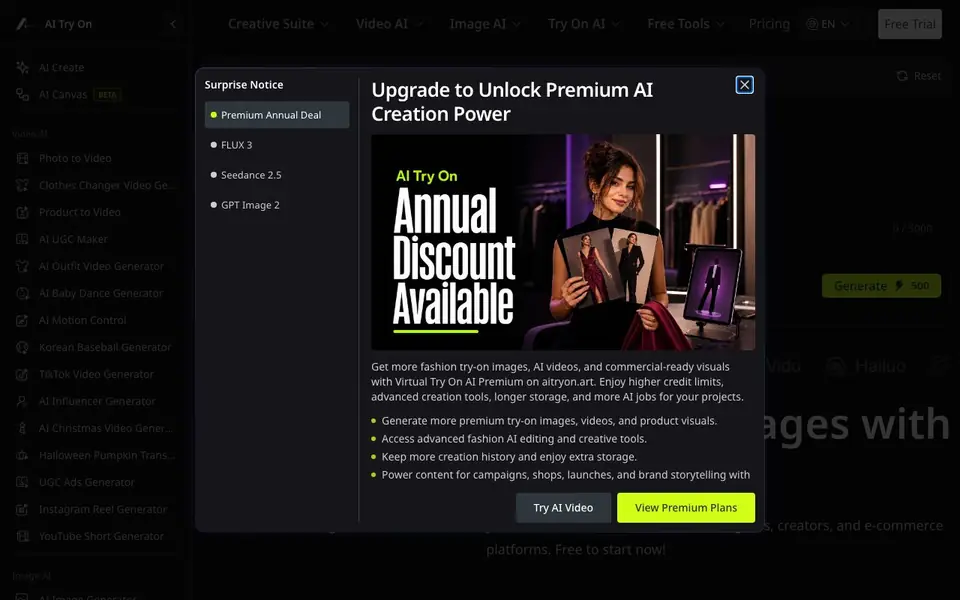
Virtual Try On AI has a free way to start, with paid plans for heavier use. Check aitryon.art for current limits and prices.
What to check before you rely on Virtual Try On AI
- Verify whether the free trial includes video generation or only images, since the site does not state usage limits for each tool.
- Confirm the output resolution before exporting, as the site only mentions a 480P video option and no image specs.
- Review the pricing page for credit costs per generation, because the freemium label does not specify what counts as free.
- Check if your uploaded photos are stored or used for training, since the site does not state a data privacy policy.
Who Virtual Try On AI is for
Virtual Try On AI suits fashion designers, content creators, e-commerce platforms and personal shoppers. If that is not you, the AI photo editors below may fit better.
Similar tools compared with Virtual Try On AI
| Tool | What it is | Pricing |
|---|---|---|
| Virtual Try On AI | AI fashion try-on and creation platform | Freemium |
| SiPhotoEditor | AI photo editor by description | Paid |
| SiImageGen | AI image generator and photo editor | Freemium |
| Clipdrop | AI photo editing and image generation suite | See website |
| Photoroom | AI photo editor for e-commerce product visuals | Freemium |
Virtual Try On AI FAQ
What can I do with Virtual Try On AI?
You can try on clothes, tattoos, jewelry, glasses, and hairstyles in photos. You can also generate fashion images and videos, including UGC ads and product demos, using AI models.
Is Virtual Try On AI free to use?
The website says it is free to start and offers a free trial. It does not specify whether there is a permanent free plan or only trial credits, so check the pricing page for details.
Who is Virtual Try On AI for?
It is aimed at fashion designers, creators, and e-commerce platforms. Personal users can also use it for styling exploration and casual experimentation with outfits.
What AI models does it support?
The site lists models like Nano Banana Pro, Seedream, Kling, Veo, Vidu, and Hailuo for image and video generation. It does not explain which model powers each specific tool.
Can Virtual Try On AI export my created images or videos, and to which platforms?
The Virtual Try On AI website does not mention specific export formats or direct sharing to platforms like Instagram or TikTok. You can generate images and videos on the platform, but for details on downloading or sharing, check the site's help section or contact support.
Does Virtual Try On AI work on mobile devices or only on desktop?
Virtual Try On AI's website does not specify whether it is available as a mobile app or if it works in a mobile browser. Since it is a web-based platform, you can likely access it from any device with a browser, but for confirmation, check the site's FAQ or support page.
What does the free plan of Virtual Try On AI include, and are there usage limits?
Virtual Try On AI says it is free to start, with a free trial available. The website does not list specific limits on the number of generations or output resolution beyond a 480P video option. For exact free plan details, visit the pricing page on the site.


