

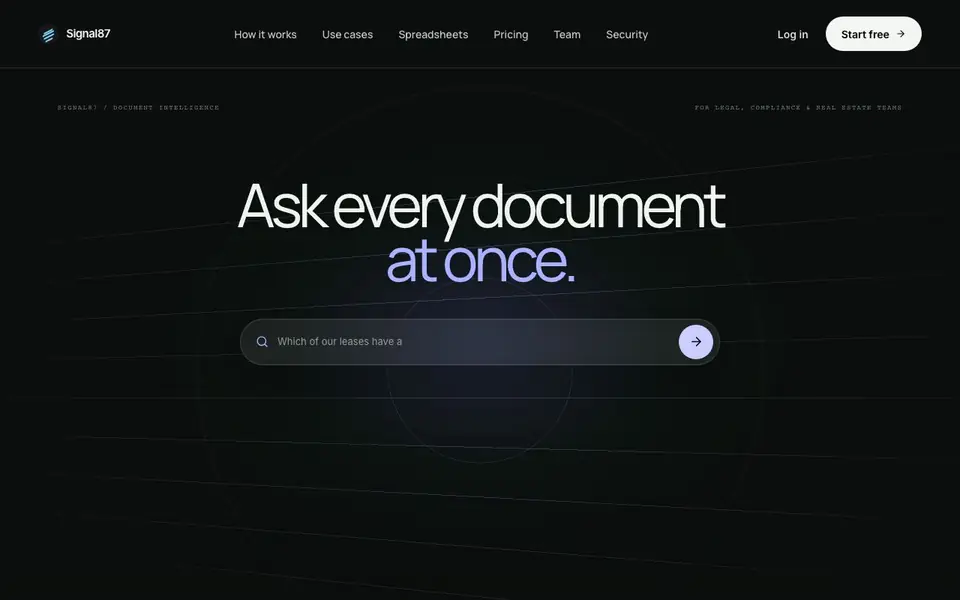
What is Signal87 AI?
Signal87 AI is an enterprise document memory and legal AI research platform. You upload PDFs, Word files, and Excel spreadsheets, and it reads every page and table. Then you ask questions in plain English, and it answers with citations pointing to the exact page and paragraph in your own documents.
Getting started is simple. You upload your files, and Signal87 reads them all. You ask one question across every file at once. The tool returns the answer along with the files it came from. For spreadsheets, it computes totals, rankings, and overlaps exactly in code rather than estimating, so counts are report-ready.
It is built for legal, compliance, and real estate teams. You can find change-of-control clauses, compare a redline to your template, or draft a memo from sourced answers. The website mentions a free 5-day trial with no card needed, and paid plans start at $20 per month for up to 100 documents.
Signal87 AI features
- Cross-document search: Ask one question and get answers drawn from every uploaded file at once.
- Cited answers: Each response links back to the exact page and paragraph in your source documents.
- Exact spreadsheet analysis: Totals, rankings, and overlaps are computed in code, never estimated.
- Excel export: Download analysis tables as Excel files with key rows highlighted.
- Private file storage: Uploaded PDFs, Word, and Excel files stay private to your account.
What you can do with Signal87 AI
- Find every change-of-control clause across a stack of contracts.
- Compare a redline version against your standard template.
- Identify which leases expire in the next 12 months by building.
- Draft a memo using answers sourced from your own documents.
How to get started with Signal87 AI
- Upload your PDFs, Word, and Excel files to your account.
- Ask a question in plain English across all your files.
- Review the answer with citations and download tables as Excel if needed.
Tips for better results with Signal87 AI
- Upload all related files before asking your first question so Signal87 can search across every document at once and return answers with citations.
- Ask Signal87 about spreadsheet cells directly, like totals or expiring leases, since it computes exact numbers in code rather than estimating.
- Use Signal87 to compare a redline against your template by uploading both files and asking for differences in specific clauses.
- Download analysis tables as Excel files from Signal87 when you need report-ready counts with key rows highlighted for review.
Signal87 AI pricing
Signal87 AI has a free way to start, with paid plans for heavier use. Check signal87.ai for current limits and prices.
What to check before you rely on Signal87 AI
- Check that your documents are within the 100-document limit for the $20 plan, since the website does not state what happens if you exceed it.
- Verify that your files are private to your account, as the website mentions private storage but does not detail data retention policies.
- Confirm the export formats you need, since the website only mentions Excel downloads and does not list other export options.
Who Signal87 AI is for
Signal87 AI suits legal teams, compliance officers, real estate professionals and finance analysts. If that is not you, the AI research tools below may fit better.
Similar tools compared with Signal87 AI
| Tool | What it is | Pricing |
|---|---|---|
| Signal87 AI | AI document memory and research platform | Freemium |
| OpenSI | AI model comparison and pricing tool | See website |
| ChatPDF | AI chat and summarizer for PDFs | Freemium |
| Consensus | AI search engine for research papers | See website |
| Scite | AI research assistant with smart citations | Free trial |
Signal87 AI FAQ
What file types does Signal87 support?
You can upload PDFs, Word documents, and Excel spreadsheets. The tool reads every page and table in those files, making them searchable with one question across all of them.
Is there a free plan or trial?
Signal87 offers a free 5-day trial with no card needed to start. After that, paid plans begin at $20 per month for up to 100 documents, or $50 per month for unlimited documents.
Who is Signal87 designed for?
It is built for legal, compliance, and real estate teams whose work lives in documents. Use cases include reviewing contracts, comparing redlines, and analyzing rent rolls or loan tapes.
How does spreadsheet analysis work?
Signal87 computes totals, rankings, and overlaps exactly in code rather than estimating with language models. It explains results in plain English and lets you download tables as Excel with key rows highlighted.
Does Signal87 AI offer a free plan or just a trial?
Signal87 AI offers a free 5-day trial with no card required. After the trial, paid plans start at $20 per month for up to 100 documents, or $50 per month for unlimited documents. The website does not mention a separate free plan beyond the trial.
Can Signal87 AI export analysis results to Excel?
Yes, Signal87 AI can export spreadsheet analysis tables as Excel files, with key rows highlighted. This is mentioned on the website. For other export formats, the website does not specify, so check the tool's interface or contact support for details.
Does Signal87 AI work on mobile devices?
The Signal87 AI website does not mention specific device support or mobile apps. It appears to be a web-based platform, so you likely access it through a browser on any device. For confirmation, check the website's login page or contact the team.


