

What is Consensus?
Consensus is an AI-powered search engine built specifically for academic research. It helps you find and analyze peer-reviewed literature quickly, pulling from a database of over 220 million research papers, including licensed full-text content from leading publishers. You can use it to search for studies, filter results, and get evidence-based answers to your research questions.
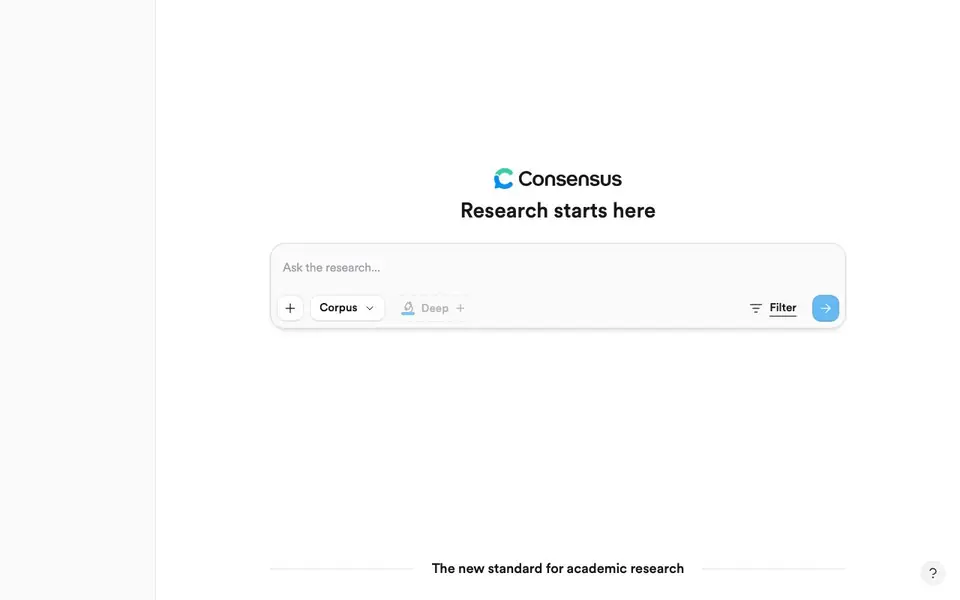
To use Consensus, you start by typing a research question or topic into the search bar. The tool then scans its large corpus of papers and presents relevant results. You can apply filters like study type or publication date to narrow things down. The AI can also summarize findings and show you the consensus across studies, which helps you understand what the literature says without reading every paper in full.
Consensus is used daily by researchers, students, and clinicians at top institutions. Over 170 university libraries partner with it to give their faculty and students access. It's designed for anyone who needs to do rigorous literature reviews—from grad students to working scientists—and aims to save time while maintaining academic standards.
Consensus features
- Large paper database: Search across over 220 million research papers, including full-text from major publishers.
- AI-powered answers: Get synthesized, evidence-based responses to your research questions from the literature.
- Advanced filters: Narrow results by study type, date, and other criteria to find the most relevant papers.
- Consensus analysis: See what the overall body of research says on a topic, highlighting agreement and disagreement.
- Institutional access: Partner with university libraries for easy access for students and faculty.
What you can do with Consensus
- Search for studies on a specific clinical question to inform patient care.
- Conduct a literature review for a thesis or academic paper.
- Check the scientific consensus on a debated topic like nutrition or climate.
- Find peer-reviewed sources to support a research grant proposal.
How to get started with Consensus
- Go to the Consensus website and type your research question into the search bar.
- Review the list of relevant papers and use filters to narrow down by study type or date.
- Read the AI-generated summary of findings to understand the consensus across the literature.
Tips for better results with Consensus
- Start with a specific research question rather than a broad topic to get more focused results from Consensus, then refine with filters like study type or date.
- Use Consensus's consensus analysis feature to see agreement across studies, but verify the underlying papers yourself for nuanced conclusions.
- Combine Consensus with your own keyword variations, since the tool's AI may miss relevant terms; try rephrasing your question to uncover different papers.
- Check the filter options before running a search in Consensus to narrow by publication date or study design, which saves time when reviewing large literature sets.
Consensus pricing
Consensus’s homepage does not list prices. Check consensus.app for current plans.
What to check before you rely on Consensus
- Verify whether your institution provides access through the 170+ partner libraries, since individual plan pricing is not listed on the website.
- Confirm the export format for citations or full-text downloads, as the website does not specify available output options.
- Review the data privacy policy for how your search queries are stored or used, since this information is not stated on the homepage.
Who Consensus is for
Consensus suits researchers, students, clinicians and academics. If that is not you, the AI research tools below may fit better.
Similar tools compared with Consensus
| Tool | What it is | Pricing |
|---|---|---|
| Consensus | AI search engine for research papers | See website |
| OpenSI | AI model comparison and pricing tool | See website |
| ChatPDF | AI chat and summarizer for PDFs | Freemium |
| Scite | AI research assistant with smart citations | Free trial |
| SciSpace | AI research assistant for academic work | Freemium |
Consensus FAQ
What does Consensus do?
Consensus is an AI search engine for academic research. It helps you search and analyze peer-reviewed literature, drawing on over 220 million research papers to give you evidence-based answers and summaries.
Is Consensus free to use?
The website does not state its pricing plans. It mentions that over 170 university libraries partner with Consensus, which suggests institutional access is available, but you should check the site for details on individual plans.
Who is Consensus for?
Consensus is for researchers, students, and clinicians who need to find and analyze scientific literature. It's used daily at top research institutions and is designed to speed up literature reviews while keeping academic rigor.
What kind of papers can I find on Consensus?
Consensus draws on over 220 million research papers, including licensed full-text content from leading publishers. You can search across many fields of study, though the website doesn't specify exact disciplines.
Can Consensus export search results or citations to reference managers like Zotero or EndNote?
The Consensus website does not mention any export or citation manager integration features. To find out if this is available, you can check the Consensus help center or contact their support team directly for the most current information on exporting results.
Does Consensus have a mobile app or work on tablets?
The Consensus website does not mention a dedicated mobile app or tablet version. However, you can likely access Consensus through a web browser on any device with internet connectivity. For specific information about mobile support, check the Consensus website or app stores for any available offerings.
What does the free plan of Consensus include, and are there paid tiers?
The Consensus website does not clearly state what the free plan includes or if paid tiers exist. The pricing label is unknown. To get accurate details about plan features and costs, you should visit the Consensus pricing page or contact their sales team for a breakdown of what is available.


