

What is Pokecut?
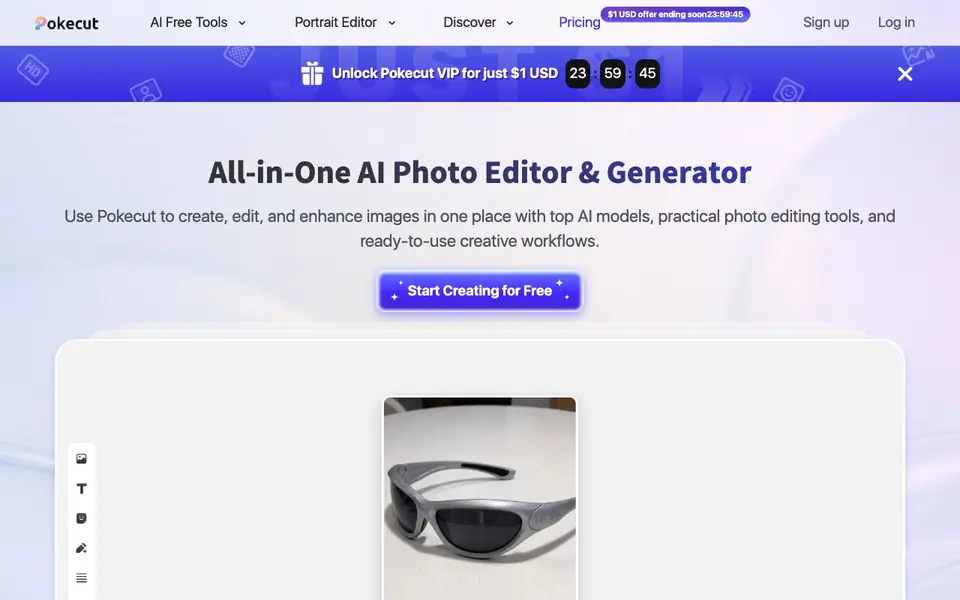
Pokecut is an all-in-one AI photo editing platform. You can remove backgrounds, erase objects, enhance quality, and create collages. It also includes an AI image generator that turns prompts into portraits, artistic visuals, and more. The platform offers over 200 AI tools and has processed over 500 million edits.
To get started, upload a photo, choose an AI tool, or type a prompt in the generator. Pokecut guides you into the editor where you can preview results, adjust edits, and export your final image. You can also use batch editing to process up to 50 photos at once, resizing, enhancing, or changing backgrounds.
Pokecut is free to use with credits for basic features like enhancement and background removal. For more edits, higher resolution, and full access, you can subscribe to the Pro plan. You can use it without signing up, and images you create can be used commercially, though copyright for non-Pokecut design resources isn't managed by them.
Pokecut features
- AI Clothes Changer: Try different outfit templates on your photo for style looks or product tests.
- Text Enhancement: Enhance text to 8K, reduce glare and moire, and make blurry words readable.
- Portrait Editor: Edit faces, hairstyles, and body shapes for polished, natural-looking portraits.
- Batch Photo Editor: Resize, enhance, change backgrounds, or remove backgrounds for up to 50 images at once.
- Multiple AI Models: Choose from models tuned for fast drafts, HD portraits, or creative visuals.
What you can do with Pokecut
- Remove backgrounds from product photos for e-commerce listings.
- Enhance text in scanned documents or screenshots for clarity.
- Change outfits on your photo for social media posts or style testing.
- Batch edit a set of images for consistent sizing and background.
How to get started with Pokecut
- Upload a photo, choose an AI tool, or type a prompt in the AI generator.
- Preview the result in the editor and adjust the edit as needed.
- Export your final image once you're satisfied.
Tips for better results with Pokecut
- Start with the Lite AI model for quick drafts before switching to Pro models, so you don't spend credits on experiments that might not work.
- Use Pokecut's batch editor to resize or enhance up to 50 photos at once, but test one image first to confirm the settings look right.
- Try the AI Clothes Changer on a clear, front-facing photo with good lighting, as Pokecut works best when the subject and background are distinct.
- For text enhancement, upload the sharpest version of your screenshot or scan you have, since Pokecut can reduce glare but won't fix extreme blur from the start.
Pokecut pricing
Pokecut has a free way to start, with paid plans for heavier use. Check pokecut.com for current limits and prices.
What to check before you rely on Pokecut
- Check how many free credits you get and what each tool costs, since the website shows a freemium label but doesn't list specific credit amounts.
- Verify whether the Pro plan's higher resolution and full access match your output needs, as the site doesn't state exact resolution limits for free versus paid.
- Confirm that your intended commercial use is covered, because Pokecut says images you create can be used commercially but doesn't manage copyright for non-Pokecut design resources.
Who Pokecut is for
Pokecut suits creators, social media users, product photographers and marketers. If that is not you, the AI photo editors below may fit better.
Similar tools compared with Pokecut
| Tool | What it is | Pricing |
|---|---|---|
| Pokecut | All-in-one AI photo editor and generator | Freemium |
| SiPhotoEditor | AI photo editor by description | Paid |
| SiImageGen | AI image generator and photo editor | Freemium |
| Clipdrop | AI photo editing and image generation suite | See website |
| Photoroom | AI photo editor for e-commerce product visuals | Freemium |
Pokecut FAQ
Is Pokecut free to use?
Yes, Pokecut is free with credits for basic features like photo enhancement and background removal. Usage is limited. For more edits, higher resolution, and full access, you can subscribe to the Pro plan via the online store.
Can I use Pokecut without signing up?
Yes, you can use Pokecut directly without signing up or logging in. This makes it easy to try tools quickly without creating an account.
Can I use images generated by Pokecut for commercial purposes?
Yes, images generated by Pokecut's AI editor and generator can be used commercially. However, if the image contains design resources not provided by Pokecut, the commercial copyright isn't managed by Pokecut. Check the Terms of Use for details.
What AI tools does Pokecut offer?
Pokecut offers over 200 AI tools, including background removal, object erasing, portrait retouching, product cleanup, batch editing, and AI image generation. You can also enhance text, change clothes, and test face or body features before editing.
What file formats can Pokecut export images in?
The Pokecut website does not specify which file formats you can export your edited images in. To find out the available export options, you can check the editor's export menu after you finish an edit, or look for any help or support section on the site.
Does Pokecut have a mobile app or is it only web-based?
The Pokecut website does not mention a dedicated mobile app, so it appears to be accessible through your web browser. You can visit pokecut.com on your phone or tablet to use the platform, but for the best experience, a desktop browser may be recommended.
What does the free plan include in terms of credits and limits?
Pokecut is free to use with credits for basic features like enhancement and background removal. The website does not list the exact number of credits you get or how many edits you can make per day on the free plan. For more details, check the pricing page or sign up to see your credit balance.


