

What is Picsman?
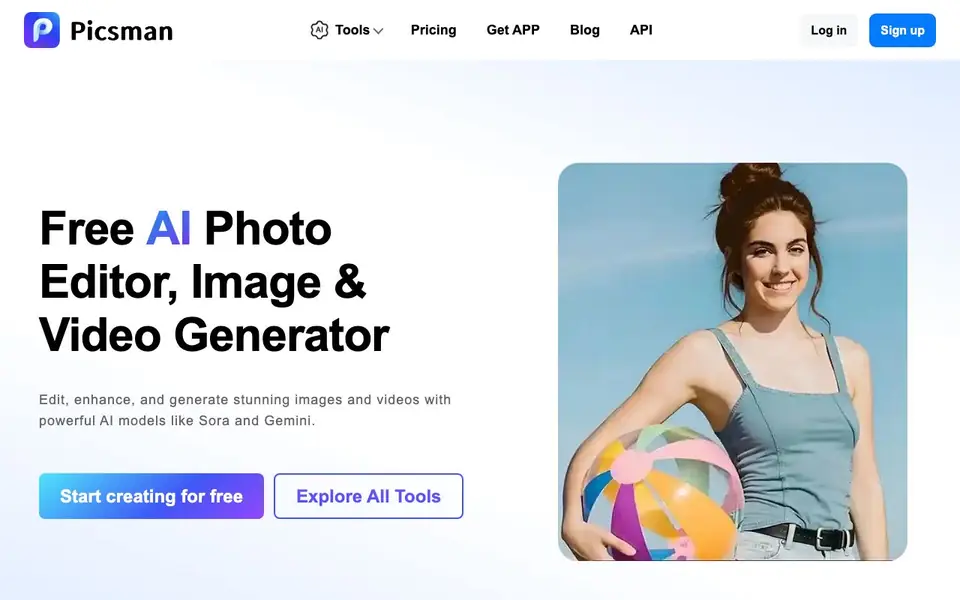
Picsman is an online platform that combines photo editing, image generation, and video creation in one place. You can remove objects, change backgrounds, enhance image quality, or generate new visuals from text prompts. It also offers video generation from text, images, or clips using models like Sora and Gemini.
To get started, you sign up for a free account and choose from over 30 tools. You can upload a photo or enter a prompt, then apply AI edits like background removal, object replacement, or color changes. The platform supports HD downloads and 4K output for edited photos, and it works in your browser or through a mobile app.
Picsman suits creators, e-commerce sellers, and businesses that need quick, professional-looking visuals. The website mentions it is free to start, with subscription options for more features. It also provides an API for developers who want to integrate its tools into their own workflows.
Picsman features
- AI Image Generator: Turn text prompts into images or edit existing photos through image-to-image transformation.
- AI Video Generator: Create videos from text, images, or clips with cinematic quality and multiple AI models.
- AI Photo Editor: Remove objects, replace items, change colors, or adjust backgrounds without editing skills.
- Photo Enhancer: Upscale and improve image quality automatically, delivering HD resolution results.
- AI Clothes Changer: Virtually try on outfits and see how clothes look on you instantly with realistic results.
What you can do with Picsman
- Remove backgrounds from product photos for e-commerce listings.
- Generate marketing images from text prompts for social media posts.
- Enhance low-resolution photos to HD quality for print or web.
- Create short videos from clips or images for storytelling or ads.
How to get started with Picsman
- Sign up for a free account on Picsman's website or download the mobile app.
- Choose a tool like image generator, photo editor, or background remover from the dashboard.
- Upload a photo or enter a prompt, then apply AI edits and download the result in HD.
Tips for better results with Picsman
- Start with the free account to test Picsman's 30-plus tools on simple tasks like background removal before committing to a subscription for heavier work.
- Write detailed prompts for Picsman's image and video generators, specifying style, lighting, and composition, to get closer to your intended result on the first try.
- Use Picsman's photo enhancer on low-resolution images before exporting, since HD downloads are supported and upscaling can improve final quality for print or web.
- For e-commerce product shots, try Picsman's background removal and clothes changer together to create clean listings without needing manual editing skills.
Picsman pricing
Picsman has a free way to start, with paid plans for heavier use. Check picsman.ai for current limits and prices.
What to check before you rely on Picsman
- Check Picsman's pricing page for exact free tier limits and subscription costs, since the website only labels it freemium and does not list specific plan details.
- Verify what export formats Picsman supports beyond HD and 4K images, as the site does not state file types for videos or edited photos.
- Review Picsman's data and privacy policy before uploading sensitive images or videos, because the website does not clearly explain how your content is stored or used.
Who Picsman is for
Picsman suits creators, e-commerce sellers, marketers and businesses. If that is not you, the AI photo editors below may fit better.
Similar tools compared with Picsman
| Tool | What it is | Pricing |
|---|---|---|
| Picsman | All-in-one AI photo and video studio | Freemium |
| SiPhotoEditor | AI photo editor by description | Paid |
| SiImageGen | AI image generator and photo editor | Freemium |
| Clipdrop | AI photo editing and image generation suite | See website |
| Photoroom | AI photo editor for e-commerce product visuals | Freemium |
Picsman FAQ
What AI tools does Picsman have?
Picsman offers over 30 tools including image generation, video generation, photo editing, background removal, object removal, photo enhancement, clothes changing, image extending, and watermark removal. You can access them all from one platform.
Is Picsman's online image and video generator free to use?
The website says you can start creating for free and try tools without cost. It also mentions subscriptions, so there is likely a free plan with paid upgrades for more features or higher usage limits.
Can I use Picsman to edit and generate photos on my phone?
Yes, Picsman offers a mobile app that you can download. The website says you can enjoy editing photos on the go, anytime and anywhere, with the app.
What formats does Picsman support?
The website does not list specific file formats. You can check the FAQ section on Picsman's site or contact their support team for details on supported input and output formats.
Does Picsman offer a free plan and what does it include?
Picsman is free to start, and you can sign up for a free account to access over 30 tools. The website mentions subscription options for more features, but it does not specify exactly what the free plan includes or its limits. Check the pricing page on picsman.ai for current details.
Can I use Picsman on my phone or tablet?
Yes, Picsman works in your browser or through a mobile app. The website encourages you to download the Picsman app to edit photos on the go. It does not specify whether the app is available for both iOS and Android, so check the app store or the website for platform availability.
Does Picsman have an API for developers?
Yes, Picsman provides an API for developers who want to integrate its tools into their own workflows. The website has a dedicated API section, but it does not list specific endpoints, authentication methods, or pricing for API access. Visit the API page on picsman.ai for technical documentation and terms.


