

What is PDF GPT?
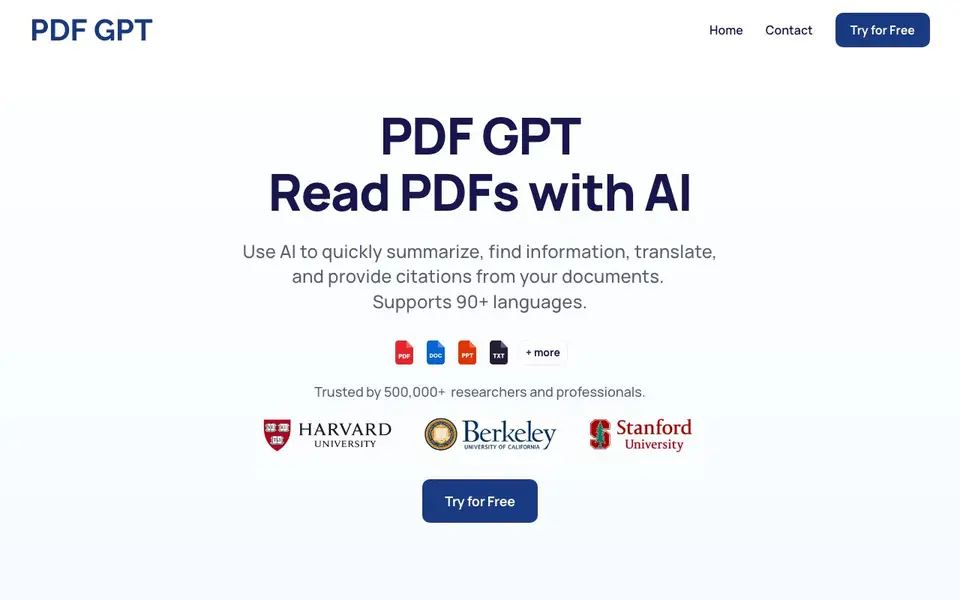
PDF GPT lets you upload PDFs and chat with them using AI. You can summarize lengthy documents, find specific information, translate content, and get answers that include clickable page references. It supports over 90 languages and is used by more than 500,000 researchers and professionals.
To start, you upload your PDFs. Then you ask questions about the document. The tool reads the PDF and gives you answers with page citations and highlights, so you can verify the website. You can also upload multiple PDFs and search across all of them at once, or tag documents and chat with groups based on those tags.
It suits students, researchers, and professionals who work with long documents. The site mentions you can generate summaries, study guides, and presentations from your PDFs. It does not list specific limits, but you can try it for free and see what fits your workflow.
PDF GPT features
- Instant summaries: Save hours by getting concise summaries of lengthy PDFs.
- Cited answers: Every answer includes a clickable page reference and highlight.
- Multi-PDF search: Upload several documents and search for information across all of them.
- Tag and organize: Tag your PDFs and chat with groups based on those tags.
- Language support: Works with documents in over 90 languages.
What you can do with PDF GPT
- Summarize a long research paper to grasp key points quickly.
- Create study guides for exams by asking questions about your notes.
- Search across multiple contracts to find a specific clause.
- Translate a PDF's content into another language for easier reading.
How to get started with PDF GPT
- Upload your PDFs to the tool.
- Ask any question about the document.
- Get answers with page citations and highlights.
Tips for better results with PDF GPT
- Upload multiple related PDFs at once, then ask cross-document questions to find connections and clauses faster than searching each file separately.
- Use PDF GPT's tag feature to group documents by project or topic, then chat with each group to keep your research organized and focused.
- Ask PDF GPT for a summary first to grasp the document's structure, then follow up with specific questions using the cited page references to verify details.
- When translating content, upload the original PDF and ask PDF GPT to translate specific sections, then check the highlighted page references for accuracy.
PDF GPT pricing
PDF GPT has a free way to start, with paid plans for heavier use. Check pdfgpt.chat for current limits and prices.
What to check before you rely on PDF GPT
- Check the free plan's upload size and number of PDFs allowed, since the website does not list specific limits for either.
- Verify whether your documents contain sensitive data, as the site does not state how uploaded PDFs are stored or deleted.
- Confirm that PDF GPT supports the file types you need, since the FAQ mentions different file types but does not specify which ones.
Who PDF GPT is for
PDF GPT suits researchers, students, professionals and anyone with long PDFs. If that is not you, the AI research tools below may fit better.
Similar tools compared with PDF GPT
| Tool | What it is | Pricing |
|---|---|---|
| PDF GPT | AI chat and summarizer for PDFs | Freemium |
| OpenSI | AI model comparison and pricing tool | See website |
| ChatPDF | AI chat and summarizer for PDFs | Freemium |
| Consensus | AI search engine for research papers | See website |
| Scite | AI research assistant with smart citations | Free trial |
PDF GPT FAQ
How can I use PDF GPT?
You can search, summarize, and understand your PDFs. Ask questions, get cited answers, find information, and translate content in seconds.
Does PDF GPT work in other languages?
Yes, it supports over 90 languages, so you can chat with PDFs in many languages and get responses in your preferred language.
Can I chat with multiple PDFs at the same time?
Yes. You can upload multiple documents and search across all of them. You can also tag documents and chat with groups based on those tags.
What file types can I upload?
The site mentions PDFs specifically. It does not state whether other file types are supported, so check the tool's website for details.
Does PDF GPT offer a free plan, and what does it include?
PDF GPT is freemium, so you can try it for free. The website does not list specific limits for the free plan, but you can upload PDFs, ask questions, and get cited answers. To see what the free plan includes, check the pricing page or start with the free trial.
Can I export or download the answers or summaries from PDF GPT?
The PDF GPT website does not mention export or download options for answers or summaries. It focuses on in-app features like summaries, citations, and multi-PDF search. For export details, check the app's interface or contact support.
Does PDF GPT work on mobile devices or require a desktop?
PDF GPT is a web-based tool, so you can access it through a browser on most devices, including mobile. The website does not specify dedicated apps or platform restrictions. For the best experience, use a modern browser on any device.


