

What is Paraflow?
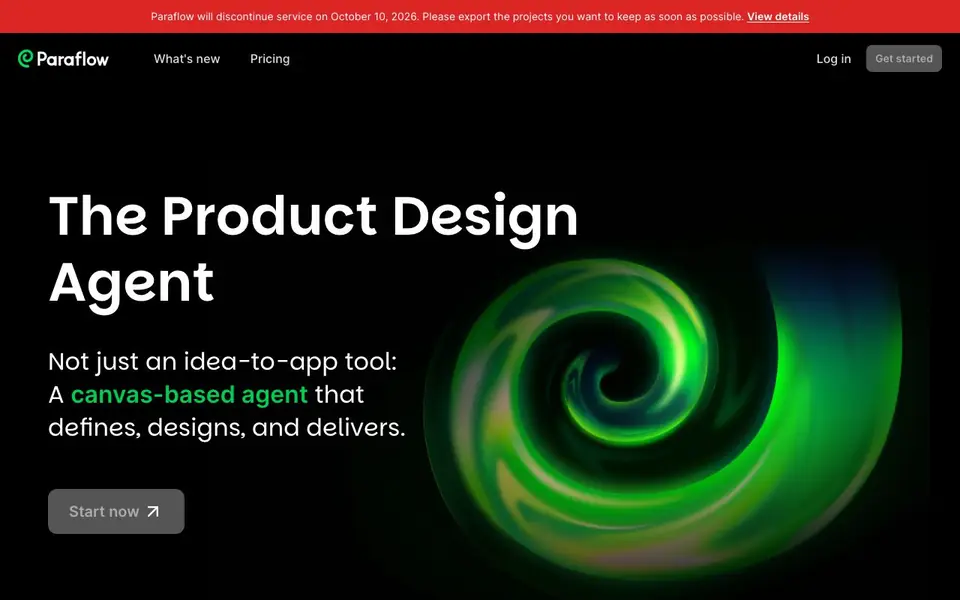
Paraflow is a canvas-based agent that helps you define, design, and deliver a product. It acts like a full product team, moving from scoping to PRD, user flow, screen plans, and UI design. You can also generate interactive prototypes and frontend code from your work.
You start by capturing your thoughts on a canvas. The AI then structures them into a PRD with details, maps every screen and connection into a user flow, and lays out modules for the actual UIs. You pick a design style from a gallery, and the AI keeps every page consistent with a style guide.
Paraflow suits agencies, startups, product managers, developers, and designers. It helps you visualize product structure, prototype rapidly, and hand off specs as code. Note: Paraflow will discontinue service on October 10, 2026, so export your projects before then.
Paraflow features
- PRD generation: AI writes a detailed product requirements document from your input in seconds.
- User flow mapping: AI instantly maps every screen and connection for your site or app.
- Screen plan blueprint: AI drafts a UI blueprint with all modules and content ready for design.
- Style gallery: AI generates multiple UI style options so you can pick the one you like.
- Style guide consistency: AI creates a style guide to keep every page visually in sync.
What you can do with Paraflow
- Create a PRD and user flow for a new product idea.
- Design a store order management panel from a PRD.
- Restyle an existing UI from solid color to adaptive design.
- Enhance a design for different account status conditions.
How to get started with Paraflow
- Start by capturing your product thoughts on the canvas.
- Let the AI generate a PRD, user flow, and screen plan from your input.
- Pick a design style, refine the high-fidelity UIs, and export specs as frontend code.
Tips for better results with Paraflow
- Start by dumping all your rough thoughts onto the canvas, even messy ones, so Paraflow can structure them into a detailed PRD that matches your actual intent.
- Pick a design style from the gallery early in your project, because Paraflow uses that choice to keep every page visually consistent through its style guide.
- Use Paraflow to map your user flow before designing screens, so you can see all connections and catch gaps in navigation before you commit to UI layouts.
- Export your projects before October 10, 2026, since Paraflow will discontinue service, and you need to keep your PRDs, flows, and code for future work.
- Iterate on your screen plan by reviewing the modules Paraflow drafts, then refine your input to get closer to the UI blueprint you actually want to build.
Paraflow pricing
Paraflow’s homepage does not list prices. Check paraflow.com for current plans.
What to check before you rely on Paraflow
- Check whether Paraflow's pricing is listed on its website, since the pricing label is unknown and no cost details are provided there.
- Verify what export formats Paraflow supports for your projects, because the website does not state which file types you can download before shutdown.
- Confirm how Paraflow handles your data and privacy, since the website does not mention any data retention or security policies for your project content.
Who Paraflow is for
Paraflow suits agencies, startups, product managers, developers and designers. If that is not you, the AI design tools below may fit better.
Similar tools compared with Paraflow
| Tool | What it is | Pricing |
|---|---|---|
| Paraflow | Canvas-based product design agent | See website |
| Looka | AI logo maker and brand identity platform | Freemium |
| Uizard | AI-powered UI design and prototyping tool | Freemium |
| Clipdrop | AI photo editing and image generation suite | See website |
| Interior AI | AI interior design and virtual staging app | Freemium |
Paraflow FAQ
What does Paraflow do?
Paraflow is a canvas-based AI agent that helps you define, design, and deliver a product. It creates PRDs, user flows, UI designs, prototypes, and frontend code all in one canvas.
Who is Paraflow for?
It is built for agencies, startups, product managers, developers, and designers. Each role can use it to speed up product design and development, from mockups to production-ready UIs.
Is Paraflow free?
The website does not state pricing details. You can check the Pricing page on Paraflow's website for current plans and costs.
Will Paraflow keep working?
No. Paraflow will discontinue service on October 10, 2026. The website advises you to export the projects you want to keep as soon as possible.
Can Paraflow export my projects as frontend code?
Yes, Paraflow can hand off your designs as frontend code. The website describes this as part of its Develop stage, where you get structured specs and production-ready UIs as code. You can use this to speed up development or share with your team.
Does Paraflow require an account to use?
The website does not mention whether an account is required. To find out, check the Paraflow sign-up or login page directly. The site does have a 'Get started' button, which likely leads to account creation, but the exact requirements are not detailed on the main page.
What platforms or devices does Paraflow run on?
The website does not specify which platforms or devices Paraflow supports. Since it is a canvas-based tool, it likely runs in a web browser, but the site does not confirm this. For accurate system requirements, check the Paraflow website or contact their support.


