

What is Recraft?
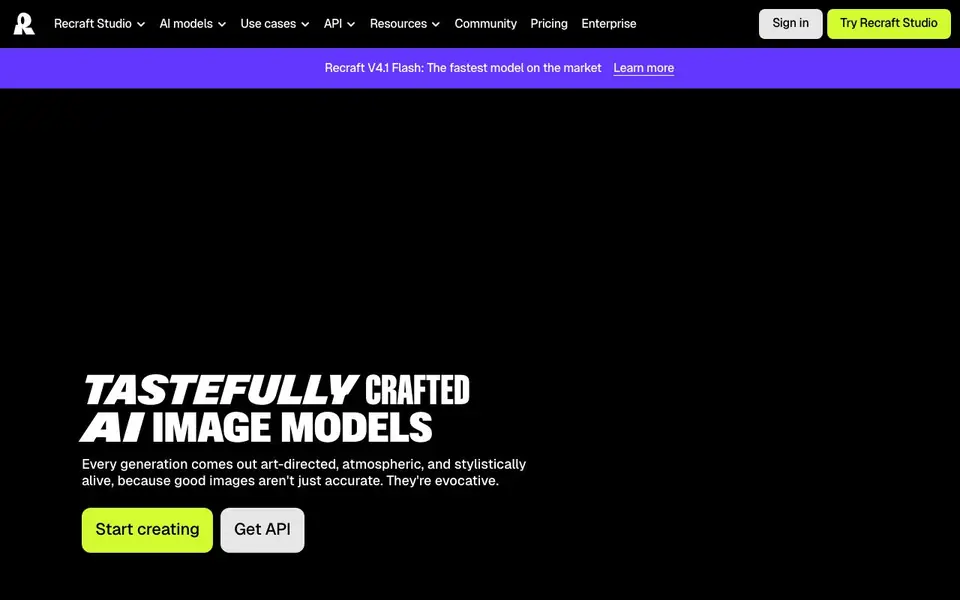
Recraft is an AI image generation and design platform built for designers, creatives, sellers, and teams. It focuses on producing images that are not just accurate but also evocative, with a strong emphasis on aesthetic quality and art direction. The platform includes a studio where you can generate and edit images, vectors, and mockups using Recraft's own models alongside other top frontier models.
You start by describing what you want in a prompt, and Recraft's models handle the rest, delivering results with strong prompt understanding and built-in aesthetic mastery. A standout feature is its vector generation, which lets you create images directly in vector format—something many other AI tools don't offer. You can also create a custom style by simply dropping in your images, and Recraft turns them into a reusable, editable style without any training.
Recraft suits a wide range of users, from graphic designers and embroidery designers to marketing teams and sellers. The platform offers tools like an AI image generator, vectorizer, photo editor, mockup generator, image upscaler, background remover, and AI eraser. You can try it free in the studio, and there are paid plans for more advanced needs.
Recraft features
- AI Image Generator: Creates art-directed, atmospheric images from your text prompts with strong prompt understanding.
- AI Vector Generator: Produces images directly in vector format, a feature not commonly found in other AI tools.
- Custom Style Creator: Turns your uploaded images into a reusable, editable style without any training required.
- AI Photo Editor: Edits existing photos with AI-powered tools for retouching and adjustments.
- Mockup Generator: Generates product mockups quickly to visualize designs in real-world contexts.
What you can do with Recraft
- Create unique logos and brand assets with consistent styles.
- Design eye-catching ads and social media visuals with custom aesthetics.
- Generate characters and stock images for creative projects.
- Upscale and edit existing images for higher quality and polish.
How to get started with Recraft
- Go to Recraft's website and click 'Try Recraft Studio' to start.
- Sign up for a free account or log in if you already have one.
- Choose a tool like the AI image generator or vector generator, then enter your prompt to create.
Tips for better results with Recraft
- Describe your subject with specific details like lighting, mood, and composition, since Recraft excels at prompt understanding and will follow your art direction closely.
- Upload a few reference images to create a custom style in Recraft, then reuse it across projects to keep your logos, ads, or characters visually consistent without retraining.
- For scalable designs like logos or embroidery, use Recraft's vector generation feature directly, so you get editable files instead of raster images that lose quality when resized.
- Experiment with Recraft's built-in aesthetic options and different frontier models in the studio to find the look you want, then save your favorite settings for faster future generations.
Recraft pricing
Recraft has a free way to start, with paid plans for heavier use. Check recraft.ai for current limits and prices.
What to check before you rely on Recraft
- Check whether your plan includes vector generation and custom style creation, since the website lists these as features but does not state which tiers cover them.
- Review Recraft's pricing page for credit limits or generation caps on the free plan, as the site mentions trying free but does not specify usage allowances.
- Verify the export formats and resolution options for your generated images, because the website does not list available file types or maximum sizes for downloads.
Who Recraft is for
Recraft suits designers, creatives, sellers and teams. If that is not you, the AI image generators below may fit better.
Similar tools compared with Recraft
| Tool | What it is | Pricing |
|---|---|---|
| Recraft | AI image and vector generation platform | Freemium |
| SiImageGen | AI image generator and photo editor | Freemium |
| FreeSiTools | Free AI image prompt generator | Free |
| SiPhotoEditor | AI photo editor by description | Paid |
| Civitai | AI art community and model library | Freemium |
Recraft FAQ
What can I create with Recraft?
You can generate images, vectors, and mockups using text prompts. It's designed for logos, icons, ads, characters, and stock images, with a focus on aesthetic quality and art direction.
Does Recraft offer a free plan?
Yes, you can try Recraft Studio for free. The website mentions 'Try it free,' indicating there is a free tier, though details on limits aren't specified on the homepage.
Can I create vector images with Recraft?
Yes, Recraft can generate images directly in vector format, which is a standout feature. This is useful for designers who need scalable graphics for logos or illustrations.
How do I create a custom style?
You can create a custom style by uploading your images to Recraft. The platform instantly turns them into a reusable, editable style without any training, so you can apply it to future generations.
What file formats can I export from Recraft?
Recraft lets you generate images directly in vector format, which is a standout feature. For other export formats like PNG or JPG, the website does not list specific options. Check the studio's export settings after creating an image to see what is available.
Does Recraft work on mobile devices or only on desktop?
Recraft is a web-based platform you can access through a browser, so it works on any device with an internet connection, including phones and tablets. The website does not mention dedicated mobile apps, but the studio should be usable from a mobile browser.
What does the Recraft free plan include, and are there limits?
Recraft offers a free plan that lets you try the studio without paying. The website says you can try it free, but it does not specify the number of images or features included in the free tier. For exact limits, check the pricing page or sign up to see your plan details.


