

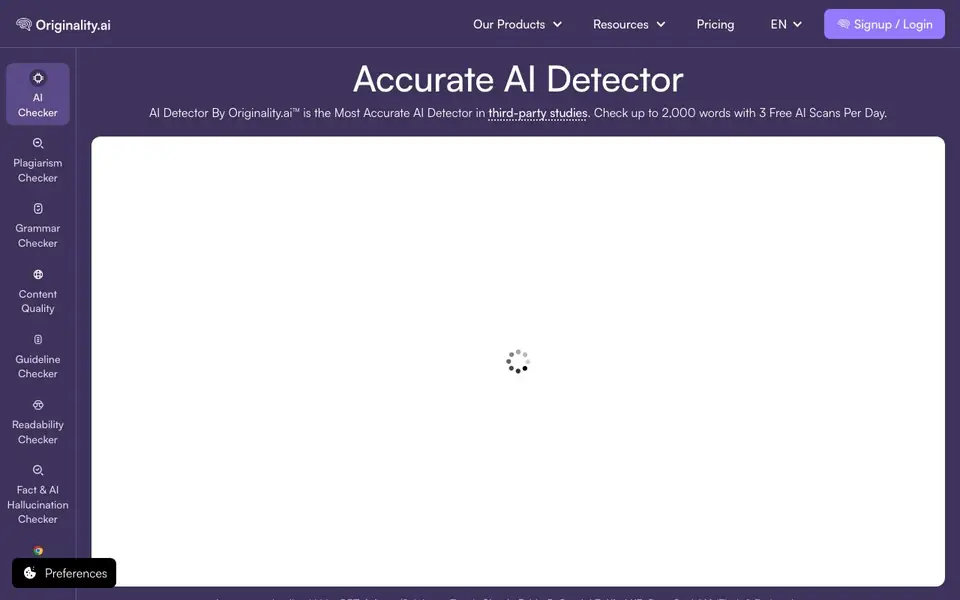
What is Originality.ai?
Originality.ai is an AI detector that checks whether text was written by tools like ChatGPT, Gemini, Claude, or Grok. It also includes a plagiarism checker, grammar checker, and fact-checking features. The tool is designed for writers, editors, teachers, and publishers who need to verify content authenticity.
To use it, you paste text, upload a file, or provide a URL. Then you choose which scans to run, such as AI detection, plagiarism, or content quality. After scanning, you get scores for each check, with sentence-level highlights showing which parts are likely AI-generated. A Deep Scan option explains why text was flagged and suggests ethical edits.
The tool offers a Chrome extension that works in Google Docs, plus integrations with Moodle and Google Classroom. It also provides an API for developers and team features for enterprises. The website mentions free scans per day, with paid plans for higher volume. It claims high accuracy in third-party studies and is trained on adversarial data to catch paraphrased AI text.
Originality.ai features
- AI detection: Scans text for content from major AI models like GPT, Claude, and Gemini.
- Plagiarism checker: Finds copied or unoriginal content in your writing.
- Deep Scan: Explains why text is flagged as AI and suggests natural edits.
- Sentence highlights: Shows which specific sentences are likely AI-generated.
- Chrome extension: Checks AI and plagiarism directly in Google Docs or Chrome.
What you can do with Originality.ai
- Verify if a blog post was written by AI before publishing.
- Check student essays for AI-generated content before grading.
- Scan your own writing to ensure it isn't flagged as AI.
- Review website content for plagiarism and factual accuracy.
How to get started with Originality.ai
- Paste text, upload a file, or enter a URL on the website.
- Select the scans you want, like AI detection or plagiarism.
- Review the scores and highlights, then adjust AI Allowance or use Deep Scan.
Tips for better results with Originality.ai
- Paste text directly instead of using URLs when you need sentence-level highlights, since pasted text gives you the clearest view of which parts are flagged as AI-generated.
- Use Originality.ai's Deep Scan on flagged content to see why it was marked and get suggestions for ethical edits that can reduce false positives in your final draft.
- Run your own writing through Originality.ai before submitting it, especially if you used AI tools for brainstorming or editing, to catch accidental AI-style phrasing early.
- Combine the AI detection scan with the plagiarism checker in Originality.ai on the same text to get a fuller picture of content originality in one pass.
- Adjust the AI Allowance setting in Originality.ai to match your hybrid workflow, so you can set a threshold that accepts acceptable AI assistance without flagging legitimate work.
Originality.ai pricing
Originality.ai has a free way to start, with paid plans for heavier use. Check originality.ai for current limits and prices.
What to check before you rely on Originality.ai
- Check the free scan limit per day and the word cap for free scans, since the site mentions 3 free scans up to 2,000 words but does not state what happens beyond that.
- Verify whether the free plan includes all features like plagiarism checking and Deep Scan, as the website lists these but does not specify which are available without a paid plan.
- Confirm data privacy terms, especially whether your scanned text is stored or used for training, since the site mentions opt-out options but does not detail default data handling.
Who Originality.ai is for
Originality.ai suits writers, editors, teachers and publishers. If that is not you, the AI content detectors below may fit better.
Similar tools compared with Originality.ai
| Tool | What it is | Pricing |
|---|---|---|
| Originality.ai | Accurate AI detector and content checker | Freemium |
| GPTZero | AI text and writing quality checker | Freemium |
| Copyleaks | AI content and plagiarism detection platform | Freemium |
| Scite | AI research assistant with smart citations | Free trial |
| AI Image Detector | Free AI image detection tool | Free |
Originality.ai FAQ
Is Originality.ai free to use?
The website says you get 3 free AI scans per day, checking up to 2,000 words each. For more scans or advanced features, you need a paid plan. Pricing details are on their pricing page.
Which AI models can it detect?
It detects text from popular models like GPT-6 Astra, Claude Fable 5, Gemini 3, Kimi K3, DeepSeek V4, and Grok 4.1 Fast, among others. The site also mentions training on adversarial data to catch paraphrased AI text.
Can I use it in Google Docs?
Yes, there is a Chrome extension that works with Google Docs. It lets you check for AI and plagiarism, and even watch a writing replay to prove authorship.
Who is this tool best for?
It's built for writers, editors, marketers, teachers, students, and enterprises. Features like team roles and an API are available for larger organizations, while students and teachers get tools like Deep Scan and Google Classroom integration.
What file formats can I upload to Originality.ai for scanning?
Originality.ai lets you paste text, upload a file, or provide a URL for scanning. The website does not specify which file formats are supported for upload, so check the tool's interface or help section for details on accepted file types.
Does Originality.ai offer a free plan and what does it include?
Yes, Originality.ai has a freemium model. You get 3 free AI scans per day, each checking up to 2,000 words. Plagiarism and other scans may consume credits or require a paid plan, so review the pricing page for full details on what's included free.
Can I use Originality.ai on my mobile device or tablet?
Originality.ai is primarily a web-based tool, so you can access it through a browser on any device. The website also mentions a Chrome extension and a Firefox extension, but does not list dedicated mobile apps. For on-the-go use, try the mobile browser version.


