

What is OnSpace.AI: App Builder AI No-code Platform?
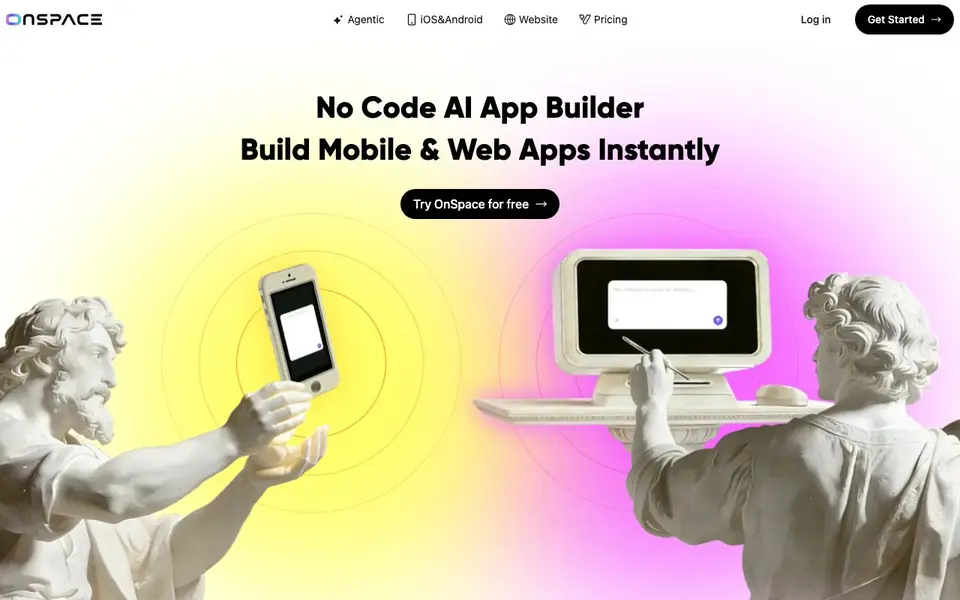
OnSpace.AI is a no-code platform that turns your app idea into a working mobile or web app using agentic AI. You describe what you want, and the AI handles the heavy lifting—building the interface, setting up the backend, and preparing it for launch. It's designed for people who want to ship software without writing code or managing servers.
You start by describing your app idea in plain language. The AI builds your app, and you can refine it with drag-and-drop editing or a code editor if you prefer. Everything runs on a managed backend that includes a database, authentication, edge functions, secrets, and logs—so you don't need DevOps skills. You can also build and edit apps directly from your phone using the mobile creator app.
OnSpace suits freelancers, entrepreneurs, coaches, teachers, and small business owners who want to launch an MVP quickly. The site mentions Stripe payment integration is built in, so you can monetize your app right away. It says over 100,000 creators use the platform, and you can start for free with public projects, with paid plans from $25 per month for more credits and features.
OnSpace.AI: App Builder AI No-code Platform features
- Agentic AI builder: Describe your app idea and the AI creates a working full-stack app for you.
- Mobile and web support: Build apps that run on iOS, Android, and the web from one project.
- Built-in Stripe payments: Add payment processing to your app without setting up payment infrastructure yourself.
- Managed backend: Get a database, authentication, edge functions, secrets, and logs without DevOps work.
- Mobile creator app: Create and edit your apps from your phone, available on iOS and Android.
What you can do with OnSpace.AI: App Builder AI No-code Platform
- Build a restaurant ordering app for your business without hiring a developer.
- Create a fitness coaching app to manage clients and payments as a coach.
- Prototype an MVP for a startup idea in under an hour to show investors.
- Let students build classroom tools as a teacher without teaching coding.
How to get started with OnSpace.AI: App Builder AI No-code Platform
- Sign up for a free account on OnSpace.AI's website.
- Describe your app idea in plain language or start from a template.
- Use drag-and-drop editing or the code editor to refine your app, then publish to iOS, Android, or the web.
Tips for better results with OnSpace.AI: App Builder AI No-code Platform
- Describe your app idea in detailed plain language, including user roles and core screens, so OnSpace.AI can generate a more accurate starting version for you.
- Use OnSpace.AI's drag-and-drop editor to refine the generated interface after the AI builds it, rather than starting from scratch or relying only on the code editor.
- Test the built-in Stripe payment integration early in your project with OnSpace.AI to confirm it works for your specific monetization flow before investing more time.
- Build and edit your app from the OnSpace.AI mobile creator app when you're away from your computer, so you can iterate on ideas and fix issues in real time.
OnSpace.AI: App Builder AI No-code Platform pricing
OnSpace.AI: App Builder AI No-code Platform has a free way to start, with paid plans for heavier use. Check onspace.ai for current limits and prices.
What to check before you rely on OnSpace.AI: App Builder AI No-code Platform
- Check whether the free plan's public project visibility meets your privacy needs, since the website does not state if private projects are available on free tier.
- Verify the paid plan's credit system and usage limits before committing, as the website lists $25 per month but does not specify included credits or overage costs.
- Confirm whether you can export your project code and host it elsewhere, since the FAQ mentions export but the website does not detail the process or any restrictions.
Who OnSpace.AI: App Builder AI No-code Platform is for
OnSpace.AI: App Builder AI No-code Platform suits freelancers, entrepreneurs, small business owners and teachers. If that is not you, the AI app builders below may fit better.
Similar tools compared with OnSpace.AI: App Builder AI No-code Platform
| Tool | What it is | Pricing |
|---|---|---|
| OnSpace.AI: App Builder AI No-code Platform | No-code AI app builder for mobile and web | Freemium |
| SiGameGen | AI game builder from one sentence | Freemium |
| Durable | AI business builder and website maker | Freemium |
| Lovable | AI app and website builder | Freemium |
| Replit | AI app and website builder | Freemium |
OnSpace.AI: App Builder AI No-code Platform FAQ
Do I need coding experience to build an app with OnSpace?
No. The platform is designed for no-code building. You describe your idea, and the AI creates the app. You can also use a code editor if you want more control, but it's not required.
How long does it take to build a full-stack app?
The site says you can go from prototype to production in seconds, and one user reports prototyping in 45 minutes. The actual time depends on your app's complexity and how much you refine it.
Can I add payment systems to my app?
Yes. OnSpace has Stripe payment integration built in, so you can add payments to your app without building payment infrastructure yourself. This lets you monetize your app quickly.
Is there a free plan?
Yes, you can start for free with public projects. Paid plans start at $25 per month and offer more credits, features, and support. The site also mentions an agent mode that is usage-based.
Can I export my OnSpace.AI project and host it elsewhere?
The OnSpace.AI website does not mention whether you can export your project or host it on another platform. To find out if this is possible, check the platform's documentation or contact their support team directly.
What devices can I use to build and run apps with OnSpace.AI?
OnSpace.AI lets you build apps for iOS, Android, and the web from one project. You can also create and edit apps using the mobile creator app available on iOS and Android, so you can work from your phone or tablet as well as your computer.
Does OnSpace.AI require me to create an account to start building?
The OnSpace.AI website does not explicitly state whether an account is required to start building. However, since it offers a free plan with public projects, you will likely need to sign up to use the platform. Check the sign-up page for details.


