

What is OdysseyGPT?
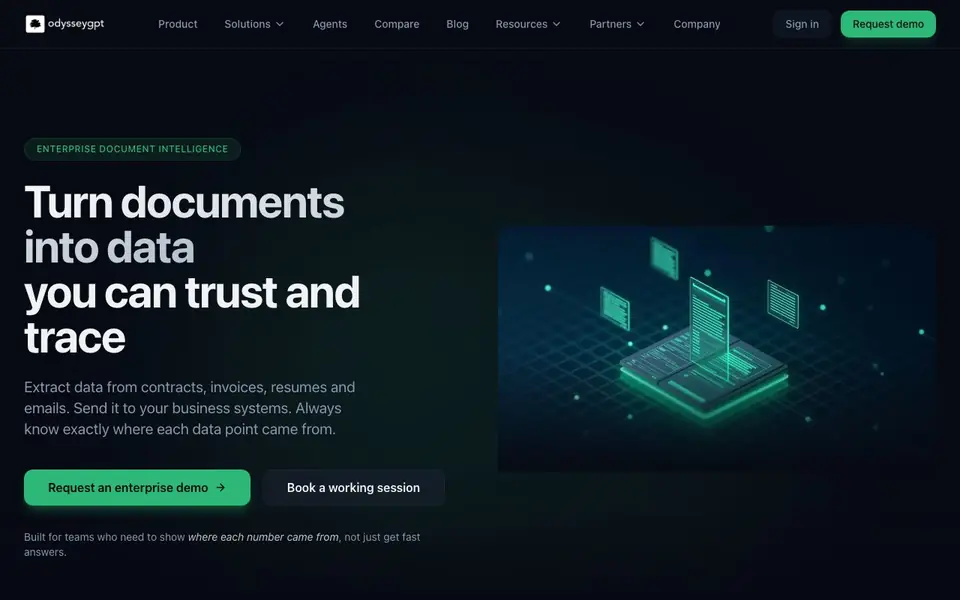
OdysseyGPT is an enterprise document intelligence platform. It reads unstructured documents like contracts, invoices, resumes, and emails. It pulls out the data you need and links each value back to the exact page and paragraph. This gives you traceable data you can trust.
You start by connecting your documents from cloud storage, email, file shares, or business apps. Then you set up workspaces for each team or project. You define what data to extract, who can see it, and how long to keep it. AI agents then sort documents, pull out data, and check it, while keeping links to the website. After review, data flows to your accounting, HR, CRM, and support tools, with every sync logged.
OdysseyGPT suits teams that need transparency and control, like legal, risk, finance, HR, and IT. It offers single sign-on, roles and permissions, and logs of every question, answer, and file access. Data is encrypted in transit and at rest, with options to keep data in your own environment. The website does not state pricing details.
OdysseyGPT features
- Citation-backed extraction: Every data point links back to the exact page and paragraph in the website document.
- Workspace controls: Set up roles, permissions, and approval steps for each team or project.
- Full audit trail: Every question, answer, and data export is logged for traceability.
- System integrations: Send extracted data to accounting, HR, CRM, and support tools without losing context.
- Security by design: Single sign-on, role-based access, and AES-256 encryption at rest with TLS 1.3 in transit.
What you can do with OdysseyGPT
- Speed up contract reviews by extracting clauses, dates, parties, and terms.
- Process invoices by pulling line items, taxes, and payment terms for verification.
- Parse resumes into candidate profiles for your ATS or HRIS.
- Auto-tag and sort support tickets with products, versions, and error codes.
How to get started with OdysseyGPT
- Connect your documents from cloud storage, email, file shares, or business apps.
- Create workspaces and define rules for what data to extract and who can see it.
- Let AI agents sort, extract, and check data, then review and send it to your systems.
Tips for better results with OdysseyGPT
- Start with one document type, like invoices, and define the exact fields you need before setting up your workspace in OdysseyGPT to keep extraction focused and accurate.
- Use OdysseyGPT's workspace controls to set roles and approval steps for each team, ensuring only authorized members review extracted data before it syncs to your systems.
- Leverage the citation-backed extraction by clicking from any data field to the website page and paragraph, so you can verify accuracy during review without leaving the platform.
- Connect OdysseyGPT to your accounting or HR tools early and test the sync with a small batch of documents, checking that every data point retains its source link in the destination system.
OdysseyGPT pricing
OdysseyGPT’s homepage does not list prices. Check odysseygpt.ai for current plans.
What to check before you rely on OdysseyGPT
- Check whether the website lists pricing or a free trial; it does not, so you must contact sales to understand costs before committing.
- Verify if OdysseyGPT supports your specific document formats and cloud storage providers, since the website mentions general types but not a full list.
- Confirm your data retention and hosting requirements against OdysseyGPT's options, as the website states encryption but does not detail all deployment choices.
Who OdysseyGPT is for
OdysseyGPT suits legal teams, risk and audit teams, finance and accounting and HR and recruiting. If that is not you, the AI research tools below may fit better.
Similar tools compared with OdysseyGPT
| Tool | What it is | Pricing |
|---|---|---|
| OdysseyGPT | Enterprise document intelligence and data extraction platform | See website |
| OpenSI | AI model comparison and pricing tool | See website |
| ChatPDF | AI chat and summarizer for PDFs | Freemium |
| Consensus | AI search engine for research papers | See website |
| Scite | AI research assistant with smart citations | Free trial |
OdysseyGPT FAQ
What types of documents can OdysseyGPT process?
OdysseyGPT works with invoices, contracts, resumes, emails, forms, and support tickets. It reads unstructured documents and turns them into structured data you can search and send to other systems.
How does OdysseyGPT ensure data accuracy?
It links every extracted value back to the exact page and paragraph in the website document. This lets you verify each data point and trace it to its origin, which is key for audits and compliance.
Can OdysseyGPT integrate with our existing business tools?
Yes. It can send extracted data to accounting, HR, CRM, and support systems. Every sync is logged so you can trace data back to its source document.
Is there a free plan or trial?
The website does not state pricing or free trial details. It focuses on enterprise features like SSO, audit logs, and data encryption. You can request a demo or book a working session to learn more.
Can OdysseyGPT export extracted data to Excel or CSV files?
The OdysseyGPT website does not mention exporting to Excel or CSV. It focuses on sending data to accounting, HR, CRM, and support tools. To confirm if file exports are available, check the product documentation or contact the sales team through the demo request form.
Does OdysseyGPT run on mobile devices or require a desktop app?
The OdysseyGPT website does not specify whether it runs on mobile or offers a desktop app. It appears to be a web-based platform, as it mentions signing in and requesting a demo online. For device compatibility details, check the system requirements section or reach out to support.
What does the free plan of OdysseyGPT include?
The OdysseyGPT website does not state any free plan or trial details. It only offers an enterprise demo and a working session. Since pricing is not listed, you should contact the sales team to ask about free trials or plan options that might be available.


