

What is NotebookLM?
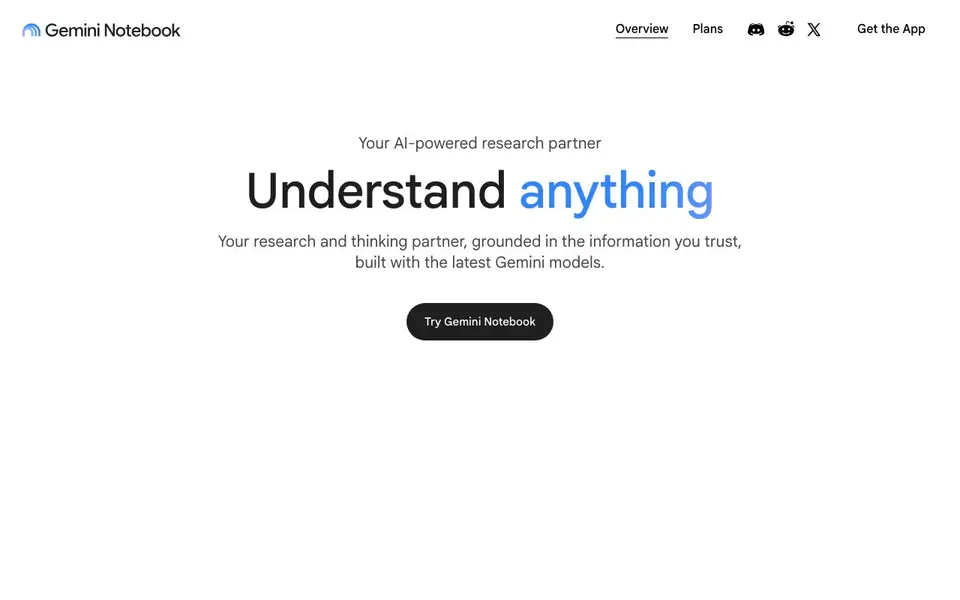
Gemini Notebook is an AI research tool that works with your own information. You add your notes, documents, and other sources, and it becomes a thinking partner grounded in that material. Built with the latest Gemini models, it focuses on making your notes more useful.
You start by creating a notebook and adding your sources. Then you can ask questions about anything in those sources. The responses are always grounded in the information you provide, so you get answers based on your trusted materials. You can also generate tailored written reports, from sales strategy to art analysis.
It suits researchers, students, and professionals who work with many documents. The website mentions public notebooks you can explore for inspiration, like collections on Shakespeare or earnings reports. It also states that your data is not used to train the model unless you share feedback, which matters if you handle sensitive information.
NotebookLM features
- Source grounding: Your answers are always based on the notes and documents you provide, not general web knowledge.
- Question answering: Ask about anything in your sources and get responses tied to that specific information.
- Report generation: Create written reports tailored to your needs, from sales strategy to art analysis.
- Public notebooks: Explore featured example notebooks to see how others organize sources and ask questions.
- Privacy protection: Your data is not used for training unless you share feedback, keeping your information private.
What you can do with NotebookLM
- Analyze a collection of earnings reports for top corporations.
- Summarize and ask questions about a book or complete works of an author.
- Generate a sales strategy report from your own research documents.
- Create a study guide from your class notes and readings.
How to get started with NotebookLM
- Go to the Gemini Notebook website and sign in with your Google account.
- Create a new notebook and upload or paste the sources you want to work with.
- Start asking questions or request a report based on your sources.
Tips for better results with NotebookLM
- Create a new notebook for each project and upload only the documents you need, so NotebookLM grounds every answer in that specific set of sources.
- Ask NotebookLM follow-up questions that reference earlier answers, and rephrase your queries to surface details you might have missed in your sources.
- Use NotebookLM's report generation to turn your uploaded notes into structured documents, then edit the output to match your own voice and requirements.
- Explore the featured public notebooks in NotebookLM to see how others organize sources and frame questions, then adapt those patterns to your own work.
NotebookLM pricing
NotebookLM’s homepage does not list prices. Check notebook.google for current plans.
What to check before you rely on NotebookLM
- Check whether your plan includes enough source uploads and queries for your workload, since the website does not list any plan limits or pricing.
- Verify that NotebookLM accepts the file formats you use, because the website does not specify which document types you can upload.
- Confirm your organization's data handling rules align with NotebookLM's privacy statement, which says your data is not used for training unless you share feedback.
Who NotebookLM is for
NotebookLM suits researchers, students, professionals and analysts. If that is not you, the AI research tools below may fit better.
Similar tools compared with NotebookLM
| Tool | What it is | Pricing |
|---|---|---|
| NotebookLM | AI research and thinking partner | See website |
| OpenSI | AI model comparison and pricing tool | See website |
| ChatPDF | AI chat and summarizer for PDFs | Freemium |
| Consensus | AI search engine for research papers | See website |
| Scite | AI research assistant with smart citations | Free trial |
NotebookLM FAQ
Is Gemini Notebook the same product as NotebookLM?
The website lists this as a common question but does not provide the answer. You would need to check the FAQ section on the site for a direct comparison.
What makes Gemini Notebook different from other AI-powered note-taking apps?
The site does not spell out the differences. It does emphasize that responses are grounded in the information you provide, which suggests a focus on source-based answers rather than general AI chat.
Can I use Gemini Notebook for creative projects like making a podcast?
The website lists this as a common question but does not show the answer. It mentions report generation for tasks like sales strategy and art analysis, so creative uses may be possible, but podcast creation is not stated.
Is my data privacy at risk with Gemini Notebook?
The site states that your data is never used to train Gemini Notebook. As an individual, your data is not used for training unless you share feedback. For organizations and schools, data stays private to you.
What file types can I upload to Gemini Notebook?
The Gemini Notebook website does not list the specific file types you can upload. To find out which formats are supported, check the in-app help or the official documentation. The site focuses on how you can add notes, documents, and other sources to create a notebook.
Does Gemini Notebook have a mobile app?
The Gemini Notebook website mentions a 'Get the App' option, but it does not specify which platforms the app supports. To see if there is an app for your device, visit the app store for your phone or tablet. The website does not list any platform limitations.
Can I use Gemini Notebook without creating a Google account?
The Gemini Notebook website does not state whether you need a Google account to use it. Since it is a Google product, you may need one to sign in. For the most accurate information, try accessing the tool or check the help center. The site does not mention any offline or account-free access.


