

What is MyPicNow?
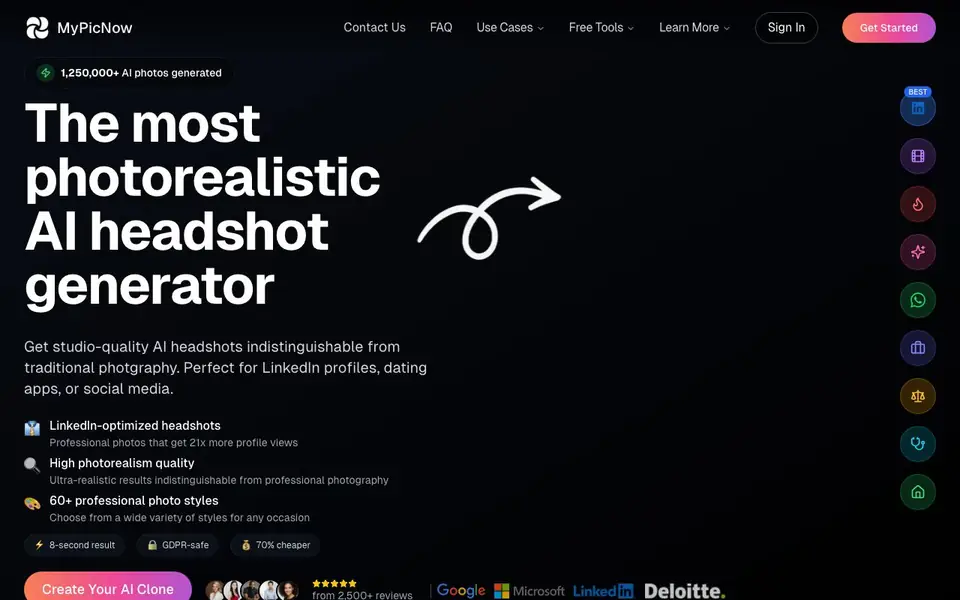
MyPicNow is an AI headshot generator that turns your everyday photos into professional-looking portraits. It is designed for people who need polished images for LinkedIn, dating apps, or social media without booking a photographer. The tool claims to maintain your exact likeness across all generated images, producing results that look like real photography.
You start by uploading a variety of your own photos—close-ups, full-body shots, different outfits, and angles. The AI then trains a custom model based on your face, which takes about 30 minutes on average. After that, you can generate individual photos in around 10 seconds, or up to four at once. The tool offers 60+ styles, from professional headshots to casual selfies.
MyPicNow suits professionals, job seekers, dating app users, and social media creators. The website notes that occasional flaws or imperfections can appear depending on your uploaded photos, but most results turn out well. It also provides an editor to help refine generated images. Supported file formats are JPG, PNG, WebP, and AVIF—HEIC files are not accepted.
MyPicNow features
- Photorealistic output: Generates AI portraits that look like professional photography, preserving your facial features.
- 60+ photo styles: Choose from a wide range of looks for LinkedIn, dating apps, Instagram, TikTok, and more.
- Fast generation: Creates a single photo in about 10 seconds, or up to four at once for quicker results.
- Custom AI model: Trains a personal model from your uploaded photos, taking around 30 minutes on average.
- Built-in editor: Refine generated images to fix minor imperfections or adjust details as needed.
What you can do with MyPicNow
- Upload your photos to create a professional LinkedIn headshot that boosts profile views.
- Generate dating profile photos for Tinder, Bumble, or Hinge to get more matches.
- Create polished social media content for Instagram, TikTok, or WhatsApp.
- Produce a professional photoshoot-style image without hiring a photographer.
How to get started with MyPicNow
- Upload a variety of your own photos, including close-ups and full-body shots in different settings.
- Wait about 30 minutes for the AI to train your personal model.
- Pick a style and generate your headshots, then use the editor to refine any imperfections.
Tips for better results with MyPicNow
- Upload at least 10 varied photos with different angles, outfits, and lighting to give MyPicNow enough data to train a custom model that preserves your likeness accurately.
- Wait the full 30 minutes for MyPicNow to finish training your model before generating photos, as rushing this step can lead to less consistent results across styles.
- Use MyPicNow's built-in editor to fix minor flaws in generated images, especially around hands or eyes, which the tool may occasionally render imperfectly depending on your uploads.
- Generate up to four photos at once with MyPicNow to speed up your workflow, then review each output and pick the best ones rather than settling for the first result.
MyPicNow pricing
MyPicNow’s homepage does not list prices. Check mypicnow.com for current plans.
What to check before you rely on MyPicNow
- Check whether MyPicNow's pricing is listed anywhere on the site, since the website does not state any plan costs or limits before you commit to using it.
- Verify which file formats you need for your final use, as MyPicNow supports JPG, PNG, WebP, and AVIF but does not accept HEIC files from your uploads.
- Confirm that MyPicNow's claims about likeness and quality match your expectations, since the website notes occasional flaws can appear depending on the photos you provide.
Who MyPicNow is for
MyPicNow suits professionals, job seekers, dating app users and social media creators. If that is not you, the AI photo editors below may fit better.
Similar tools compared with MyPicNow
| Tool | What it is | Pricing |
|---|---|---|
| MyPicNow | AI headshot and profile photo generator | See website |
| SiPhotoEditor | AI photo editor by description | Paid |
| SiImageGen | AI image generator and photo editor | Freemium |
| Clipdrop | AI photo editing and image generation suite | See website |
| Photoroom | AI photo editor for e-commerce product visuals | Freemium |
MyPicNow FAQ
How does MyPicNow work?
You upload your own photos, and the AI trains a custom model based on your face. Once trained, you can generate professional headshots in various styles. The process takes about 30 minutes for training and around 10 seconds per photo.
What kind of photos should I upload?
Upload a mix of close-up and full-body shots taken in different settings, outfits, and angles. Include varied expressions. Avoid group photos, sunglasses, hats, or images where your face is obscured or cropped out.
How long does it take to generate photos?
Creating a single AI photo takes about 10 seconds on average. You can also generate up to four photos at once for faster results. Training your AI model takes around 30 minutes before you can start generating.
Are there any flaws in the generated photos?
Occasionally, yes. Depending on the quality of your uploaded photos, some images may have minor artifacts like distorted features or unusual details. Most results turn out well, and the tool provides an editor to fix issues.
What image formats can I upload to MyPicNow?
MyPicNow accepts JPG, PNG, WebP, and AVIF files. HEIC files are not supported, so if your photos are in that format, you'll need to convert them before uploading. The website does not mention any other format limitations.
Does MyPicNow offer a free plan or trial?
The MyPicNow website does not mention a free plan or trial. It also does not list pricing details. To find out about costs or any trial options, you would need to check the site directly or contact their support.
Can I use MyPicNow on my phone or tablet?
The MyPicNow website does not specify whether it works on mobile devices or tablets. It also does not mention if there is a dedicated app. You can try accessing the site from your device's browser, but for confirmed compatibility, check the website or contact support.


