

What is Meeting Backgrounds?
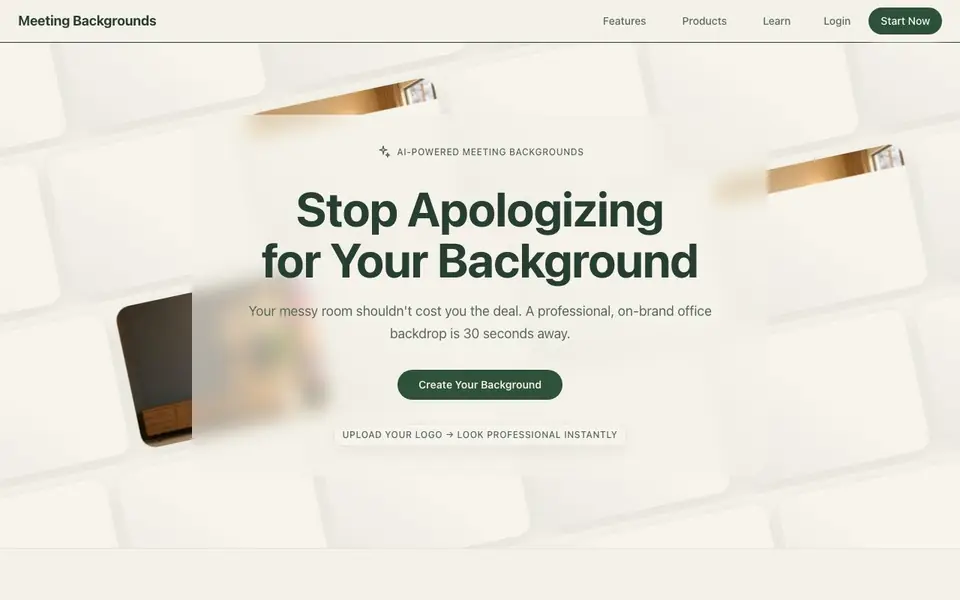
Meeting Backgrounds is an AI-powered tool that turns your logo or a simple prompt into a professional virtual meeting background. It helps you look polished on video calls without needing a tidy home office. The website highlights that a messy room shouldn't cost you a deal, and a professional backdrop is just 30 seconds away.
You start by uploading your logo or pasting a prompt. The AI generates a background, which you can then customize to match your brand or style. After you're happy with the result, you download it and use it in Zoom, Google Meet, or other video platforms. The process is described as paste, generate, customize, and download.
This tool suits professionals who take many video calls, such as sales managers, recruiters, consultants, and students. Users mention using it for client meetings, interviews, and even to show off their hometown through a window view. The website includes many positive reviews but does not specify any limitations or pricing details.
Meeting Backgrounds features
- Logo embedding: Your logo is realistically integrated into the background for brand consistency.
- Prompt-based generation: Describe a scene or style, and the AI creates a matching background.
- Quick creation: Generate a professional background in about 30 seconds from start to finish.
- Customization options: Adjust the generated background to fit your taste or meeting type.
- High realism: Backgrounds look natural, with lighting and depth that avoid the 'virtual' look.
What you can do with Meeting Backgrounds
- Create a branded office backdrop for sales calls to impress clients.
- Build a clean, custom background for student interviews and group projects.
- Design a seasonal background to match holidays or special events.
- Generate a window view of your hometown to share your roots on calls.
How to get started with Meeting Backgrounds
- Go to the Meeting Backgrounds website and click 'Start Now'.
- Upload your logo or type a prompt for the background you want.
- Generate, customize, and download your background, then set it in your video meeting app.
Tips for better results with Meeting Backgrounds
- Upload a high-resolution logo with a transparent background so Meeting Backgrounds can embed it cleanly without visible edges or distortion.
- Write a detailed prompt for Meeting Backgrounds that mentions lighting, room style, and colors to get a realistic scene instead of a generic backdrop.
- Generate a few variations of each background and compare them side by side before downloading, since the customization step lets you refine the best match.
- Test your Meeting Backgrounds output on a quick video call first to check how it looks with your camera angle and lighting before using it for client meetings.
- checks
Meeting Backgrounds pricing
Meeting Backgrounds’s homepage does not list prices. Check meetingbackgrounds.com for current plans.
What to check before you rely on Meeting Backgrounds
- Check whether the free plan or trial limits the number of downloads or background generations, since the website does not list any pricing or plan details.
- Verify if Meeting Backgrounds stores your uploaded logo or prompt data, as the website does not state its data retention or privacy policy.
- Confirm that the downloaded background file works in your specific video platform, since the site mentions Zoom and Google Meet but does not specify file formats or resolution.
Who Meeting Backgrounds is for
Meeting Backgrounds suits sales professionals, recruiters, students and consultants. If that is not you, the AI photo editors below may fit better.
Similar tools compared with Meeting Backgrounds
| Tool | What it is | Pricing |
|---|---|---|
| Meeting Backgrounds | AI virtual meeting background maker | See website |
| SiPhotoEditor | AI photo editor by description | Paid |
| SiImageGen | AI image generator and photo editor | Freemium |
| Clipdrop | AI photo editing and image generation suite | See website |
| Photoroom | AI photo editor for e-commerce product visuals | Freemium |
Meeting Backgrounds FAQ
How does Meeting Backgrounds work?
You upload your logo or enter a prompt. The AI generates a background, which you can customize and then download. The process takes about 30 seconds, according to the website.
Can I use my own logo in the background?
Yes, the tool is designed to embed your logo into the background realistically. Users mention it looks so natural that clients often ask about it.
Who is Meeting Backgrounds for?
It's for anyone who takes video calls regularly, including sales managers, recruiters, consultants, students, and attorneys. The website shows reviews from these types of users.
What video platforms does it work with?
The website mentions users on Zoom and Google Meet, but it likely works with any platform that supports custom virtual backgrounds. The site does not list specific integrations.
Does Meeting Backgrounds offer a free plan or trial?
The Meeting Backgrounds website does not mention any free plan or trial. To find out if a free option exists, check the pricing page or contact their support team directly. You can also look for any sign-up prompts that might indicate a trial period.
Can I use Meeting Backgrounds on my mobile device?
The Meeting Backgrounds website does not specify whether it works on mobile devices. Since the process is described as paste, generate, customize, and download, it may work in a mobile browser, but the site does not confirm this. Check the website for any device requirements or app availability.
What file formats can I export from Meeting Backgrounds?
The Meeting Backgrounds website does not list the file formats you can export. It only says you download the background after customizing it. To know if it exports PNG, JPG, or another format, look for download instructions on the site or test the tool yourself.


