

What is LogoGenerator.Art?
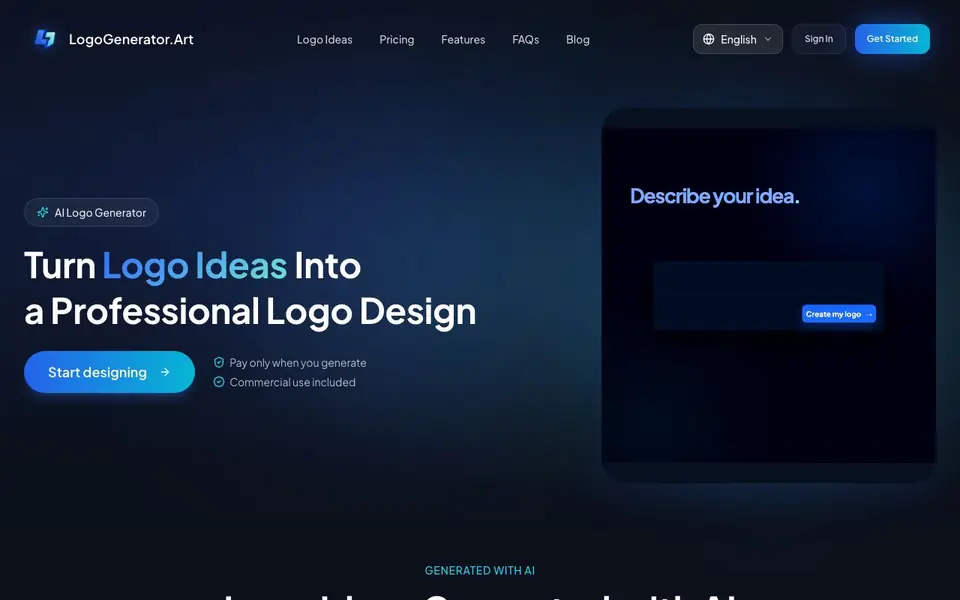
LogoGenerator.Art is an AI logo generator that helps you create a professional logo from just a business name and a short description. It is aimed at people who need a brand mark without hiring a designer. The tool generates several logo ideas in different styles so you can compare and pick a direction.
You start by entering your business name and describing what you do. The AI then shows you a range of logo options. You can adjust colors, style, layout, and typography until the design feels right. Once you are happy, you download the logo for use on your website, social profiles, business cards, packaging, and more.
The site emphasizes that no design experience is needed. It also includes a library of curated logo ideas if you want inspiration before starting. You pay only when you generate a logo, and commercial use is included. The website does not state specific pricing details, so check its pricing page for current plans.
LogoGenerator.Art features
- Logo idea generation: Describe your business and get several logo options in different styles.
- Style customization: Change colors, layout, and type to match your brand.
- No design skills needed: Enter your business name and pick what you like.
- Commercial use included: Use your downloaded logo on products and marketing materials.
- Curated inspiration: Browse pre-made logo ideas before you start your own.
What you can do with LogoGenerator.Art
- Create a logo for a new business or startup.
- Refresh an existing brand with a modern logo.
- Design a logo for a personal project or side hustle.
- Generate logo concepts to compare before hiring a designer.
How to get started with LogoGenerator.Art
- Enter your business name and a short description of what you do.
- Review the logo options the AI generates and pick one you like.
- Adjust colors, style, and layout, then download your final logo.
Tips for better results with LogoGenerator.Art
- Enter a specific business description with your industry and target audience so LogoGenerator.Art can produce more relevant logo styles to compare.
- Use LogoGenerator.Art's curated logo ideas as a starting point, then adjust colors and typography to match your brand's personality before downloading.
- Generate multiple logo variations with different style keywords, then compare them side by side to identify which direction fits your brand best.
- Refine your chosen LogoGenerator.Art logo by tweaking layout and color combinations until it looks balanced, then test it at small sizes for readability.
LogoGenerator.Art pricing
LogoGenerator.Art’s homepage does not list prices. Check logogenerator.art for current plans.
What to check before you rely on LogoGenerator.Art
- Check the pricing page before generating, since the website does not state specific costs or plan limits for LogoGenerator.Art.
- Verify whether your downloaded logo files come in formats like PNG or SVG, as the site does not list export options.
- Review the terms for commercial use to confirm your logo can be used on all products, since the site only says commercial use is included.
Who LogoGenerator.Art is for
LogoGenerator.Art suits small business owners, startup founders, freelancers and non-designers. If that is not you, the AI design tools below may fit better.
Similar tools compared with LogoGenerator.Art
| Tool | What it is | Pricing |
|---|---|---|
| LogoGenerator.Art | AI logo maker with customization | See website |
| Looka | AI logo maker and brand identity platform | Freemium |
| Uizard | AI-powered UI design and prototyping tool | Freemium |
| Clipdrop | AI photo editing and image generation suite | See website |
| Interior AI | AI interior design and virtual staging app | Freemium |
LogoGenerator.Art FAQ
Do I need design experience to use LogoGenerator.Art?
No. The site says you just enter your business name, choose what you like, and generate your logo. All customization is done through simple controls.
Can I use the logo commercially?
Yes. The website states that commercial use is included with your generated logo, so you can use it on websites, packaging, business cards, and more.
How much does it cost?
The website says you pay only when you generate a logo, but it does not list specific prices on the homepage. Check the Pricing page for current rates.
What can I customize on my logo?
You can adjust the colors, style, layout, and typography of your logo. The site also shows multiple style options so you can compare before finalizing.
What file formats can I download from LogoGenerator.Art?
The website does not list the specific file formats available for download. It only says you can download your logo for use on websites, social profiles, business cards, and packaging. To see the exact formats offered, check the download options after generating a logo or contact support.
Does LogoGenerator.Art work on mobile devices?
The website does not specify whether LogoGenerator.Art is available as a mobile app or if it works on tablets and phones. It likely runs in a web browser, but for confirmation, try accessing the site from your device or check the FAQ section on the website.
What does the free plan include on LogoGenerator.Art?
The website does not mention a free plan. It states that you pay only when you generate a logo, which suggests you might be able to browse ideas or use some features without paying. For details on any free options, visit the pricing page or sign up to see what is available.


