
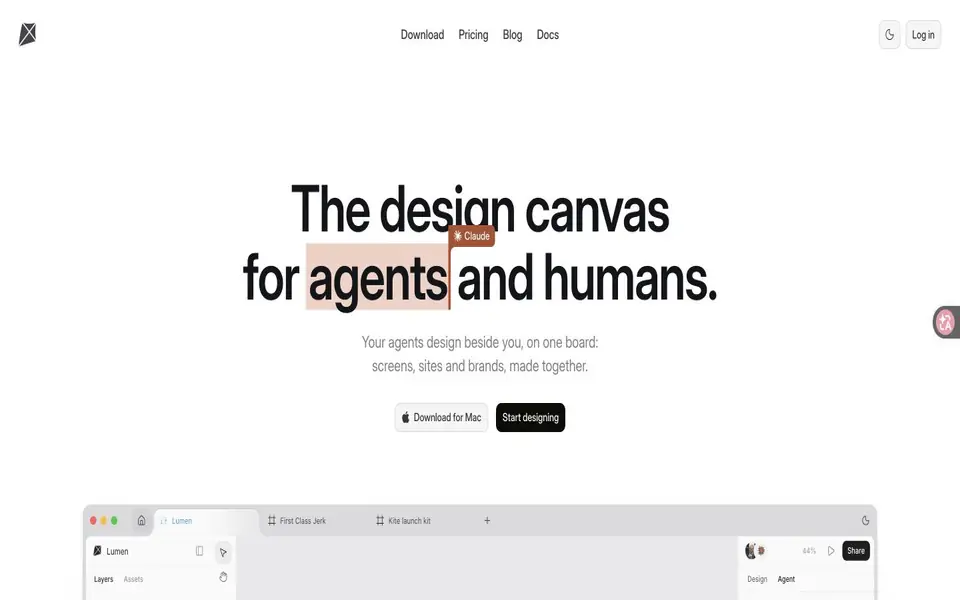
What is Kite?
Kite is a browser design workspace that connects to external AI assistants through a hosted MCP server. People and agents work on the same HTML and CSS design, with controls for layout, typography, components and variable modes. Teams can leave requests in comments, exchange editable frames with Figma and export designs as images or code.
Kite features
- Connect external AI agents through hosted MCP with OAuth
- Edit layouts, typography and layers on a shared canvas
- Reuse components, variants and variables with modes
- Exchange editable frames with Figma
- Export frames as HTML, React or Tailwind code
What you can do with Kite
- Create interface drafts with an AI agent
- Maintain reusable design components
- Review and revise designs through comments
How to get started with Kite
- Create a Kite workspace and file
- Connect a supported AI agent through MCP
- Describe the design or leave a request on a frame
- Review and edit the layers, then export or copy the result
Kite pricing
Free includes one workspace, three files and 200 agent actions per day. Pro costs $20 per editor monthly, or $16 per month billed yearly, and adds unlimited files, workspaces, agent actions and version history. AI usage comes from the external agent service you connect.
Who Kite is for
Kite suits Product designers, Frontend developers and Design teams. If that is not you, the AI design tools below may fit better.
Similar tools compared with Kite
| Tool | What it is | Pricing |
|---|---|---|
| Kite | A shared design canvas for people and AI agents | Freemium |
| Looka | AI logo maker and brand identity platform | Freemium |
| Uizard | AI-powered UI design and prototyping tool | Freemium |
| Clipdrop | AI photo editing and image generation suite | See website |
| Interior AI | AI interior design and virtual staging app | Freemium |
Kite FAQ
Does Kite include its own AI subscription?
Kite connects the agent service you already use. That service supplies the AI usage under its own plan.
What is included for free?
The free plan includes one workspace, three files, unlimited editors and viewers, and 200 agent actions per day.
Can I move work between Kite and Figma?
Kite supports pasting Figma frames as editable layers and copying frames back to Figma.


