

What is Infographic.Ninja?
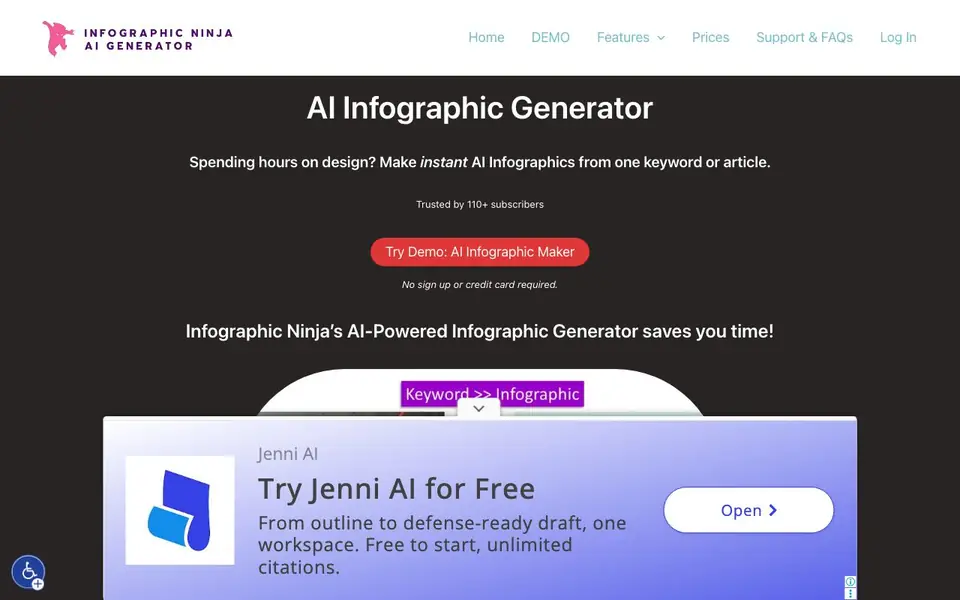
Infographic.Ninja is an AI-powered infographic generator that turns a single keyword or an entire article into a complete infographic. It is built for educators, bloggers, and SEO agencies who want to repurpose existing content into visual formats without hiring a designer. The tool handles the design work automatically, so you can focus on the story you want to tell.
You start by entering a keyword and a title. The AI then generates the text content for your infographic. Next, you provide your logo, pick a template, and customize the colors and fonts to match your brand. Once you are happy with the result, you download the finished infographic. The whole process takes around 30 seconds per infographic.
The tool is aimed at people who produce content regularly and need visuals at scale. It also offers a WordPress plugin and access to extra SEO tools, such as a HowTo Schema generator and a topic research tool. Pricing starts at $5 per month for 15 credits, with an unlimited plan at $30 per month for agencies.
Infographic.Ninja features
- Keyword to infographic: Enter a keyword and the AI builds the infographic content for you.
- Article to infographic: Paste an article and the tool transforms it into a visual layout.
- Brand customization: Add your logo and adjust colors and fonts to match your brand.
- Template selection: Choose from a range of templates to set the overall look of your infographic.
- WordPress plugin: Use the tool directly within your WordPress site for a smoother workflow.
What you can do with Infographic.Ninja
- Turn a blog post into a shareable infographic for social media.
- Generate a visual summary of a research article for your audience.
- Create branded infographics for client reports in an SEO agency.
- Produce multiple infographics quickly for a content marketing campaign.
How to get started with Infographic.Ninja
- Enter a keyword and a title for your infographic.
- Click generate text and let the AI create the content.
- Add your logo, pick a template, customize colors and fonts, then download.
Tips for better results with Infographic.Ninja
- Start with a specific keyword and title that captures your main point, so the AI generates text that stays focused on your topic instead of drifting into generic filler.
- Paste a full article you have already written into Infographic.Ninja, then review the generated text carefully and edit it before downloading to keep your original voice and key facts intact.
- Upload your logo and adjust the colors and fonts to match your brand before you download, so every infographic you produce with Infographic.Ninja looks consistent across your content.
- Generate a few test infographics with different templates using the same content, then compare the layouts to see which one presents your data most clearly for your audience.
Infographic.Ninja pricing
Infographic.Ninja is a paid product. Check outline.ninja for current plans and whether a demo or trial is offered.
What to check before you rely on Infographic.Ninja
- Check whether the free demo lets you download a full infographic without a watermark, since the website does not state what the demo output includes.
- Confirm that the $5 starter plan gives you enough credits for your monthly output, because the site lists 15 credits but does not define what one credit covers.
- Verify if the WordPress plugin works with your site version and hosting setup, as the website mentions the plugin but provides no installation or compatibility details.
Who Infographic.Ninja is for
Infographic.Ninja suits educators, bloggers, SEO agencies and content marketers. If that is not you, the AI design tools below may fit better.
Similar tools compared with Infographic.Ninja
| Tool | What it is | Pricing |
|---|---|---|
| Infographic.Ninja | AI infographic maker from text | Paid |
| Looka | AI logo maker and brand identity platform | Freemium |
| Uizard | AI-powered UI design and prototyping tool | Freemium |
| Clipdrop | AI photo editing and image generation suite | See website |
| Interior AI | AI interior design and virtual staging app | Freemium |
Infographic.Ninja FAQ
How fast can I create an infographic with Infographic.Ninja?
The tool is designed to produce an infographic in about 30 seconds. You enter a keyword or article, the AI generates the text, then you customize the design and download it.
Is there a free version of Infographic.Ninja?
There is a free simplified demo that you can try without signing up or providing a credit card. Full access requires a paid plan, starting at $5 per month.
Who is Infographic.Ninja best suited for?
It is built for educators, bloggers, and SEO agencies who want to turn existing content into infographics quickly. It also helps anyone who needs to produce visuals at scale without design skills.
What customization options are available?
You can add your logo, choose from different templates, and customize colors and fonts. The website does not list every template or font option, so check the demo to see the full range.
What file formats can I export my infographic from Infographic.Ninja in?
The Infographic.Ninja website does not specify the export file formats. After you finish customizing your infographic, you download it directly from the tool. To see the available formats, check the download options within the tool itself or contact their support team.
Does Infographic.Ninja offer a WordPress plugin and what does it do?
Yes, Infographic.Ninja offers a WordPress plugin. It lets you use the tool directly within your WordPress site, which helps streamline your workflow by allowing you to create and manage infographics without leaving your dashboard. The plugin is included with your subscription.
Can I use Infographic.Ninja without creating an account?
You can try the demo of Infographic.Ninja without signing up or providing a credit card. However, to actually create and download infographics, you will need to log in with an account and choose a paid plan. The demo is just a preview of how the tool works.


