

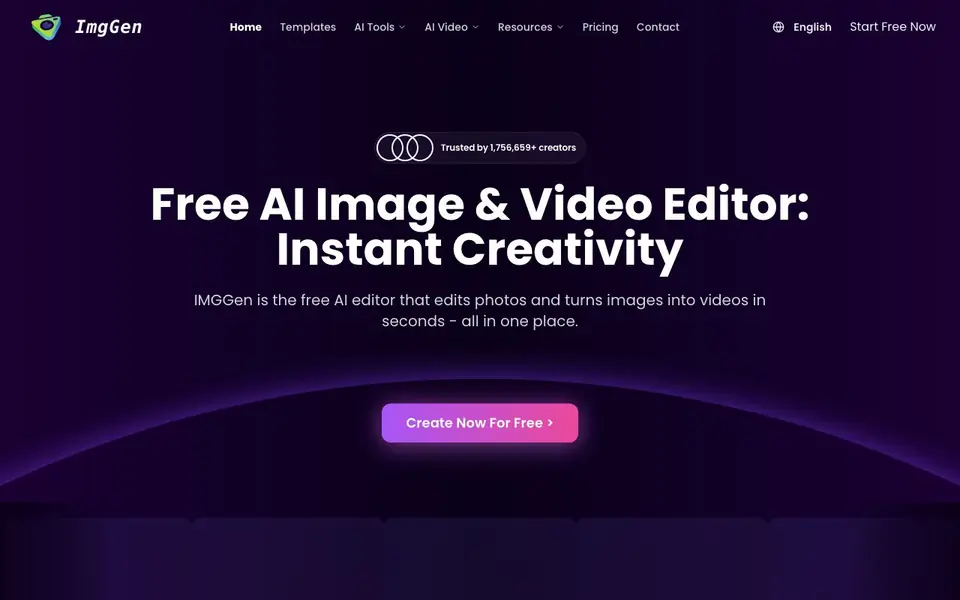
What is IMGGen?
IMGGen is a free online editor that handles both photo editing and video creation. You can remove backgrounds, erase unwanted objects, restore old photos, and apply artistic styles like Ghibli-inspired looks. It also turns your photos into videos, such as wedding memories or hugging animations.
You start by uploading a photo or entering a text prompt. The tool then applies the effect you choose, like background removal or style conversion, in one click. No signup or software download is needed. For videos, you can generate clips from your photos, including emotional hugging or smile effects.
It suits content creators, marketers, influencers, and families who want quick visual results without editing skills. The website mentions it is trusted by over 1.7 million creators. Some features are free, while others may require a paid plan, as pricing details are not fully listed on the site.
IMGGen features
- Background Remover: Removes backgrounds from any picture in one click for clean cutouts or transparent images.
- Object Removal: Erases unwanted people, logos, watermarks, or text while preserving the rest of the image quality.
- Ghibli Style Converter: Turns your photos into hand-painted anime-style scenes in seconds.
- Old Photo Restoration: Restores color, removes scratches, and sharpens details in damaged or faded photos.
- Photo to Video AI: Transforms your photos into videos, like wedding memories or hugging animations.
What you can do with IMGGen
- Remove distracting backgrounds from product shots for your online store.
- Erase watermarks or logos from images before sharing them on social media.
- Restore old family photos by adding color and removing scratches.
- Turn wedding photos into video memories for a special occasion.
How to get started with IMGGen
- Go to the IMGGen website and pick a tool like background remover or photo to video.
- Upload your photo or enter a text prompt for image generation.
- Click the action button and download the edited image or video.
Tips for better results with IMGGen
- Start with a high-resolution, well-lit photo when using IMGGen for background removal or object erasing, as clearer inputs produce cleaner cutouts and fewer artifacts.
- For Ghibli style conversions, try IMGGen on portraits and landscapes separately, then compare results, since the effect renders differently depending on the original composition.
- Use IMGGen's old photo restoration on scanned images at their highest available resolution to preserve facial details and avoid introducing blur during scratch removal and colorization.
- When turning photos into videos with IMGGen, choose images with a single clear subject and simple background to make the animation effect, like hugging or smiling, look natural.
IMGGen pricing
IMGGen has a free way to start, with paid plans for heavier use. Check imggen.org for current limits and prices.
What to check before you rely on IMGGen
- Check which specific features are free versus paid on IMGGen, since the site labels it freemium but does not list full pricing details or plan limits.
- Verify whether IMGGen's free tier includes video generation or only photo editing, as the website does not clearly state usage caps for each tool.
- Confirm what export formats and resolution IMGGen offers for edited images and videos, because the site does not specify output options or file size limits.
Who IMGGen is for
IMGGen suits content creators, marketers, social media influencers and families. If that is not you, the AI photo editors below may fit better.
Similar tools compared with IMGGen
| Tool | What it is | Pricing |
|---|---|---|
| IMGGen | Free AI photo editor and video maker | Freemium |
| SiPhotoEditor | AI photo editor by description | Paid |
| SiImageGen | AI image generator and photo editor | Freemium |
| Clipdrop | AI photo editing and image generation suite | See website |
| Photoroom | AI photo editor for e-commerce product visuals | Freemium |
IMGGen FAQ
Is IMGGen really free?
The website says it is a free AI editor and mentions 'start free now' and 'no signup' for many tools. However, it also has a pricing page, so some advanced features may require payment. Check the pricing page for details.
Do I need to sign up to use it?
The site says you can use the tools with no signup and no software download. You can start editing right away, but some features might ask for an account later.
What can I do with IMGGen?
You can remove backgrounds, erase objects, restore old photos, apply Ghibli-style effects, generate images from text, and turn photos into videos like hugging or smile animations.
Who is IMGGen for?
It is made for content creators, marketers, social media influencers, students, teachers, and families who want quick photo edits and video creations without technical skills.
What file formats can IMGGen export or save edited images in?
IMGGen's website does not list the specific export formats for edited images. To find out which formats are available, check the tool's interface after you make an edit or contact their support team through the site.
Does IMGGen work on mobile devices or only on desktop computers?
IMGGen's website does not specify whether it works on mobile devices. Since it is an online editor that requires no download, it likely works in any web browser, but you should test it on your phone or tablet to confirm.
What does the free plan of IMGGen include, and what features require payment?
IMGGen's website says it is a free AI editor and mentions that some features may require a paid plan, but it does not list exactly which features are free or paid. Check the pricing page on the site for the most accurate details.


