

What is Imgezy?
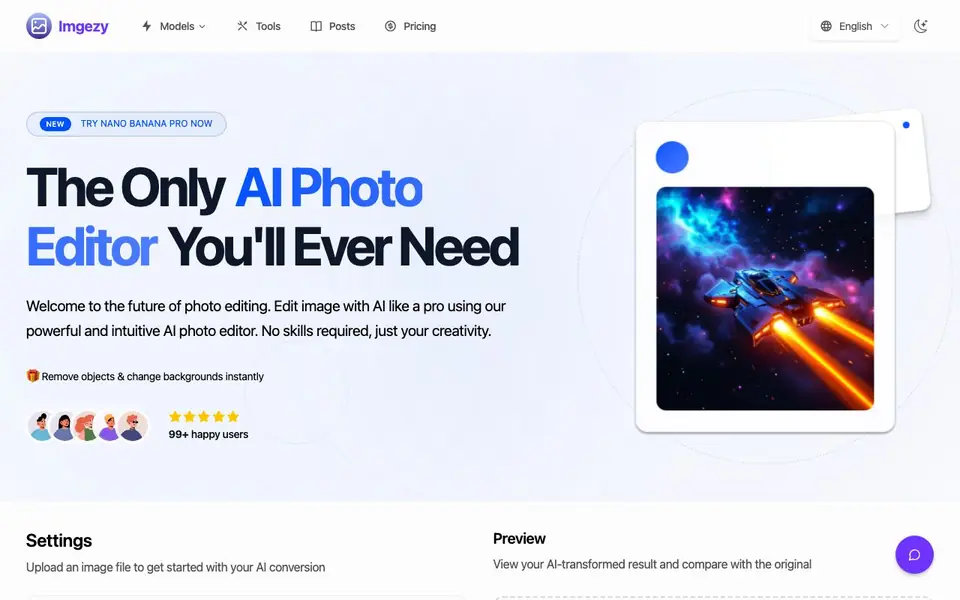
Imgezy is an online AI photo editor designed to make complex editing tasks simple. You upload a photo, type what you want changed, and the AI handles the rest. It focuses on three main actions: removing unwanted objects or people, replacing backgrounds, and improving overall image quality.
To get started, you drag and drop an image file in formats like JPG, PNG, or WebP. Then you describe your edit in a text box, for example, "Remove the person on the left" or "Change the background to a sunny beach." The AI processes your request in seconds, and you can preview the result before downloading the high-resolution output.
The tool suits casual users, small business owners, and creators who want professional-looking photos without manual editing skills. It also offers batch processing for editing multiple images at once, plus a smart repair feature to fix blurry or damaged areas. The website mentions over 200,000 users and more than one million objects removed, but it does not specify any free plan or trial.
Imgezy features
- Object Removal: Remove unwanted objects, people, or distractions from your photos with pixel-perfect accuracy.
- Background Replacement: Change photo backgrounds instantly, from solid colors to landscapes, with automatic subject detection.
- Photo Enhancement: Automatically improve colors, lighting, and sharpness to make your photos stand out.
- Batch Processing: Edit multiple photos at once to save time on large projects.
- Smart Repair: Automatically fix damaged or blurry image areas to restore clarity.
What you can do with Imgezy
- Remove a photobomber from a vacation picture in seconds.
- Replace a product photo background with a clean white for e-commerce.
- Enhance a dull portrait by boosting colors and sharpness.
- Batch edit a series of images for a consistent social media feed.
How to get started with Imgezy
- Upload your image by dragging and dropping it or selecting a file from your device.
- Type your edit instruction in the text box, like removing an object or changing the background.
- Preview the AI result and download your high-resolution edited image.
Tips for better results with Imgezy
- Upload the highest resolution image you have, since Imgezy works best with clear details and gives you sharper output after edits.
- Write specific prompts for Imgezy, like 'remove the red car behind the tree' instead of vague ones, to get more accurate results.
- Use Imgezy's batch processing to apply the same edit across multiple photos, which keeps your workflow consistent and saves time.
- Preview the result in Imgezy before downloading, and if the edit is off, tweak your prompt and run it again for a better outcome.
Imgezy pricing
Imgezy is a paid product. Check imgezy.com for current plans and whether a demo or trial is offered.
What to check before you rely on Imgezy
- Check whether your plan includes batch processing and high-resolution downloads, since the website does not list specific plan limits.
- Verify if Imgezy offers a free trial or refund policy, because the site mentions paid pricing but does not state trial details.
- Confirm the export formats and file size limits before relying on it, as the website only lists JPG, PNG, and WebP uploads.
Who Imgezy is for
Imgezy suits small business owners, content creators, casual photographers and e-commerce sellers. If that is not you, the AI photo editors below may fit better.
Similar tools compared with Imgezy
| Tool | What it is | Pricing |
|---|---|---|
| Imgezy | AI photo editor for quick edits | Paid |
| SiPhotoEditor | AI photo editor by description | Paid |
| SiImageGen | AI image generator and photo editor | Freemium |
| Clipdrop | AI photo editing and image generation suite | See website |
| Photoroom | AI photo editor for e-commerce product visuals | Freemium |
Imgezy FAQ
What can I do with Imgezy?
You can remove unwanted objects or people, change photo backgrounds, enhance colors and sharpness, and repair blurry areas. Just describe your edit in plain text, and the AI applies it automatically.
Is Imgezy free to use?
The website does not mention a free plan or trial. It shows paid plans starting at $9.99 per month for Basic, which includes 200 credits (about 100 images). You can check the Pricing page for current options.
Do I need photo editing skills to use it?
No. Imgezy is designed for people without design experience. You upload an image, type what you want changed, and the AI does the work. The site says no skills are required.
What image formats are supported?
Imgezy supports major image formats like JPG, PNG, and WebP. You can upload these files directly from your device to start editing.
Does Imgezy work on mobile devices or only on desktop?
Imgezy is an online AI photo editor, so you can use it in any web browser on a phone, tablet, or computer. The website does not mention a dedicated mobile app, but the drag-and-drop upload and text-based editing work from any device with internet access.
What can I export from Imgezy and in which formats?
Imgezy lets you download the edited image in high resolution after processing. The website does not specify the export file format or list additional export options like sharing directly to social media. Check the download options after your edit to see what formats are available.
Does Imgezy require creating an account to use it?
Yes, Imgezy requires you to sign in or create an account to start editing. The website shows a sign-in prompt before you can upload or process images. There is no mention of a guest mode or using the tool without an account.


