
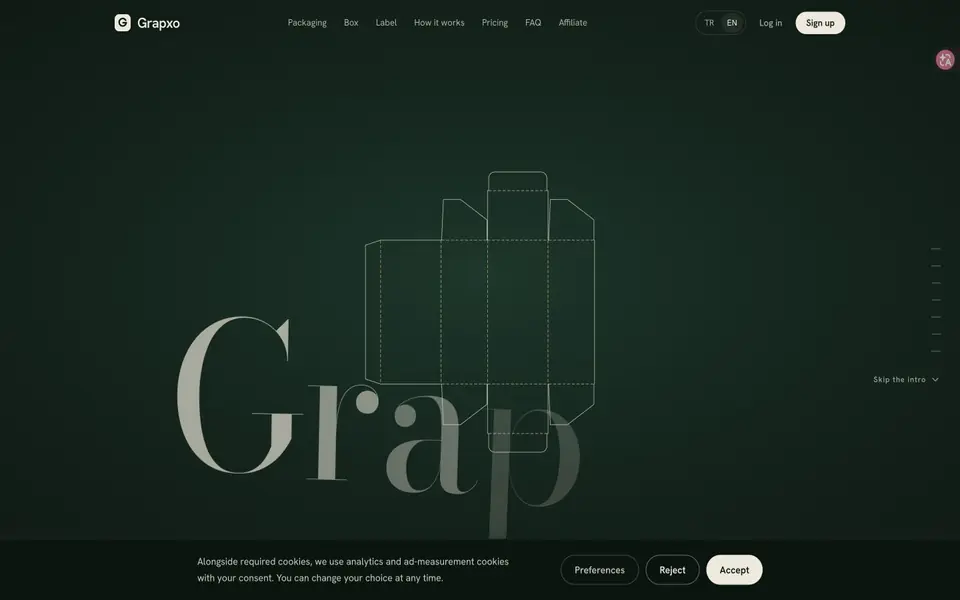
What is Grapxo?
Grapxo turns packaging briefs into designs that combine graphics with box or label geometry. Its output includes print PDFs and vector cutting files with separate cut, crease and perforation layers. Dimensions are expressed in millimetres.
An account receives one initial design right, with monthly plans for more designs. Final print specifications and color conversion need a printer check. The current site labels foil and emboss effects and the 3D studio as coming soon, despite older submission copy describing them as available.
Grapxo features
- Brief-driven vector artwork
- Dielines with separate production layers
- PDF/X-4, SVG and DXF output
What you can do with Grapxo
- Draft a product box
- Develop a label layout
How to get started with Grapxo
- Create an account and write a brief
- Refine the structure and graphics
- Export and check with your printer
Grapxo pricing
Grapxo offers a free trial before you pay. Check grapxo.com for current plans.
Who Grapxo is for
Grapxo suits Packaging designers and Small brands. If that is not you, the AI design tools below may fit better.
Similar tools compared with Grapxo
| Tool | What it is | Pricing |
|---|---|---|
| Grapxo | Packaging designs from a brief | Free trial |
| Looka | AI logo maker and brand identity platform | Freemium |
| Uizard | AI-powered UI design and prototyping tool | Freemium |
| Clipdrop | AI photo editing and image generation suite | See website |
| Interior AI | AI interior design and virtual staging app | Freemium |
Grapxo FAQ
Are foil and emboss production layers available now?
The current homepage marks those effects as coming soon.


