

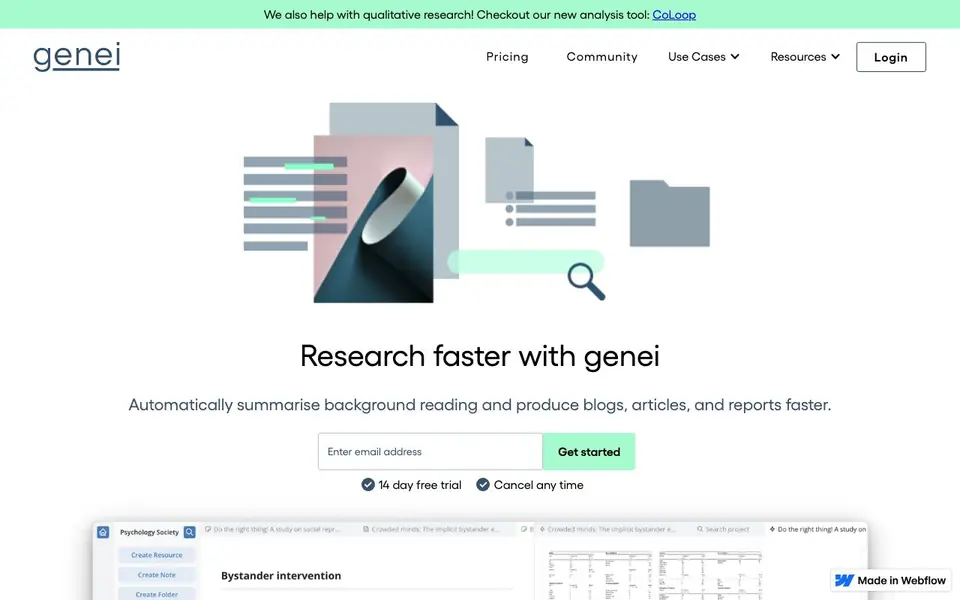
What is genei?
genei is an AI-powered research tool that helps you work through background reading faster. It summarises articles, PDFs and webpages, extracts key information, and answers questions from your documents. You can organise everything in customisable projects and folders, and link content to generate automatic references.
To get started, you import a PDF or webpage, or use the Chrome extension to save pages as you browse. The AI then produces a summary and highlights key terms. You can ask questions and genei finds answers within your documents. The Pro plan adds multi-document search, paraphrasing, and access to GPT-3 for higher quality results.
It suits researchers, writers, editors, and anyone who reads a lot for work or study. The site mentions a 14-day free trial and paid plans starting at £3.99 per month. It does not state whether a free plan exists beyond the trial, so check the pricing page for current details.
genei features
- Summarisation: Automatically condenses PDFs and webpages into shorter summaries.
- Keyword extraction: Pulls out key terms to help you scan documents quickly.
- Question answering: Ask questions and the AI finds answers in your documents.
- Document management: Store files in projects and folders with full notepad and annotation tools.
- Citation generator: Creates automatic references from content you link in your work.
What you can do with genei
- Summarise a stack of research papers before writing a literature review.
- Extract keywords from articles to optimise your own content for SEO.
- Ask questions across multiple documents to find specific insights faster.
- Save webpages with the Chrome extension and summarise them later.
How to get started with genei
- Sign up for the 14-day free trial on genei's website.
- Import a PDF or webpage, or use the Chrome extension to save pages.
- View the AI summary, extract keywords, and ask questions about the content.
Tips for better results with genei
- Start with a single PDF or webpage to test genei's summary quality before importing large batches, so you can adjust your workflow around its strengths.
- Use genei's question answering to locate specific facts across documents, then verify each answer against the original text to avoid relying on AI-generated responses.
- Organize your imports into projects and folders within genei from the beginning, making it easier to link content and generate accurate references for your final work.
- Install genei's Chrome extension to save webpages as you browse, then batch summarize them later for efficient background reading sessions.
genei pricing
genei has a free way to start, with paid plans for heavier use. Check genei.io for current limits and prices.
What to check before you rely on genei
- Check the pricing page for whether a free plan exists beyond the 14-day trial, as the website does not state this clearly.
- Verify the export formats genei supports before committing, since the site mentions export functionality but does not list specific file types.
- Review genei's privacy policy to confirm how your uploaded documents are stored and used, as the website does not detail data handling practices.
Who genei is for
genei suits researchers, students, writers and editors. If that is not you, the AI research tools below may fit better.
Similar tools compared with genei
| Tool | What it is | Pricing |
|---|---|---|
| genei | AI summarisation and research assistant | Freemium |
| OpenSI | AI model comparison and pricing tool | See website |
| ChatPDF | AI chat and summarizer for PDFs | Freemium |
| Consensus | AI search engine for research papers | See website |
| Scite | AI research assistant with smart citations | Free trial |
genei FAQ
What does genei do?
genei summarises articles, PDFs and webpages, extracts keywords, and answers questions from your documents. It helps you get through background reading faster and find key information without reading everything in full.
Is genei free?
The website offers a 14-day free trial that you can cancel anytime. After that, paid plans start at £3.99 per month. It does not state whether a free plan exists beyond the trial, so check the pricing page for details.
Who is genei for?
It is for researchers, writers, editors, students, and professionals who read and analyse lots of documents. The site says 95% of users report working more productively with it.
Can genei work with multiple documents?
The Pro plan includes multi-document summarisation, search, and question answering. The Basic plan handles single PDFs and webpages. The site does not specify limits for Basic, so check the pricing page.
What can genei export or connect to?
The genei website mentions that the Basic plan includes export functionality, but it does not specify which formats or destinations are supported. For details on export options or integrations, check the pricing page or contact genei directly.
Does genei work on mobile devices or only on desktop?
The genei website does not mention dedicated mobile apps. It describes a Chrome extension for saving webpages while browsing, which suggests it works in a browser on desktop. For mobile support, check the website or contact genei to confirm.
What does the genei free plan include?
The genei website offers a 14-day free trial but does not state whether a free plan exists beyond that trial. The trial includes access to features like summarisation and document management. For current free plan details, check the pricing page.


