

What is Firebase Studio?
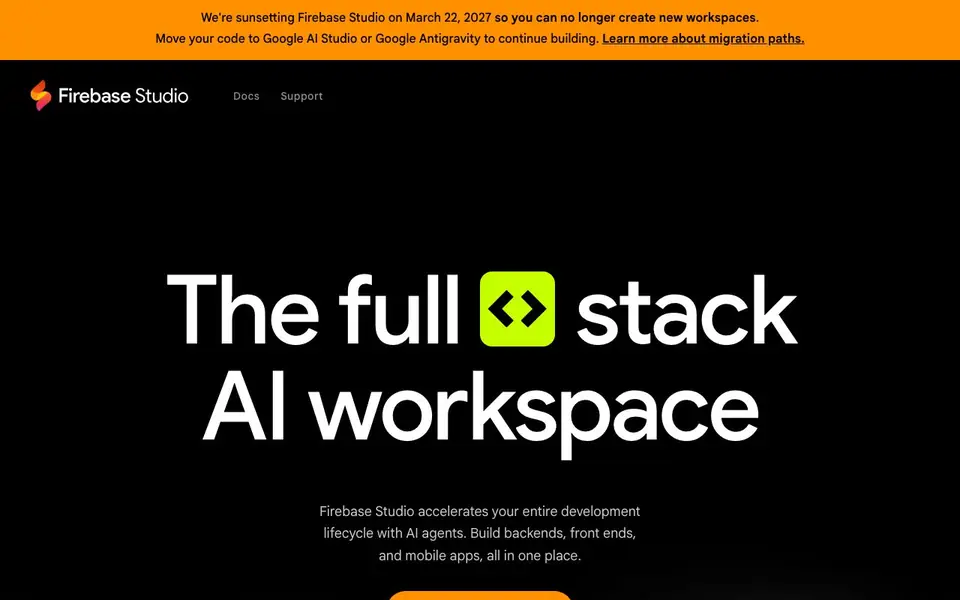
Firebase Studio is a web-based workspace for full-stack application development. It combines AI agents from Gemini with cloud emulators for full-fidelity app previews. You can build backends, frontends, and mobile apps all in one place, without leaving your browser.
To get started, you open your browser and import existing repositories from GitHub, GitLab, Bitbucket, or your local machine. You can also use the App Prototyping agent to create a new application using natural language, mockups, drawings, or screenshots. A large catalog of framework and language templates helps you start quickly, and you can customize your environment with Nix.
Firebase Studio suits developers who want to move fast from idea to working app. You can share workspaces with team members, preview apps via URL for testers, and deploy to Firebase App Hosting with a few clicks. The tool is currently in preview with 3 free workspaces, and members of the Google Developer Program get up to 30. Note that Firebase Studio is being sunset on March 22, 2027, with migration paths to Google AI Studio or Google Antigravity.
Firebase Studio features
- App Prototyping agent: Create new applications from natural language, mockups, drawings, or screenshots.
- Gemini in Firebase: Get AI help with coding, debugging, testing, refactoring, explaining, and documenting code.
- Repository import: Bring in existing projects from GitHub, GitLab, Bitbucket, or your local machine.
- Built-in previews: Test your apps with web previews and Android emulators as you build.
- One-click deployment: Publish apps to Firebase App Hosting and monitor usage and behavior easily.
What you can do with Firebase Studio
- Prototype a new app idea from a sketch or description in minutes.
- Import an existing codebase and use AI to refactor or debug it.
- Collaborate with non-coders by sharing workspaces and preview links.
- Deploy a full-stack app to Firebase App Hosting with a few clicks.
How to get started with Firebase Studio
- Open Firebase Studio in your browser and sign in.
- Import a repository or use the App Prototyping agent to start a new project.
- Build with Gemini assistance, preview your app, and deploy when ready.
Tips for better results with Firebase Studio
- Start with the App Prototyping agent by uploading a sketch or screenshot to generate a working app skeleton, then refine the result with Gemini in Firebase.
- Import your existing GitHub or GitLab repository into Firebase Studio to let Gemini refactor or debug your code, saving time on routine fixes.
- Use the built-in Android emulator and web previews to test your app across platforms before deploying, catching issues early in the development cycle.
- Share a preview URL with testers and invite team members to your workspace so non-coders can give feedback directly on the running app.
Firebase Studio pricing
Firebase Studio is free to use according to its website.
What to check before you rely on Firebase Studio
- Verify your workspace count: Firebase Studio offers 3 free workspaces during preview, but the site does not state what happens if you exceed that limit.
- Confirm your migration plan before March 22, 2027, since the tool will sunset and the site does not detail how to export your projects.
- Check whether your preferred tech stack is supported, as the site lists broad support but does not enumerate every framework or language.
Who Firebase Studio is for
Firebase Studio suits Developers, Full-stack engineers, App prototyping teams and Google Developer Program members. If that is not you, the AI app builders below may fit better.
Similar tools compared with Firebase Studio
| Tool | What it is | Pricing |
|---|---|---|
| Firebase Studio | Web-based AI full-stack app workspace | Free |
| SiGameGen | AI game builder from one sentence | Freemium |
| Durable | AI business builder and website maker | Freemium |
| Lovable | AI app and website builder | Freemium |
| Replit | AI app and website builder | Freemium |
Firebase Studio FAQ
What can I build with Firebase Studio?
You can build full-stack applications, including backends, frontends, and mobile apps. It supports most tech stacks and lets you import existing code or start from templates.
Is Firebase Studio free to use?
Yes, during the preview it is available with 3 workspaces at no cost. Members of the Google Developer Program get up to 30 workspaces.
Who is Firebase Studio for?
It is for developers and teams who want to build full-stack apps quickly in the browser. Both coders and non-coders can collaborate, since AI agents handle much of the work.
What happens after the sunset date?
Firebase Studio will be sunset on March 22, 2027, so you cannot create new workspaces after that. The website suggests moving your code to Google AI Studio or Google Antigravity.
Can Firebase Studio export my code or deploy to platforms other than Firebase?
Firebase Studio lets you deploy to Firebase App Hosting, Firebase Hosting, Cloud Run, or your own custom infrastructure. The website doesn't mention exporting code as a separate feature, but you can import from and likely export to your local machine or Git repositories. Check the docs for specific export options.
Does Firebase Studio work on mobile devices or tablets?
Firebase Studio is a web-based workspace, so you can open it in any browser on any device. However, the website doesn't specifically mention optimizing for mobile or tablet use. For the best experience, especially with Android emulators, a desktop or laptop browser is recommended. Check the docs for any device-specific guidance.
What does the free plan of Firebase Studio include?
Firebase Studio is currently in preview and free to use, with 3 workspaces included at no cost. Members of the Google Developer Program get up to 30 workspaces. The website doesn't detail other limitations of the free plan, so check the docs for full feature availability and any usage limits.


