

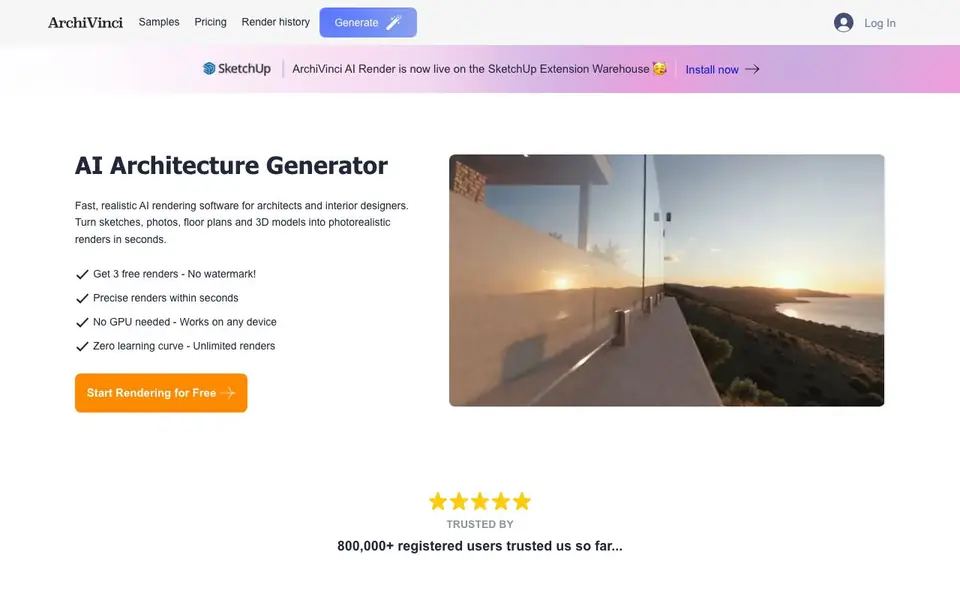
What is ArchiVinci?
ArchiVinci is an AI rendering tool built for architects, interior designers, and real estate professionals. It converts your sketches, photos, floor plans, and 3D model screenshots into photorealistic renders quickly. You can work on exteriors, interiors, landscapes, masterplans, and more, all from one platform.
Getting started is simple. You take a photo or screenshot of your design, pick the module that matches your input, and upload it. Then you set your render preferences and generate. The tool handles backgrounds and lighting for you, so you can focus on the design. It works on any device without a GPU, and there is no learning curve.
ArchiVinci also offers a SketchUp plugin, so you can render without leaving SketchUp. It supports PNG, JPEG, and WEBP formats. The website mentions over 800,000 registered users and millions of renders delivered, but it does not state specific pricing details beyond a free start with 3 free renders and no watermark.
ArchiVinci features
- AI Exterior Design: Generate high-quality exterior renders from sketches, photos, 3D models, and technical drawings.
- Floor Plan to 3D Render: Turn 2D floor plans, site plans, elevations, and sections into presentation-ready 3D renders.
- Modify Render: Update materials, furniture, and design styles while preserving original render details.
- AI Interior Design: Create photorealistic interior renders with high fidelity to your original model and materials.
- Rotate Render: Generate alternative viewpoints, close-up details, and fresh angles from the same design.
What you can do with ArchiVinci
- Visualize a building exterior from a simple sketch or photo.
- Convert a 2D floor plan into a 3D render for client presentations.
- Furnish an empty room with custom furniture and staging.
- Create landscape concepts around your architecture with enhanced lighting and skies.
How to get started with ArchiVinci
- Take a photo or screenshot of your design, sketch, or building.
- Select the module that matches your input, like interior, exterior, or floor plan.
- Upload the image, set your render needs, and generate your render.
Tips for better results with ArchiVinci
- Choose the module that matches your input type, like exterior or floor plan, before uploading to ArchiVinci. This ensures the AI applies the right settings for accurate results.
- Start with a clear, high-resolution photo or screenshot of your design. ArchiVinci handles backgrounds and lighting, but sharp input improves the final render quality significantly.
- Use the Modify Render feature on ArchiVinci to tweak materials or furniture after your first render. This preserves original details while letting you explore style changes without restarting.
- Test the Rotate Render option in ArchiVinci to generate alternative angles from one design. It saves time when you need close-ups or fresh viewpoints for client presentations.
ArchiVinci pricing
ArchiVinci has a free way to start, with paid plans for heavier use. Check archivinci.com for current limits and prices.
What to check before you rely on ArchiVinci
- Check the free plan limits before starting: ArchiVinci offers 3 free renders with no watermark, but the website does not state what happens after those run out.
- Verify whether your input file format is supported. ArchiVinci accepts PNG, JPEG, and WEBP, but the site does not list other formats like PDF or TIFF.
- Confirm data privacy for your uploaded designs. The website does not state how your images are stored, used, or whether they train the AI, so contact support if needed.
Who ArchiVinci is for
ArchiVinci suits architects, interior designers, real estate agents and design students. If that is not you, the AI design tools below may fit better.
Similar tools compared with ArchiVinci
| Tool | What it is | Pricing |
|---|---|---|
| ArchiVinci | AI architecture and interior rendering generator | Freemium |
| Looka | AI logo maker and brand identity platform | Freemium |
| Uizard | AI-powered UI design and prototyping tool | Freemium |
| Clipdrop | AI photo editing and image generation suite | See website |
| Interior AI | AI interior design and virtual staging app | Freemium |
ArchiVinci FAQ
What can ArchiVinci render?
ArchiVinci can render exteriors, interiors, floor plans, masterplans, landscapes, and even modify existing renders. It accepts sketches, photos, 3D model screenshots, and technical drawings as input.
Is ArchiVinci free to use?
The website says you can get 3 free renders with no watermark to start. It does not list full pricing details on the homepage, so you would need to check their pricing page for paid plans.
Do I need a powerful computer or GPU?
No. ArchiVinci works on any device because rendering happens in the cloud. You just upload your image and generate, so no special hardware is required.
Can I use ArchiVinci with SketchUp?
Yes. ArchiVinci has a plugin available on the SketchUp Extension Warehouse, letting you render directly without leaving SketchUp.
Can ArchiVinci export my renders in formats other than PNG, JPEG, or WEBP?
ArchiVinci supports PNG, JPEG, and WEBP formats for your renders, as stated on its website. The site does not mention exporting to other formats like PDF or TIFF. If you need a specific format, check the render download options after generating or contact support for confirmation.
Does ArchiVinci work on mobile phones or tablets?
ArchiVinci works on any device without needing a GPU, which includes mobile phones and tablets with a web browser. The website says it is compatible with any device, but it does not specify dedicated mobile apps. You can access it through your device's browser to upload and generate renders.
What does the free plan of ArchiVinci include besides 3 free renders?
The ArchiVinci free plan gives you 3 free renders with no watermark, as mentioned on the website. It does not list other free features like storage limits or access to all modules. For details on what else the free plan includes, check the pricing section on archivinci.com.


