

What is Airtable?
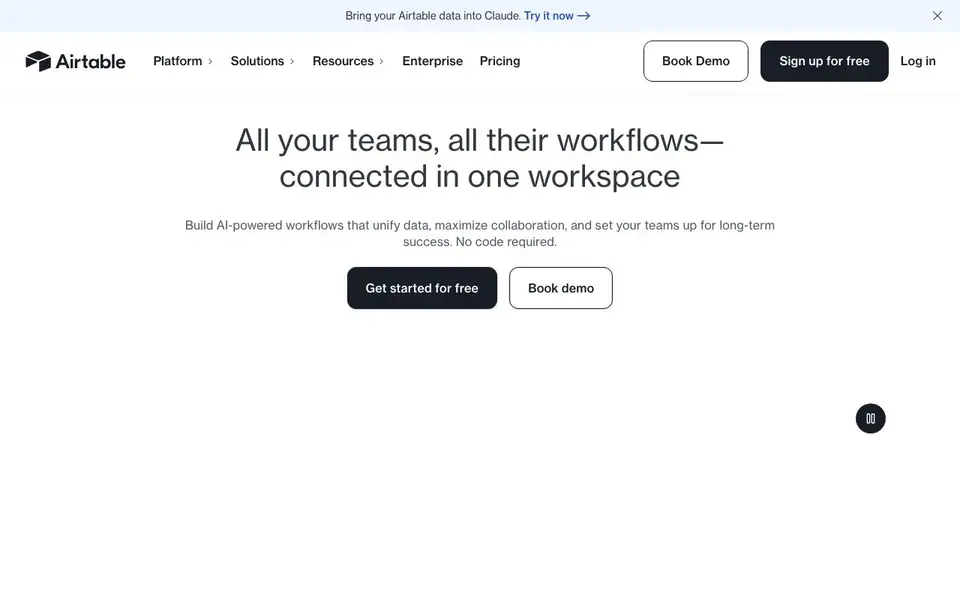
Airtable is a platform where you can connect your team's data, workflows, and apps in one place. It combines a flexible database with AI tools, so you can create custom applications and automate repetitive tasks. The platform is designed for teams that need to move fast without relying on developers.
You start by bringing your data into Airtable, then use conversational prompts to generate apps. The AI can help you build interfaces using no-code components, and you can deploy agents that think across thousands of records and take actions across your operation. You can also use AI plays from templates, like generating campaign ideas or gathering intel on event invitees.
Airtable is built for scale, with infrastructure that handles hundreds of millions of records and supports tens of thousands of users. It offers admin controls, security compliance like ISO and HIPAA, and options for data residency. Over 500,000 organizations use it, and you can start for free and upgrade as your needs grow.
Airtable features
- Conversational app building: Generate apps by describing what you need, no technical expertise required.
- AI agents at scale: Deploy agents that think across thousands of records and orchestrate actions across your workflows.
- Omni: Build enterprise-grade applications with your data, using AI to create custom solutions.
- HyperDB scalability: Handle record limits in the hundreds of millions and scale to tens of thousands of users.
- Flexible admin controls: Set roles, permissions, and fine-grained access to enable AI safely across your team.
What you can do with Airtable
- Generate campaign ideas for a summer launch by prompting AI with a brief.
- Personalize outreach by gathering intel on event invitees automatically.
- Analyze competitor feedback to identify market opportunities.
- Translate 500 assets and check them against local regulations.
How to get started with Airtable
- Sign up for free on Airtable's website.
- Bring your data into Airtable or start from a template.
- Use conversational prompts to build apps and deploy AI agents.
Tips for better results with Airtable
- Describe your desired app in plain, specific language when using Airtable's conversational builder, mentioning the exact fields and views you need to get a more accurate result.
- Start with a small dataset in Airtable to test how agents behave across records before scaling up, so you can refine prompts and avoid costly errors on large volumes.
- Use Airtable's AI plays as starting templates for tasks like campaign ideation or outreach, then customize the prompts with your own brand context for better output.
- Break complex workflows into smaller, focused Airtable automations rather than one giant agent, making it easier to debug and adjust each step independently.
Airtable pricing
Airtable has a free way to start, with paid plans for heavier use. Check airtable.com for current limits and prices.
What to check before you rely on Airtable
- Check whether your plan includes the AI features you need, since Airtable's pricing is freemium and the website does not list specific limits for free versus paid tiers.
- Verify that your data residency requirements are met, as Airtable offers European and Australian support but the site does not state all regions covered.
- Confirm which AI models are available on your plan, since Airtable supports multiple providers but the website does not specify model access per pricing level.
Who Airtable is for
Airtable suits marketers, product teams, operations managers and project managers. If that is not you, the AI app builders below may fit better.
Similar tools compared with Airtable
| Tool | What it is | Pricing |
|---|---|---|
| Airtable | AI-powered no-code app and workflow builder | Freemium |
| SiGameGen | AI game builder from one sentence | Freemium |
| Durable | AI business builder and website maker | Freemium |
| Lovable | AI app and website builder | Freemium |
| Replit | AI app and website builder | Freemium |
Airtable FAQ
What is Airtable used for?
Airtable lets you build custom apps and automate workflows using your data. You can connect teams, manage projects, and use AI to generate apps or agents—all without writing code.
Does Airtable have a free plan?
Yes, Airtable offers a free plan. You can sign up for free and start building. For more advanced features, there are paid plans, but the website doesn't list specific pricing details on the homepage.
Who is Airtable for?
Airtable is for teams across marketing, product, operations, sales, and design. It's designed for organizations that want to streamline workflows and use AI without needing technical expertise.
Can Airtable handle large amounts of data?
Yes. Airtable's HyperDB supports record limits in the hundreds of millions and can scale workflows to tens of thousands of users, making it suitable for enterprise-level data needs.
Can Airtable connect to other apps or export data to tools like Excel or Google Sheets?
Airtable's website focuses on building workflows and AI agents within its own platform. It does not mention specific integrations or export options for external apps. To check what connections are available, visit Airtable's marketplace or integration pages directly.
Does Airtable run on mobile devices or only in a web browser?
Airtable's website does not mention mobile apps or specific operating systems. It describes a platform for building apps and managing data, but you should check Airtable's app store listings or help center to see if mobile access is available for your device.
What does Airtable's free plan include exactly?
Airtable's website says you can start for free and upgrade as your needs grow, but it does not list specific limits like record counts or user seats for the free plan. For detailed free plan features, visit Airtable's pricing page and look under the free tier.


