

What is AirBrush?
Airbrush is an online and mobile photo editor that uses AI to make editing simple and natural. You can smooth skin, remove objects, fix closed eyes, change outfits, and enhance image quality. It also offers video enhancement and photo restoration for old or damaged pictures.
You start by uploading a photo or video to the online editor or mobile app. Then you pick a tool like Image Enhancer, AI Retouch, or Body Tuner. The AI analyzes your content and applies the edit automatically, so you can see results in seconds without manual adjustments.
Airbrush suits everyday users, content creators, and professionals. It works on desktop, Android, and iOS. The website says it offers free features for everyone, with optional premium tools for advanced editing. Airbrush Studio is the desktop-focused editor for more complex retouching tasks.
AirBrush features
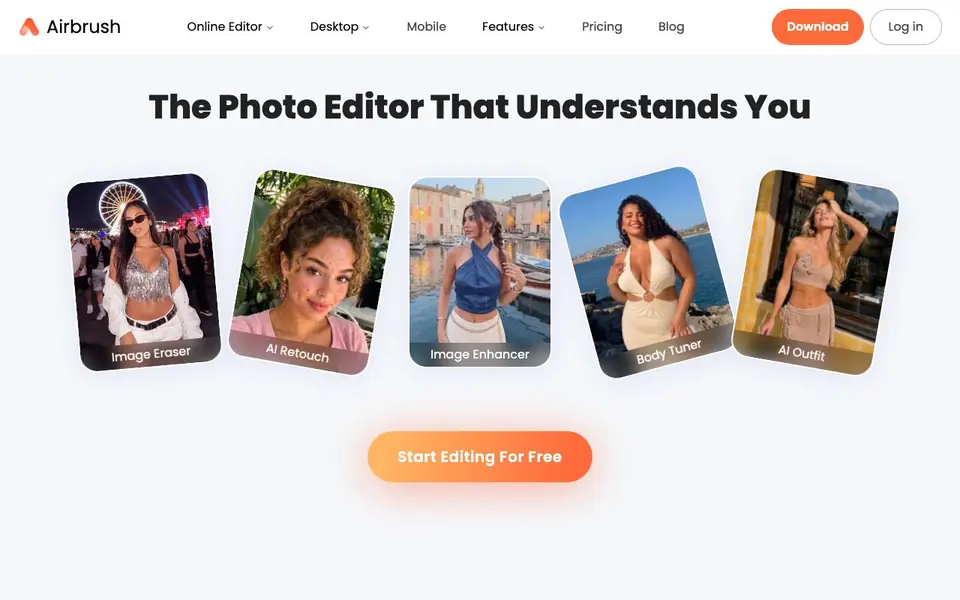
- Image Enhancer: Instantly improves photo quality with AI-powered adjustments.
- AI Retouch: Smooths skin and refines features for natural-looking portraits.
- Body Tuner: Adjusts body shapes and proportions in your photos.
- Image Upscaler: Enlarges images without losing detail or sharpness.
- Photo Restoration: Brings old or damaged photos back to life.
What you can do with AirBrush
- Retouch portraits for social media posts.
- Remove unwanted objects from vacation photos.
- Enhance old family photos for sharing.
- Create professional headshots for LinkedIn.
How to get started with AirBrush
- Go to the Airbrush website and choose the online editor or download the mobile app.
- Upload your photo or video to start editing.
- Select an AI tool like Enhancer or Retouch and apply it to see instant results.
Tips for better results with AirBrush
- Start with the Image Enhancer on your original photo before applying other tools, as it improves base quality and gives later edits a cleaner starting point.
- Use Airbrush's AI Retouch for portraits by selecting the tool and letting it analyze the face, then fine-tune the strength slider to avoid an over-smoothed look.
- For old or damaged pictures, run Photo Restoration first and check the result at full zoom, since the AI may interpret scratches as details in busy areas.
- When using Body Tuner on Airbrush, adjust proportions in small increments and compare the before and after view to keep the result looking natural and not distorted.
AirBrush pricing
AirBrush has a free way to start, with paid plans for heavier use. Check airbrush.com for current limits and prices.
What to check before you rely on AirBrush
- Check whether the free tier includes the specific tool you need, like AI Outfit or video enhancement, since the website lists features but does not state exact limits.
- Verify if your planned use falls under the free features or requires premium, as Airbrush's pricing label is freemium but the site does not list prices or trial terms.
- Confirm the export format and resolution available on your plan, because the website does not specify output sizes or file types for free versus paid users.
Who AirBrush is for
AirBrush suits everyday users, content creators and professional photographers. If that is not you, the AI photo editors below may fit better.
Similar tools compared with AirBrush
| Tool | What it is | Pricing |
|---|---|---|
| AirBrush | AI photo and video editor | Freemium |
| SiPhotoEditor | AI photo editor by description | Paid |
| SiImageGen | AI image generator and photo editor | Freemium |
| Clipdrop | AI photo editing and image generation suite | See website |
| Photoroom | AI photo editor for e-commerce product visuals | Freemium |
AirBrush FAQ
What is Airbrush?
Airbrush is a photo and video editing app that uses AI to make editing easy. You can smooth skin, remove objects, adjust backgrounds, and enhance quality with simple tools. It's designed for photographers, content creators, and everyday use.
Is Airbrush free?
Airbrush offers free features for everyone, with optional premium tools for more advanced editing. The website says you can start editing for free, but it doesn't list specific prices for the premium plan.
Can I use Airbrush on my mobile device?
Yes, Airbrush is available on both Android and iOS. You can edit photos and videos on the go with the mobile app, which includes tools like AI Retouch and Video Enhancer.
Do I need special skills to use Airbrush Studio?
No, Airbrush Studio is designed for beginners and professionals alike. Its intuitive retouching tools make it easy to get great results without a steep learning curve. You can perfect images in minutes instead of hours.
What can Airbrush export or connect to after editing?
Airbrush does not mention specific export formats or integrations with other apps on its website. You can save your edited photos and videos directly from the editor or app. For details on export options, check the app or online editor after you finish an edit.
Does Airbrush require an account to use?
Airbrush's website does not state whether an account is required. You can start editing by uploading a photo or video to the online editor or mobile app. To know if you need to sign up, try using the free tools or check the app's login page.
What does the Airbrush free plan include?
Airbrush offers free features for everyone, but the website does not list exactly which tools are free. It says optional premium tools are available for advanced editing. To see what you can use without paying, open the editor or app and look for the free options.


