

What is AI Resume builder for Recruiters?
Candidately is an AI layer that works on top of your existing applicant tracking system (ATS), mainly Bullhorn. It helps recruitment agencies move from searching for candidates to submitting them to clients more quickly. The platform includes tools for rediscovering candidates already in your database, formatting resumes, and presenting candidates through branded portals.
You start by connecting your ATS. Then you can search your candidate database using plain language instead of Boolean queries. The AI ranks and surfaces the best matches. When you find a candidate, the resume builder takes raw CV data and turns it into a polished, branded submission in seconds. You can also create a branded job board on your own domain, synced with your ATS, and share a client portal where clients review candidates and book interviews.
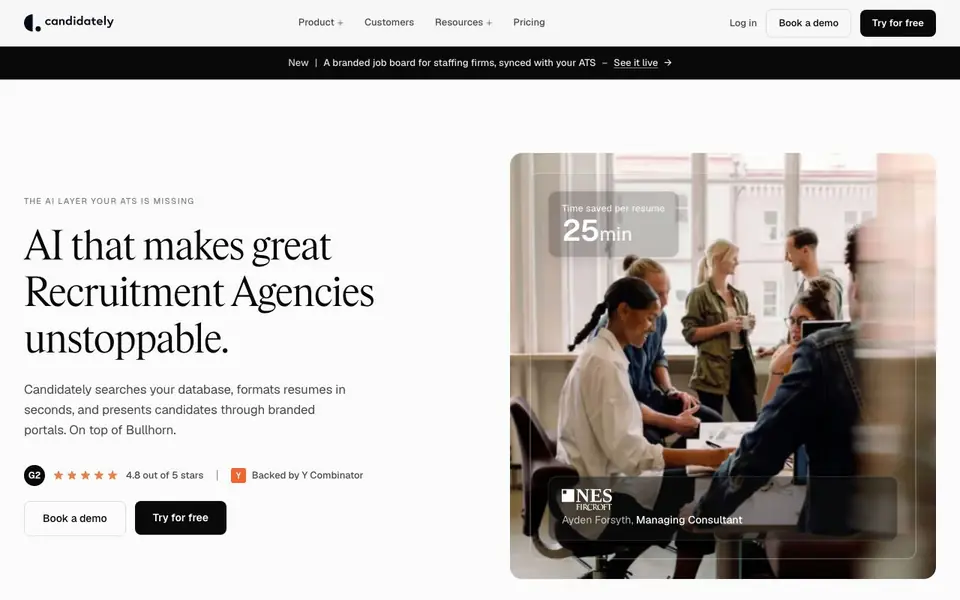
Candidately suits recruitment agencies of all sizes, from boutique firms to global enterprises. The website claims it saves about 25 minutes per resume and helps you build shortlists 90% faster. It is backed by Y Combinator and trusted by over 500 agencies. Some features, like a candidate portal and Salesforce integration, are listed as coming soon.
AI Resume builder for Recruiters features
- Candidate Search AI: Ask in plain English and get AI-ranked results from your existing ATS instantly.
- AI Resume Builder: Formats raw candidate data into polished, branded submissions in seconds.
- Job Board: Creates a branded job board on your own domain, synced with your ATS.
- Client Portal: Gives clients a collaborative room to review candidates, give feedback, and book interviews.
- Rediscovery: Finds candidates already in your ATS using plain language, no guesswork needed.
What you can do with AI Resume builder for Recruiters
- Search your ATS database for candidates using natural language queries.
- Format raw CVs into client-ready, branded resumes quickly.
- Publish jobs to a branded board and track applications back into your ATS.
- Share a branded client portal to speed up candidate reviews and interviews.
How to get started with AI Resume builder for Recruiters
- Book a demo or try the platform for free on the Candidately website.
- Connect your Bullhorn ATS to start syncing candidate data.
- Use plain language to search, format resumes, and share client portals.
Tips for better results with AI Resume builder for Recruiters
- Connect your Bullhorn ATS first, then use plain English queries in Candidately to search your existing candidate database instead of writing Boolean strings.
- Use Candidately's resume builder on raw CV data to generate branded submissions quickly, then review the output for accuracy before sending to clients.
- Set up a branded job board on your own domain through Candidately to sync jobs and applications back into your ATS, keeping your workflow centralized.
- Share the client portal from Candidately with your clients so they can review candidates and book interviews directly, reducing back-and-forth emails.
AI Resume builder for Recruiters pricing
AI Resume builder for Recruiters’s homepage does not list prices. Check candidately.com for current plans.
What to check before you rely on AI Resume builder for Recruiters
- Check whether Candidately's pricing is listed on the website; it is not, so you may need to contact them for plan costs.
- Verify that your ATS is Bullhorn, since Candidately's integration is deep with Bullhorn and Salesforce is only coming soon.
- Confirm that the features you need, like the candidate portal, are available now; some are listed as coming soon.
Who AI Resume builder for Recruiters is for
AI Resume builder for Recruiters suits recruiters, recruitment agencies, staffing firms and talent teams. If that is not you, the AI resume builders below may fit better.
Similar tools compared with AI Resume builder for Recruiters
| Tool | What it is | Pricing |
|---|---|---|
| AI Resume builder for Recruiters | AI resume builder and recruiting platform | See website |
| Rezi | AI resume builder and job search assistant | Freemium |
| Kickresume | AI resume and cover letter builder | Freemium |
| Final Round AI | AI interview assistant with live answers | Freemium |
| Teal | AI resume builder and job tracker | Freemium |
AI Resume builder for Recruiters FAQ
What does Candidately do?
It is an AI layer that sits on top of your ATS. It helps you search candidates, format resumes, publish job boards, and present candidates to clients through branded portals.
Which ATS does Candidately integrate with?
The website highlights a deep integration with Bullhorn. Salesforce integration is listed as coming soon, so check the site for updates on other systems.
Is Candidately free to use?
The website offers a 'Try for free' option and a demo booking, but it does not state whether there is a permanent free plan. Pricing details are not listed on the homepage.
Who is Candidately for?
It is built for recruitment agencies and staffing firms of all sizes, from boutique firms to global enterprises. The site says it is trusted by over 500 agencies.
Does Candidately work on mobile devices or only on desktop?
Candidately's website does not mention specific mobile apps or device support. The platform is accessed through your web browser, so it likely works on any device with internet access, but for the best experience, check with the Candidately team or your account manager for any recommended setup.
What data does Candidately access from my ATS and how is it handled?
Candidately connects to your ATS, like Bullhorn, to search and format candidate data. The website does not detail its data handling or security policies. For specifics on data access, storage, and compliance, review Candidately's privacy policy or contact their support team directly.
Can I export resumes or candidate profiles from Candidately to other systems?
Candidately's website does not mention export options beyond its integrations with Bullhorn and Salesforce (coming soon). It focuses on working within your ATS and branded portals. For details on exporting data to other tools, check the Help Center or contact Candidately support.


