

What is LiftmyCV?
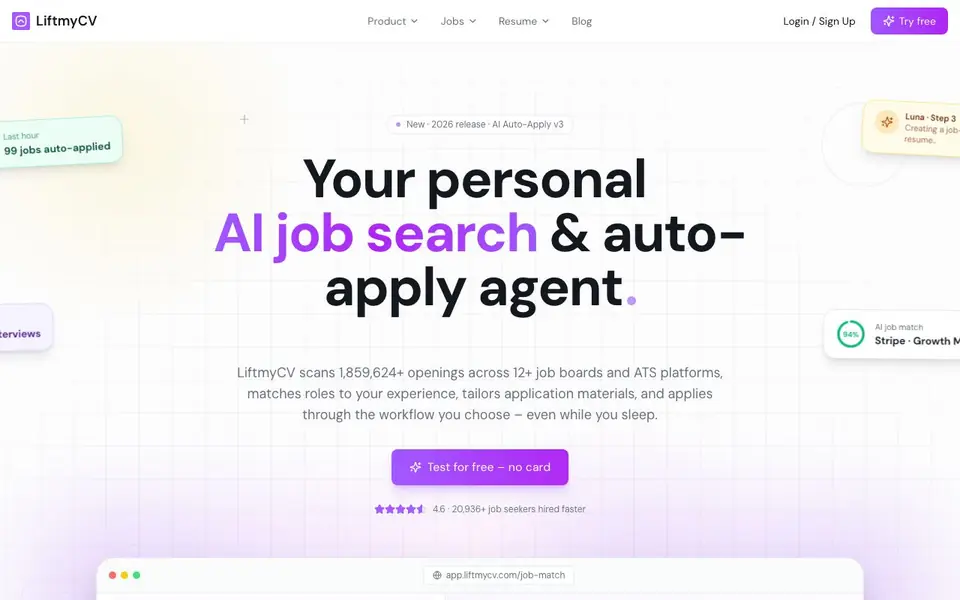
LiftmyCV is an all-in-one AI job search platform. It scans over 1.8 million openings across 12+ job boards and ATS platforms. The tool matches roles to your experience, creates job-specific resumes and cover letters, and can submit applications automatically.
You start by building your profile and uploading your resume. LiftmyCV then compares job descriptions with your profile, assigns a match score, and generates tailored application materials. You can choose between in-browser automation via a Chrome extension or fully autonomous mode that runs on LiftmyCV's cloud servers, even while you sleep.
It suits job seekers who want to apply at scale without repeating manual steps. The tool includes a job tracker with a Kanban board to manage applications. Pricing starts at $0.05 per auto-apply, with lower rates on unlimited plans. The website reports a 4.6/5 Chrome rating and estimates about 38 minutes saved per application.
LiftmyCV features
- AI job matching: Compares job descriptions with your profile and assigns a match score based on your skills.
- Job-specific resume generator: Builds a tailored resume from your real experience for each role you apply to.
- Personalized cover letters: Creates a unique cover letter for every job, either during auto-apply or from a pasted description.
- Non-stop auto-apply: AI agent fills out applications 24/7 in your browser or autonomously via cloud servers.
- Job tracker with Kanban board: Manages all your applications, including submitted, skipped, and failed ones, in one place.
What you can do with LiftmyCV
- Scan thousands of job openings across multiple boards to find roles matching your experience.
- Generate a tailored resume and cover letter for each specific job application.
- Auto-apply to matching jobs continuously, even while you sleep, to save time.
- Track all your applications and interview progress using a visual Kanban board.
How to get started with LiftmyCV
- Sign up for a free account on LiftmyCV's website—no credit card required.
- Build your profile and upload your resume so the AI can match you with roles.
- Choose your mode: install the Chrome extension for in-browser automation or enable autonomous mode for cloud-based applying.
Tips for better results with LiftmyCV
- Start by building a complete profile and uploading your current resume, since LiftmyCV uses both to generate job-specific materials and match scores.
- Review the match score before letting LiftmyCV auto-apply, and disable auto-apply for roles below your preferred threshold to avoid wasted applications.
- Use LiftmyCV's Chrome extension for in-browser automation when you want to monitor the process, and switch to cloud mode only for high-volume nights.
- Keep your job tracker Kanban board updated by moving applications through stages, so LiftmyCV can learn which roles and keywords lead to interviews.
LiftmyCV pricing
LiftmyCV has a free way to start, with paid plans for heavier use. Check liftmycv.com for current limits and prices.
What to check before you rely on LiftmyCV
- Check the pricing page for current auto-apply rates and whether the free tier includes any auto-applications, since the website only lists $0.05 per apply.
- Verify which job boards and ATS platforms LiftmyCV supports, as the site says 12+ but does not list them individually.
- Confirm your data privacy settings and whether your resume is stored on cloud servers, since the website does not state its data retention policy.
Who LiftmyCV is for
LiftmyCV suits job seekers, career changers, remote workers and active applicants. If that is not you, the AI resume builders below may fit better.
Similar tools compared with LiftmyCV
| Tool | What it is | Pricing |
|---|---|---|
| LiftmyCV | AI job search and auto-apply agent | Freemium |
| Rezi | AI resume builder and job search assistant | Freemium |
| Kickresume | AI resume and cover letter builder | Freemium |
| Final Round AI | AI interview assistant with live answers | Freemium |
| Teal | AI resume builder and job tracker | Freemium |
LiftmyCV FAQ
How does LiftmyCV find jobs for me?
LiftmyCV scans over 1.8 million openings across 12+ job boards and ATS platforms. It compares job descriptions with your profile and assigns a match score based on your skills and domain expertise.
Is there a free plan?
Yes, you can test the tool for free without entering a credit card. Pricing is $0.05 per auto-apply, and it drops to under $0.01 per apply on the Unlimited plan.
Can I control how applications are submitted?
Yes. You can use the Chrome extension for in-browser automation with more control, or choose autonomous modes like First Apply and Stealth Apply that run on LiftmyCV's cloud servers without a browser.
Does LiftmyCV create custom resumes and cover letters?
Yes. It generates a job-specific resume from your profile and the job description, and creates a personalized cover letter for each role during auto-apply or from a pasted job description.
Does LiftmyCV run on my phone or tablet, or only in a desktop browser?
LiftmyCV works through a Chrome extension for in-browser automation, so it runs on desktop Chrome. The website does not mention a dedicated mobile app or tablet support. To check if mobile browsing is supported, visit liftmycv.com or contact their support.
What does LiftmyCV's free plan include, and do I need to enter a credit card to start?
LiftmyCV offers a free trial that you can test without providing a card. The free plan includes access to core features like job matching, resume and cover letter generation, and auto-apply, but the website does not specify exact limits. For detailed free plan terms, check the pricing page on liftmycv.com.
Can LiftmyCV export my generated resumes or cover letters to PDF or Word files?
LiftmyCV generates job-specific resumes and cover letters, but the website does not mention export formats like PDF or Word. It focuses on applying directly through supported platforms. If you need to download files, check the tool's interface or contact support for clarification.


