

What is Huntr?
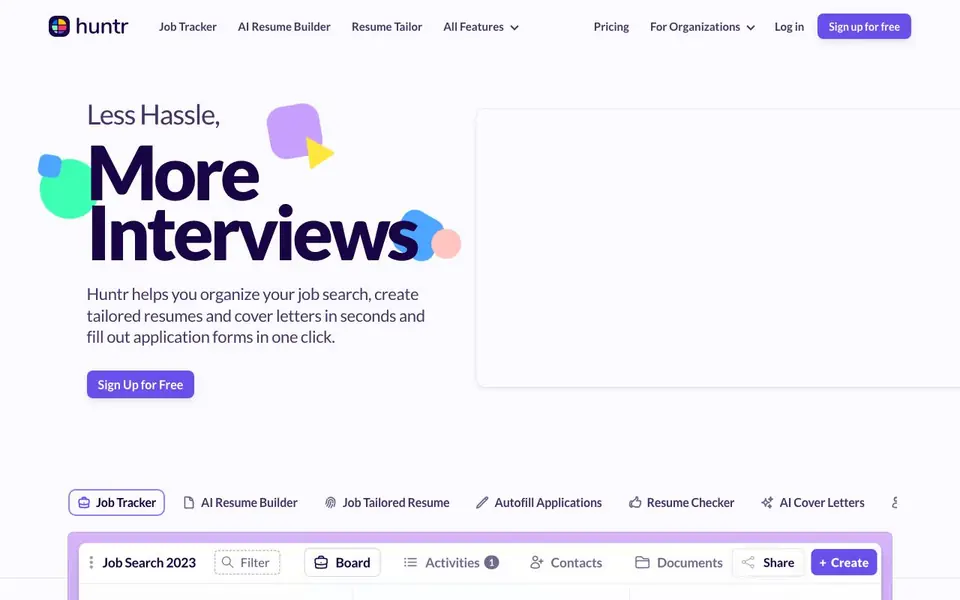
Huntr is a purpose-built job search tool that combines a visual job tracker with AI-powered resume and cover letter creation. It helps you move from messy spreadsheets to a clear pipeline of applications, interviews, and notes. You can save job listings from thousands of sites with a Chrome extension, store details like salaries and descriptions, and track every application in one place.
To get started, you sign up for free and use the Chrome Job Clipper to save jobs you find anywhere. Huntr automatically adds applications when you apply, and you can drag-and-drop jobs into an interview section to plan your schedule. The AI resume builder generates summaries, achievements, and skills, while the Resume Tailor extracts keywords and match scores from job descriptions to help you optimize each application.
Huntr suits job seekers who want to stay organized and move faster. It includes free customizable templates, spell-check, and one-click PDF export. The site notes it is used by over 500,000 job seekers, but it does not specify limits on free plan usage or pricing details beyond the free sign-up.
Huntr features
- Job Tracker: Store job details, notes, dates, tasks, salaries, and company data in one organized place.
- Chrome Job Clipper: Save jobs from thousands of sites with a single click using the browser extension.
- AI Resume Builder: Generate summaries, achievements, and skills with AI suggestions and proofreading.
- Resume Tailor: Extract keywords and match scores from job descriptions to optimize your resume.
- Autofill Applications: Fill out application forms in one click to save time during your search.
What you can do with Huntr
- Track all job applications and interviews in a visual pipeline.
- Tailor your resume to each job description with AI keyword matching.
- Generate cover letters and resume bullet points in seconds.
- Save job listings before they get taken down with the Chrome clipper.
- Plan interview schedules and avoid double-booking with drag-and-drop.
How to get started with Huntr
- Sign up for free on Huntr's website.
- Install the Chrome Job Clipper and start saving jobs from any site.
- Use the AI resume builder and tailor tool to optimize your resume, then apply with autofill.
Tips for better results with Huntr
- Use the Chrome Job Clipper to save every listing you find, even if you are unsure, so you can compare details later without losing track of them.
- Run the Resume Tailor on each job description before applying, and review the match score to see which keywords you need to strengthen in your resume.
- Drag applied jobs into the interview section as soon as you get a response, and add private notes about each conversation to avoid confusion between roles.
- Generate your resume with Huntr's AI builder, then proofread the output yourself, since the built-in spell-check only catches typos, not awkward phrasing.
Huntr pricing
Huntr has a free way to start, with paid plans for heavier use. Check huntr.co for current limits and prices.
What to check before you rely on Huntr
- Check whether the free plan includes unlimited job tracking and AI resume generations, since the website does not state any usage limits.
- Verify if your resume and job data can be exported in formats you need, as the site only mentions one-click PDF export.
- Confirm the Chrome extension works with the job boards you use most, because the site does not list specific supported sites.
Who Huntr is for
Huntr suits job seekers, career changers, recent graduates and recruiting teams. If that is not you, the AI resume builders below may fit better.
Similar tools compared with Huntr
| Tool | What it is | Pricing |
|---|---|---|
| Huntr | Job tracker and AI resume builder | Freemium |
| Rezi | AI resume builder and job search assistant | Freemium |
| Kickresume | AI resume and cover letter builder | Freemium |
| Final Round AI | AI interview assistant with live answers | Freemium |
| Teal | AI resume builder and job tracker | Freemium |
Huntr FAQ
Is Huntr free to use?
Huntr offers a free sign-up, and the website highlights free templates and PDF export. It does not specify whether there is a paid plan, so you may need to check the pricing page for full details.
How does the AI resume builder work?
The builder integrates AI generators for summaries, achievements, and skills. You can customize templates, add or remove sections, and get spell-check corrections. It also helps you target specific job titles.
Can I track job applications from different websites?
Yes, the Chrome Job Clipper lets you save jobs from thousands of sites in one click. Huntr automatically adds applications when you apply, so you don't re-apply to the same role.
What is the Resume Tailor feature?
It extracts keywords, responsibilities, and qualifications from a job description and gives you a match score. You can then use AI to generate bullet points and summaries that better match the job.
Does Huntr have a mobile app?
The Huntr website does not mention a mobile app. You can use Huntr on your computer through the web browser, and the Chrome Job Clipper extension works in the Chrome browser. For the latest information on mobile access, check the Huntr website or contact their support.
Can Huntr export my data or integrate with other tools?
The Huntr website does not mention exporting data or integrating with other tools like LinkedIn or email. You can export your resume as a PDF from the AI Resume Builder. For details on data export or integrations, check the Huntr website or contact their support.
What does the free plan of Huntr include?
Huntr is free to sign up for, and the website says you can use the job tracker, Chrome Job Clipper, AI resume builder, and other features. It does not specify limits on the free plan. For exact details on what’s included for free, check the Huntr pricing page.


