

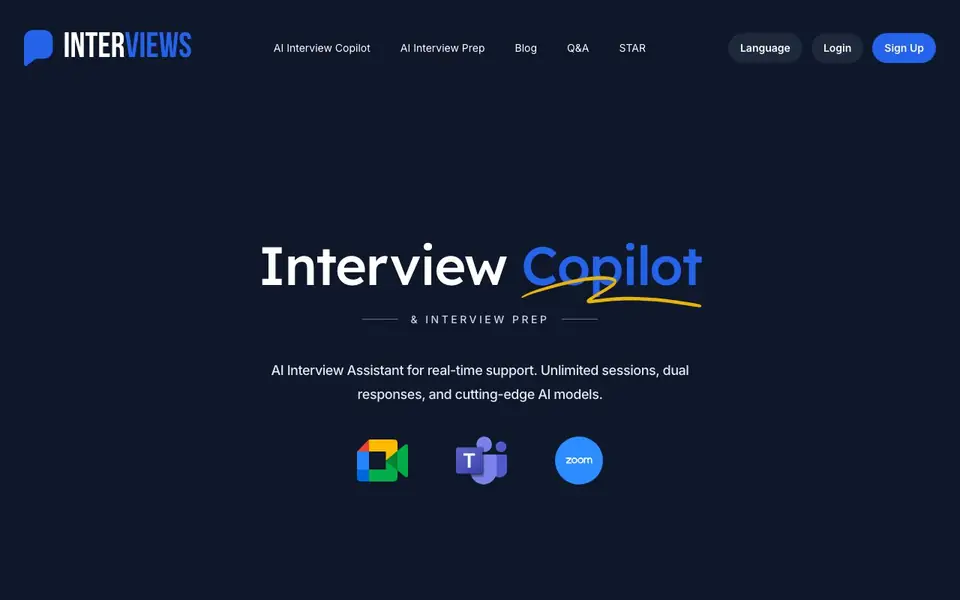
What is Interviews Chat?
Interviews Chat is an AI interview assistant that supports you during live interviews and helps you prepare beforehand. It offers real-time suggestions and live transcription during virtual, phone, or online assessment interviews. You can choose from multiple AI models, including OpenAI GPT, Anthropic Claude, Google Gemini, and others, to get diverse responses.
During an interview, the copilot listens and provides near-instant suggestions in formats like STAR answers, bullet points, or short responses. It also suggests smart follow-up questions to ask your interviewer. For online assessments, a Chrome extension connects to your browser tab and generates solutions with detailed reasoning for coding or whiteboard tasks.
For preparation, you can upload your resume and job description to generate relevant questions, practice answering them in a simulated environment, and receive feedback with model answers. The toolkit also includes resume tailoring, cover letter creation, career path discovery, and post-interview insights. The website mentions free credits to start, but does not state full pricing details.
Interviews Chat features
- Real-time copilot: Get live suggestions and transcription during interviews to stay on track.
- Multiple response formats: Choose from detailed, bulleted, short, or STAR method answers.
- Multi-model support: Compare suggestions from GPT, Claude, Gemini, Qwen, and Grok.
- Mock interview practice: Simulate realistic interviews with follow-up questions and feedback.
- Resume and cover letter tools: Tailor your resume, get feedback, and create cover letters.
What you can do with Interviews Chat
- Prepare for technical interviews by practicing coding challenges with AI support.
- Get real-time help during a virtual behavioral interview with STAR responses.
- Use the Chrome extension to solve coding tasks during an online assessment.
- Tailor your resume to a specific job description before applying.
How to get started with Interviews Chat
- Sign up on the Interviews Chat website to get free credits.
- Choose a mode: Copilot for live interviews or Prep for practice and question generation.
- Upload your resume and job description to generate tailored questions or start a mock interview.
Tips for better results with Interviews Chat
- Upload your resume and the actual job description before practicing so Interviews Chat generates questions that match the role you are targeting.
- During a live interview, ask Interviews Chat for STAR or bulleted responses when you need structure, and use short answers for quick clarifying questions.
- Compare suggestions from different AI models in Interviews Chat to see which response style fits your interviewer's tone and the role's requirements.
- Use the Chrome extension in a practice browser tab first to confirm Interviews Chat can read the coding task before you rely on it in a real assessment.
Interviews Chat pricing
Interviews Chat has a free way to start, with paid plans for heavier use. Check interviews.chat for current limits and prices.
What to check before you rely on Interviews Chat
- Check whether the free credits cover enough sessions for your interview length, since the website does not state full pricing or session limits.
- Verify if your interview platform allows external tools, as using Interviews Chat during a live call may violate the interviewer's policies.
- Confirm the Chrome extension works with your specific assessment platform and browser version, as the website does not list supported sites.
- Review the privacy policy to see how your resume, job description, and interview audio are stored, since the website does not state data handling details.
Who Interviews Chat is for
Interviews Chat suits job seekers, software engineers, marketing professionals and career changers. If that is not you, the AI resume builders below may fit better.
Similar tools compared with Interviews Chat
| Tool | What it is | Pricing |
|---|---|---|
| Interviews Chat | AI interview copilot and prep toolkit | Freemium |
| Rezi | AI resume builder and job search assistant | Freemium |
| Kickresume | AI resume and cover letter builder | Freemium |
| Final Round AI | AI interview assistant with live answers | Freemium |
| Teal | AI resume builder and job tracker | Freemium |
Interviews Chat FAQ
What does the Interview Copilot do during a live interview?
It provides real-time suggestions and live transcription while you answer questions. You can choose response formats like STAR, bullet points, or short answers, and it also suggests follow-up questions to ask the interviewer.
Is there a free plan?
The website mentions 'free credits' to get started, so you can try the tool without paying upfront. It does not specify details about paid plans or limits beyond those credits.
Which AI models does Interviews Chat use?
It supports multiple leading models, including OpenAI GPT, Anthropic Claude, Google Gemini, Alibaba Qwen, and SpaceXAI Grok. You can compare their suggestions to find what works best for you.
Can I practice interviews with this tool?
Yes. You can simulate mock interviews with AI, including follow-up questions, for technical, behavioral, or case study types. Your responses are transcribed and analyzed for feedback and model answers.
Does Interviews Chat require an account to use?
Interviews Chat does not specify on its website whether you need an account to use the tool. To find out, you can check the sign-up or login page directly, or contact their support team for clarification.
Can Interviews Chat export or integrate with other apps like Zoom or Google Meet?
The Interviews Chat website mentions a Chrome extension for online assessments, but it does not list any specific integrations or export options with video conferencing platforms like Zoom or Google Meet. For details on integrations, you would need to check the product's documentation or contact support.
What devices or platforms does Interviews Chat run on?
Interviews Chat works for virtual, phone, and online assessment interviews. The website specifically mentions a Chrome extension for online assessments, but it does not state whether it runs on other browsers, mobile devices, or desktop apps. Check the website or contact support for a full list of supported platforms.


