

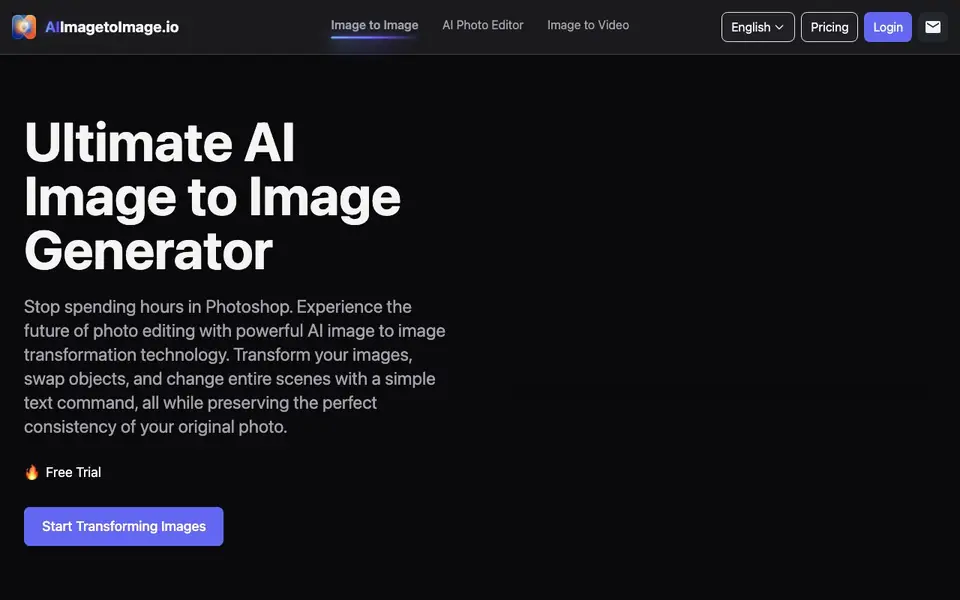
What is AI Image to Image Generator?
AI Image to Image Generator is a web-based tool that edits your photos using text prompts. You upload a picture, describe what you want changed, and the AI applies the edit while keeping the original photo's consistency. It handles tasks like swapping objects, changing backgrounds, restyling art, and restoring old photos.
To use it, you upload a JPG, PNG, or WebP image. Then you type a plain-language prompt, such as "turn this into a watercolor painting" or "replace the background with a futuristic city." The tool generates a preview, and you download the result once you are happy. It also offers model choices like Standard and nano-banana, plus aspect ratio options.
The tool suits creators who want quick edits without Photoshop skills. It includes features like headshot generation, upscaling, and old photo restoration. The website mentions a free trial, but it does not state full pricing details or whether a paid plan is required after the trial.
AI Image to Image Generator features
- Text-guided editing: Describe changes in plain language, and the AI applies them to your photo.
- Perfect consistency: Uses your original photo as a blueprint to keep faces, textures, and proportions intact.
- Object swapping: Replace objects, accessories, or clothing with simple prompts while maintaining realism.
- Background removal: Erase unwanted people or clutter and intelligently fill the background.
- Old photo restoration: Upscale resolution, fix lighting, and restore details in damaged photos.
What you can do with AI Image to Image Generator
- Turn a casual selfie into a professional studio-quality headshot.
- Replace a dull background with a futuristic city scene using a text prompt.
- Restyle a standard photograph into a digital painting or anime artwork.
- Expand a photo's canvas by generating natural background extensions in any direction.
How to get started with AI Image to Image Generator
- Upload a source image in JPG, PNG, or WebP format.
- Write a text prompt describing the edit you want, like restyling or object removal.
- Preview the result and download the high-quality AI-generated artwork.
Tips for better results with AI Image to Image Generator
- Start with a clear, specific prompt like 'replace the background with a futuristic city' to guide the AI Image to Image Generator toward the exact edit you want, avoiding vague wording.
- Upload the highest resolution JPG, PNG, or WebP you have, since the AI Image to Image Generator preserves original details better when the website image is sharp and well-lit.
- Experiment with the Standard and nano-banana models on the same photo to see which one handles your edit best, then stick with that model for similar future tasks.
- Use the aspect ratio options before generating to match your final output size, so you don't have to crop or resize the result later for your intended platform.
AI Image to Image Generator pricing
AI Image to Image Generator offers a free trial before you pay. Check aiimagetoimage.io for current plans.
What to check before you rely on AI Image to Image Generator
- Check whether the free trial has a limit on number of images or generations, since the website does not state any specific trial usage caps.
- Verify if a paid plan is required after the trial ends, because the site mentions a trial but does not list full pricing or subscription details.
- Confirm that your uploaded images are deleted after processing, as the site claims private processing but does not specify data retention or deletion policies.
Who AI Image to Image Generator is for
AI Image to Image Generator suits photographers, content creators, marketers and casual users. If that is not you, the AI photo editors below may fit better.
Similar tools compared with AI Image to Image Generator
| Tool | What it is | Pricing |
|---|---|---|
| AI Image to Image Generator | AI photo editor with text prompts | Free trial |
| SiPhotoEditor | AI photo editor by description | Paid |
| SiImageGen | AI image generator and photo editor | Freemium |
| Clipdrop | AI photo editing and image generation suite | See website |
| Photoroom | AI photo editor for e-commerce product visuals | Freemium |
AI Image to Image Generator FAQ
What does this AI image to image generator do?
It edits your photos using text prompts. You upload an image, describe changes like swapping objects or changing backgrounds, and the AI produces a new version while keeping the original photo's consistency.
Is there a free plan or trial?
The website mentions a free trial, but it does not specify how long it lasts or what features are included. Check the Pricing page on the site for exact details.
What image formats can I upload?
You can upload JPG, PNG, and WebP formats. The tool also lets you choose aspect ratios like 1:1, 16:9, and 3:4 before generating.
Who is this tool best for?
It suits anyone who wants quick photo edits without learning complex software. Photographers, content creators, and marketers can use it for headshots, restyling, and background changes.
Can AI Image to Image Generator export images in formats other than JPG, PNG, or WebP?
The website does not mention export formats for AI Image to Image Generator. It only specifies that you can upload JPG, PNG, or WebP images. To see what formats you can download, check the tool's interface or contact support.
Does AI Image to Image Generator have a mobile app or require installation?
AI Image to Image Generator is a web-based tool, so you can use it directly in your browser without installing anything. The website does not mention a dedicated mobile app. For the best experience, use it on a device with internet access.
What does the free trial of AI Image to Image Generator include?
The website mentions a free trial for AI Image to Image Generator but does not list specific limits, such as number of images or features. You can start with the trial to test the tool. For exact details, check the pricing page or contact support.


