

What is Strata?
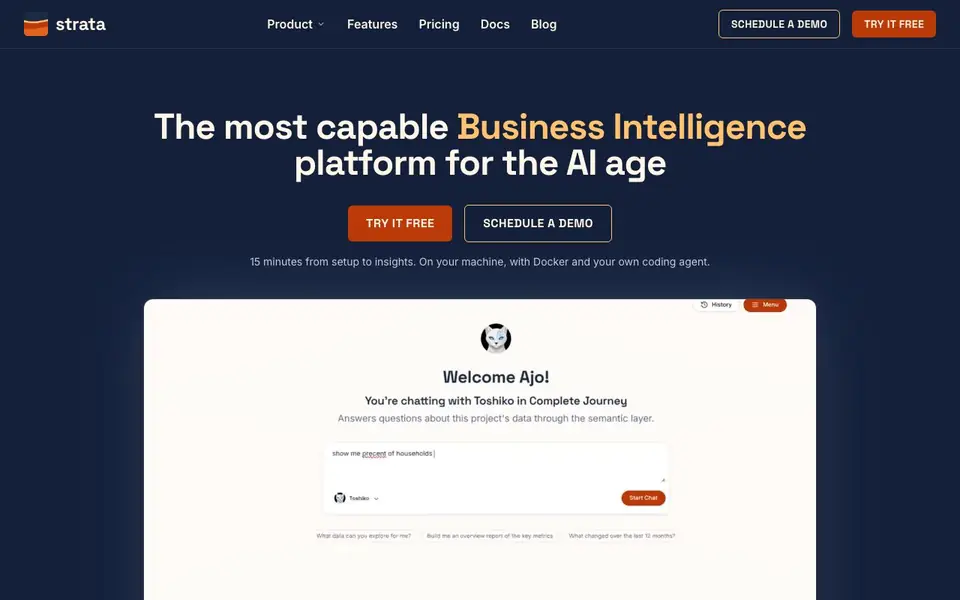
Strata is a business intelligence platform that combines a governed semantic layer with beautiful-by-default dashboards. It is designed for both humans and AI agents, so you can explore data confidently without worrying about incorrect numbers. The platform was born at Netflix and is now available for everyone.
You start by defining your semantic model using two YAML file types and a naming convention. Your coding agent drafts it, Strata validates it against your warehouse, and Git carries it to production. Then you can build dashboards by dropping views in order, and the layout engine sizes, places, and colors them automatically. For AI, you build agents in the same editor you use for reports, with live measures and dimensions in their instructions.
Strata suits data teams, business users, and AI developers who need fast, accurate analytics. It supports federated routing across engines like ClickHouse, Druid, Snowflake, and AWS Athena, so queries are always sent to the fastest engine. It also includes row-level security, segments, subscriptions, and a Google Sheets add-on. The website mentions a 15-minute setup with Docker and your own coding agent.
Strata features
- Semantic Layer as Code: Define your model with two YAML files, and Strata validates it against your warehouse.
- Dynamic Universes: Explore any data without picking a view first; every step is validated and previewed.
- Automatic Cross Domain Blending: Combine facts at a common grain to avoid double counting, with refusals for invalid queries.
- Federated Smart OLAP Routing: Queries go to the fastest engine that can answer, with fallback to the warehouse.
- Beautiful by Default Dashboards: Drop views in order, and the layout engine sizes, places, and colors them.
What you can do with Strata
- Build self-service dashboards for your team without manual grid layout.
- Create AI agents that answer business questions with governed, correct data.
- Blend data across domains safely without double counting.
- Route queries to the fastest OLAP engine to reduce warehouse load.
How to get started with Strata
- Install Strata on your machine with Docker and your own coding agent.
- Define your semantic model using two YAML files and a naming convention.
- Let Strata audit the model against your warehouse, then deploy via Git.
- Start building dashboards or agents in the editor, with live validation.
Tips for better results with Strata
- Start by defining your semantic model with the two YAML file types and naming convention, then let your coding agent draft it before Strata validates against your warehouse.
- Use Strata's dynamic universes to explore data without picking a view first, and rely on its validation to refuse invalid queries before they run.
- For cross-domain blending, trust Strata to aggregate facts to the common grain and join on conformed keys, so you avoid double counting without manual checks.
- Build AI agents in the same editor you use for reports, and include live measures and dimensions in their instructions to keep answers scoped and governed.
Strata pricing
Strata’s homepage does not list prices. Check strata.do for current plans.
What to check before you rely on Strata
- Check the pricing page for plan costs and limits, as the website does not list any pricing details.
- Verify that your data warehouse and OLAP engines are supported, since Strata routes queries across ClickHouse, Druid, Snowflake, and Athena.
- Confirm your setup environment meets requirements, as the website mentions a 15-minute setup with Docker and your own coding agent.
Who Strata is for
Strata suits data analysts, business intelligence teams, AI developers and non-technical business users. If that is not you, the AI business tools below may fit better.
Similar tools compared with Strata
| Tool | What it is | Pricing |
|---|---|---|
| Strata | AI-safe self-service analytics platform | See website |
| Tidio | AI customer service and sales platform | Freemium |
| Chatbase | AI customer experience and support agents | Free trial |
| Copy.ai | AI-native go-to-market platform | See website |
| Harvey | AI platform for legal and professional services | See website |
Strata FAQ
What is Strata?
Strata is a business intelligence platform that combines a governed semantic layer with self-service dashboards. It also supports AI agents that can query your data safely. It was born at Netflix.
How does Strata prevent incorrect data for AI agents?
Strata validates every query against the semantic model before it runs. If a query is semantically invalid, it is refused. This prevents agents from getting wrong numbers due to double counting or grain mismatches.
Who is Strata for?
Strata is for non-technical users who want self-service analytics, data teams that need a governed semantic layer, and developers building AI agents that need accurate, live data.
What does Strata cost?
The website does not state pricing details. You can try it free or schedule a demo, but specific plan costs are not listed on the homepage.
Does Strata run on any device or platform besides Docker?
Strata is designed to run on your own machine using Docker and your coding agent, as stated on the website. The website does not mention other specific platforms or devices, so if you need to run it elsewhere, check the docs or contact the team for the latest information.
What does Strata's free plan include?
The Strata website has a 'Try it free' option, but it does not detail what the free plan includes. To find out the exact features and limits of the free plan, you should visit the pricing page or sign up to see what you get.
Can Strata export data or connect to other tools like Google Sheets?
Strata includes a Google Sheets add-on, as mentioned on the website. It also supports federated routing to engines like ClickHouse, Druid, Snowflake, and AWS Athena. For other export options or integrations, the website does not specify, so check the docs for a full list.


